PrestaShop 1.7.4–9.1 compatible

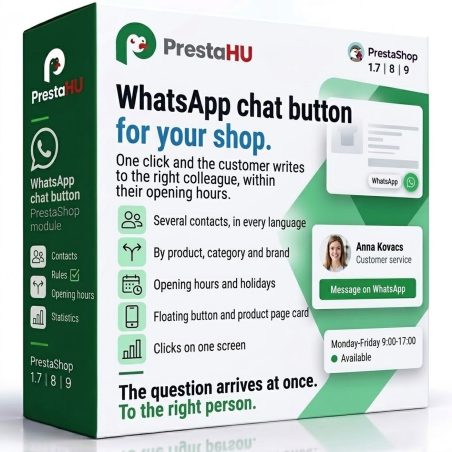
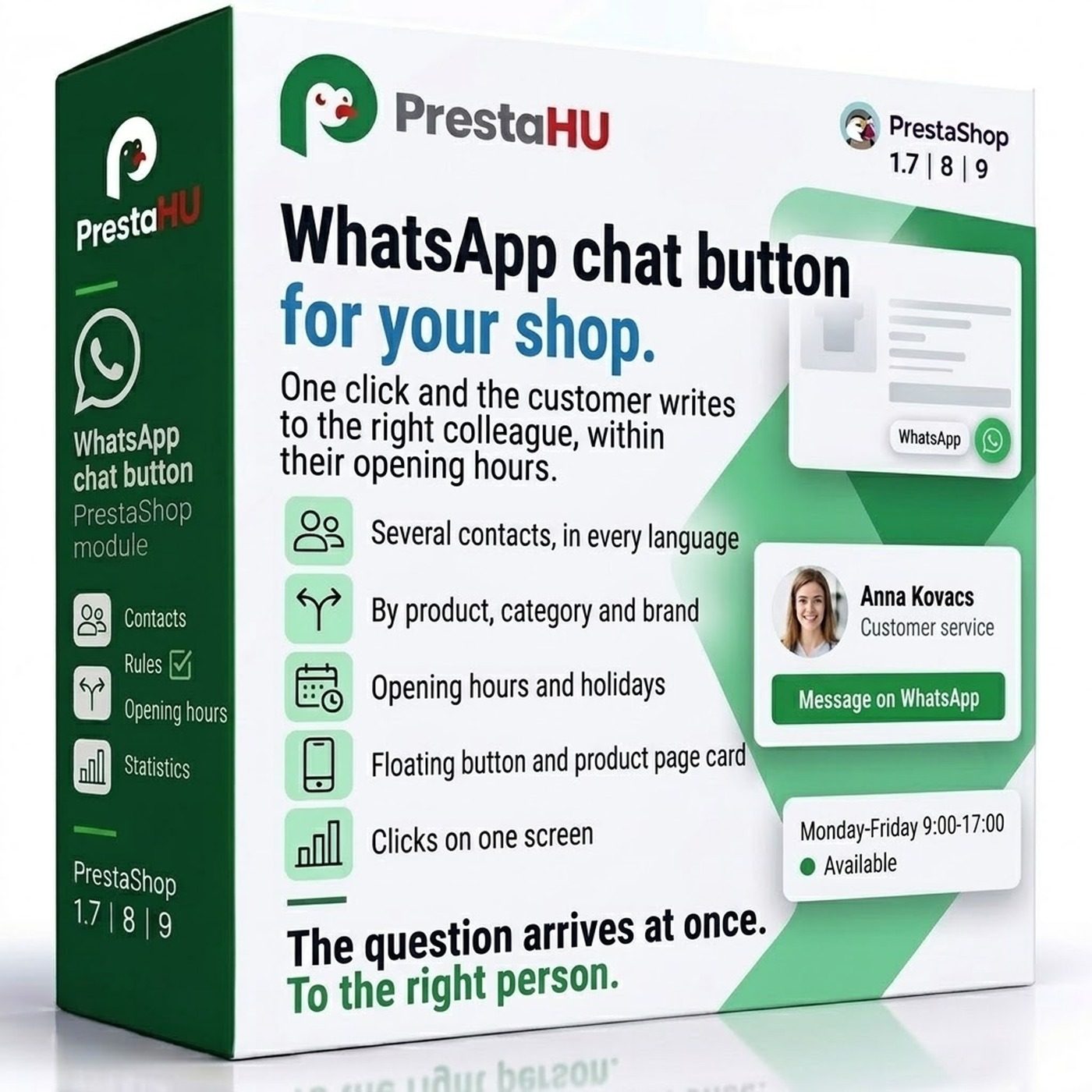
WhatsApp chat button for your shop.

5.0 61 Google reviews of PrestaHU

A floating button and a product-page contact card, with the right person and their hours.

€19.99excl. VAT

Price excluding VAT. Buyers in the EU pay 21% VAT on top, except businesses outside Romania with a VAT number valid in VIES.

One-time fee • 12 months of updates and support

Try the demo
  • A contact per product
  • Hours per person
  • Support in English
One click, and the customer writes to the shop on WhatsApp, even with the product name filled in.
WhatsApp chat button for PrestaShop | PrestaHU

What it does

Every question reaches the right person.

Several contacts, every language

Name, short description and photo in every language of the shop, the phone number with its country code, from any country. Without a photo the initials are shown.


By product, category and brand

Rules decide who appears on the pages of a product, category or brand, and in what order; every other page shows the default contact. A new contact can be added right from the rule dialog.

Opening hours and holidays

Daily time ranges from Monday to Sunday and exception days for holidays, in the shop time zone. The button shows only the contacts available right now, the card shows when they are available today.

Floating button and product card

The side of the button, its distance from the edge on phone and computer, its colour and its delay can be set, and so can the pages it appears on. The product card goes into one of two theme places or a place of your own.

Clicks on one screen

Clicks per day, per contact, per product, by button place and by device, with a CSV download. Every click also reaches Google Analytics and the Google Ads conversion.

Several shops, own settings

Each shop has its own rules, default contact and appearance; one contact can serve several shops.

Real interface

What the module looks like inside

Good to know

Do I need a developer?

No. The module uploads the usual way and opens under Customers › Chat buttons. Once the first contact is added, the button appears in the shop.

  • Compatibility: PrestaShop 1.7.4–9, with one or several shops.
  • Phone number: Any country, with its country code; the customer continues the conversation in their own WhatsApp.
  • Languages: English, Hungarian and Romanian back office; contacts and texts can be set in every language of the shop.
  • Uninstall: Contacts, rules and clicks are kept; after a reinstall they show again.
  • Support: 12 months of updates and support.

Why it pays off

What you gain

  • Questions reach the expertEach product group shows the colleague who knows it, not one shared number.
  • No unanswered messagesOutside working hours and on holidays the button does not offer someone who cannot reply.
  • The product is in the messageA message started on a product page opens with the product name and link, so there is no need to ask back.
  • See what worksClicks per product and per contact, and the Google Ads conversion shows in the campaign how many enquiries the button brings.

Technical details

Compatibility and version

Compatibility
PrestaShop 1.7.4–9.1
Version
1.0.1

Versions

What changed in each version

v1.0.12026-10-23

  • Shared button with the Viber, Telegram and Messenger modules

v1.0.02026-10-22

  • First release
  • Floating WhatsApp button and product-page contact card
  • Several contacts with name, photo and description in every language
  • Rules by product, category and brand, with order and a default contact
  • Opening hours per person and exception days
  • Click statistics, CSV download, Google Analytics and Google Ads conversion

PrestaHU reviews on Google

Google 5.0 61 Google reviews All reviews on Google
  • tomica blagojević 11 months ago

    I bought a PrestaShop module from PrestaHU and I’m very satisfied. The module works perfectly, and the owner Levente quickly resolved all my questions with great support. Highly recommended!

  • Ivonig Corfmat 2 years ago

    Levente/presta.hu has been very helpful and quick to reply to any question or issue we may have had in order to install and configure the plugins.

    We got 2 plugins from presta.hu and both are doing their tasks just fine.

  • Marcos Ametller 1 year ago

    The module with SimplePay worked and was a lower price than the recommended by OTP. And the service from Levente has been spotless. I recommend

  • András Bajomi 2 years ago

    Levente is a real Prestashop guru, with all the skills & knowledge to solve our PS issues quickly and efficiently.

  • Wiki W 3 years ago

    Great modules for Prestashop and excellent support from Levi!
    All recommendations for this developer!

Frequently asked questions

What buyers ask before they order

Do I need a WhatsApp Business account?
No. Any phone number that uses WhatsApp can be entered; the customer continues the conversation in their own WhatsApp.
Can the number be from another country?
Yes. The number is entered with its country code, from any country, per contact.
Can I set who appears on a product page?
Yes. A rule for a product, category or brand sets the contacts and their order; other pages show the default contact.
What shows outside working hours?
Only contacts whose hours are running are shown. When nobody is available, the next rule and finally the default contact answers; any contact can also be always available.
Does the customer send which product they ask about?
Yes, if the product-page message includes it: the pre-filled message can carry the product name, reference and link, with its own text per language.
Can clicks be measured in Google Ads?
Yes. A Google Ads conversion ID can be entered, every click also reaches Google Analytics, and the module's own statistics show it too.
What happens to the data if I uninstall the module?
Nothing is deleted: after a reinstall the contacts, rules and clicks show again. The data can be removed only in the Delete data section, after a separate confirmation.
Can it be used together with the Viber, Telegram and Messenger chat buttons?
Yes. When the PrestaHU Viber, Telegram or Messenger chat button module is installed as well, the shop shows one shared button with all channels; contacts, rules, opening hours and statistics are shared. It also works fully on its own.
Which PrestaShop versions does it run on?
PrestaShop 1.7.4–9, with one or several shops.

Help

Where to get help

All modules

Browse our other PrestaShop modules.

Built to work together

Our modules are designed to run side by side in the same shop.

Frequent updates

Fixes and improvements arrive continuously, in frequent new versions.

Live support

Direct help during install and configuration.
Try the demo

Both open the same demo shop; the bar at the bottom switches between the two sides.

100%

Scroll or double-click: zoom · Drag: move · ESC: close

WhatsApp chat button for your shop €19.99excl. VAT
My modules