
Számlázz.hu API connection integration
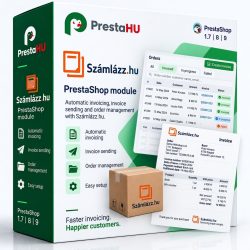
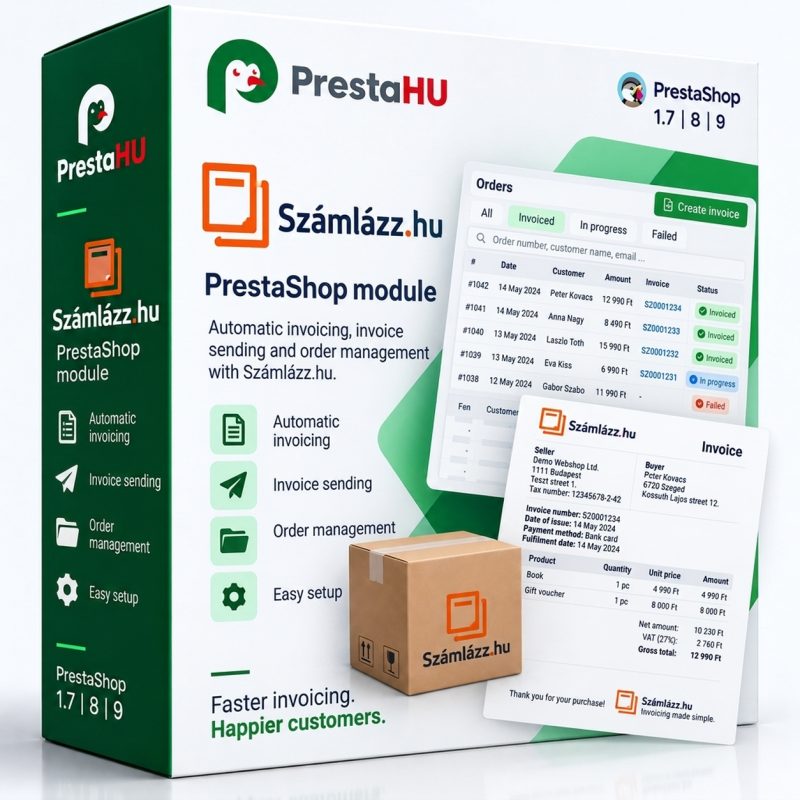
This module enables the connection and automatic invoicing between your shop and the Invoice.com system.


Tell us what you want to achieve and we will tell you the best way and the cost.
ContactInvoicing
The invoice is created in Számlázz.hu as soon as the order is paid. Alongside it: Infocentrum export for accounting and a custom order reference based on your own pattern.
3modules
Active filters
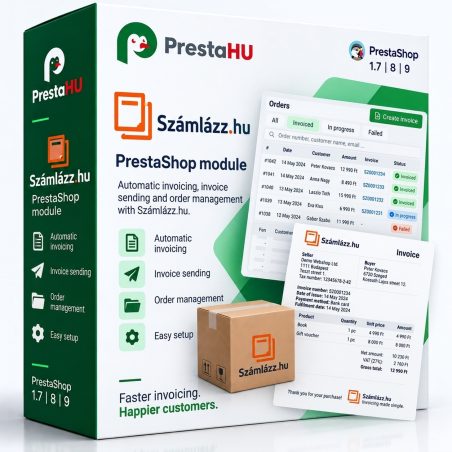
This module enables the connection and automatic invoicing between your shop and the Invoice.com system.
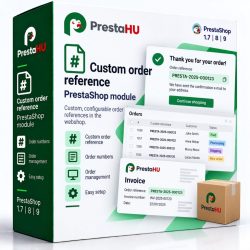
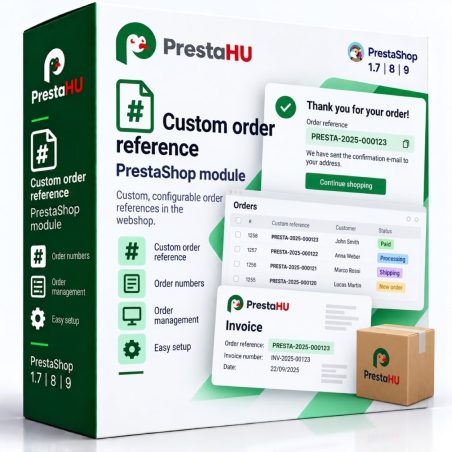
Customize the order ID based on a formula of your choice. It will be much easier to track orders if their IDs have a specific pattern.
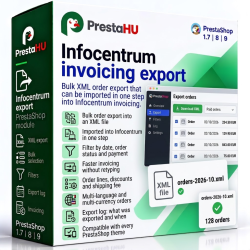
The module can be used to create a bulk XML order export, which can be easily imported into the Infocentrum invoicing system, speeding...
How to choose
Számlázz.hu. The module issues the invoice automatically when the order is paid.
Infocentrum. The module creates an XML file from the orders that can be imported into the Infocentrum invoicing software, per order or in bulk.
Custom order reference. Replaces the random order reference with your own pattern, so orders are easier to find in accounting and customer service.
With the Számlázz.hu module the invoice is created automatically as soon as the order is paid.
An XML file that can be imported into Infocentrum, with the same set of fields for every order.
The order reference is built from a pattern you choose instead of a random code.
PrestaShop 1.7, 8 and 9.