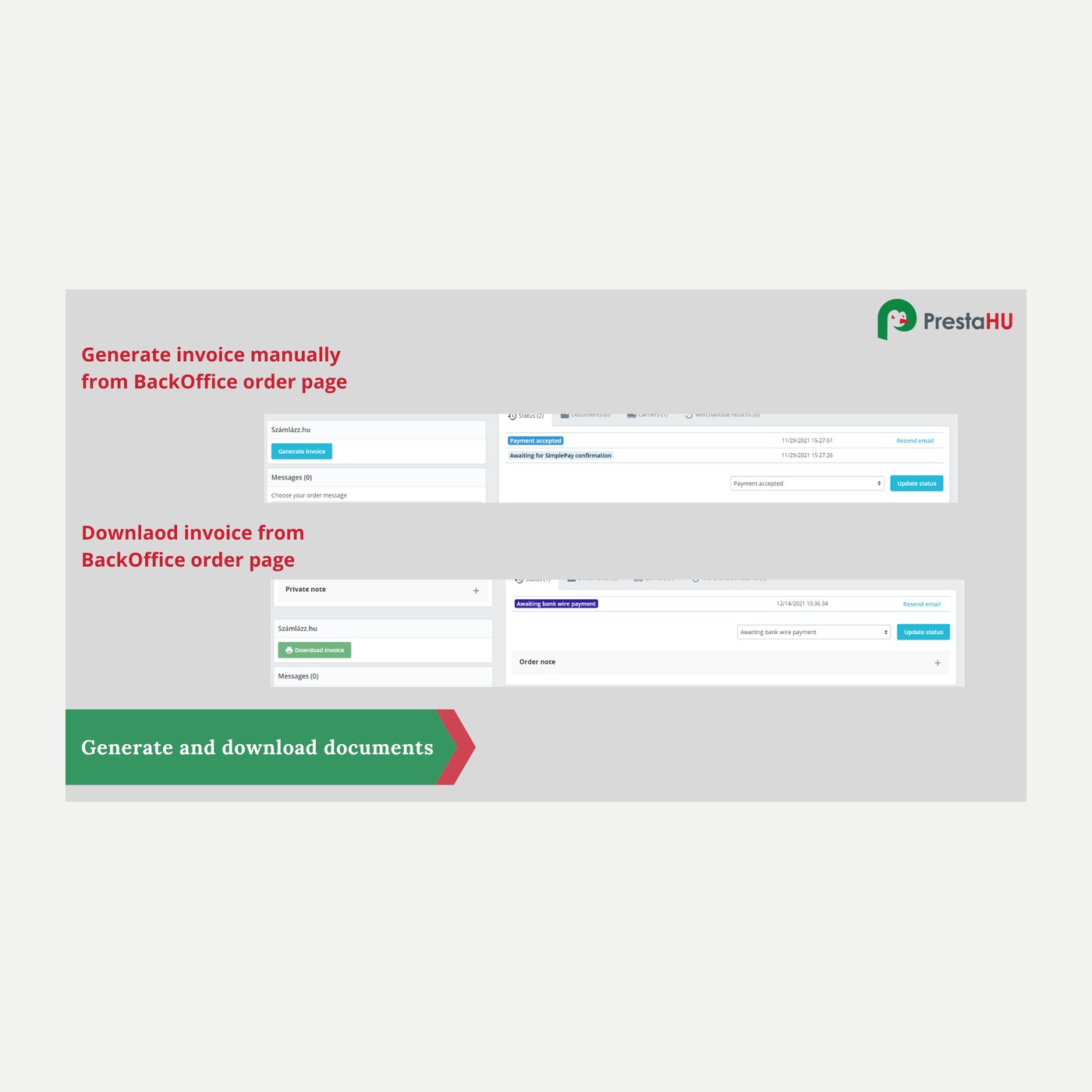
Invoice from the order status
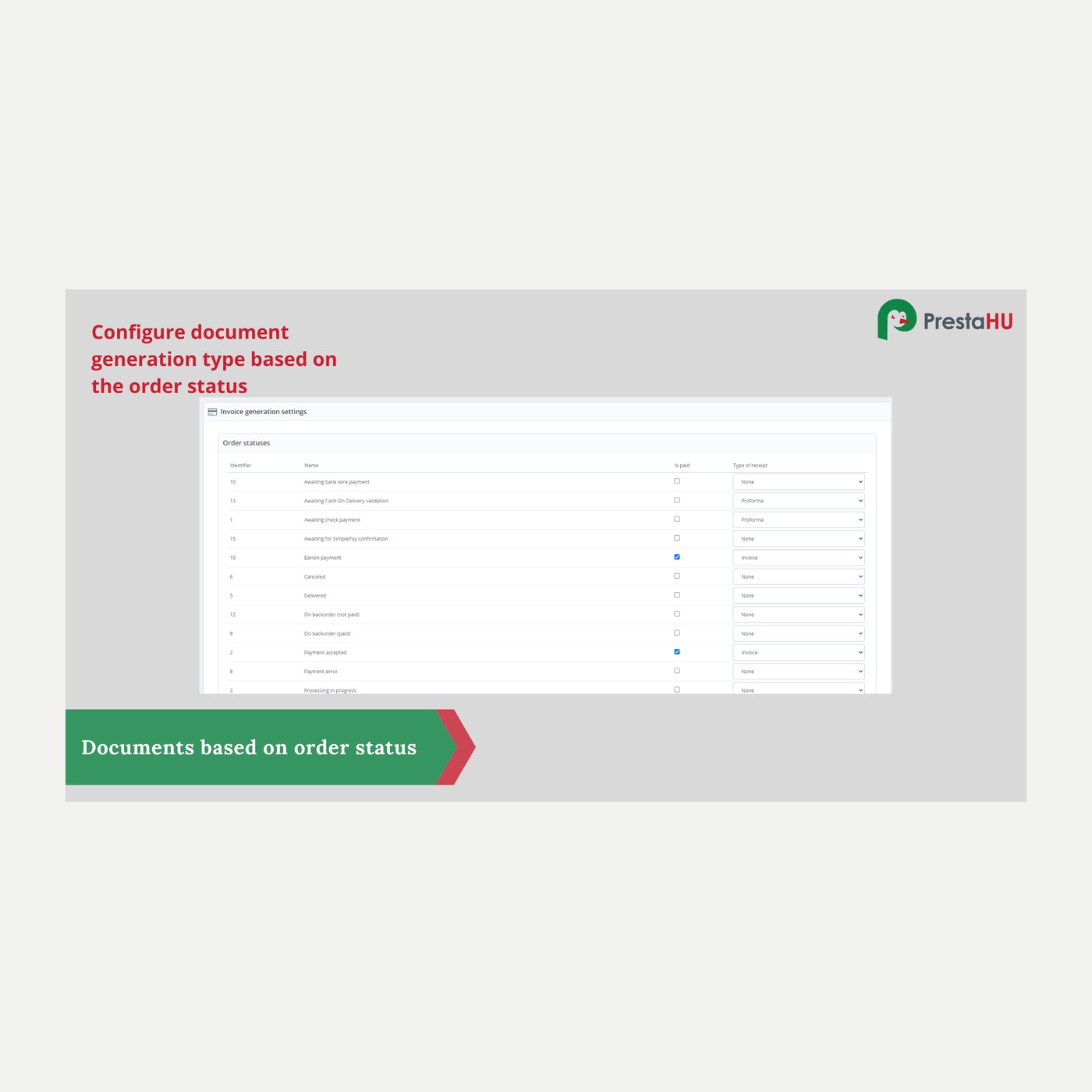
For each status you set which document is issued and when the order counts as paid. From then on the document follows the order.


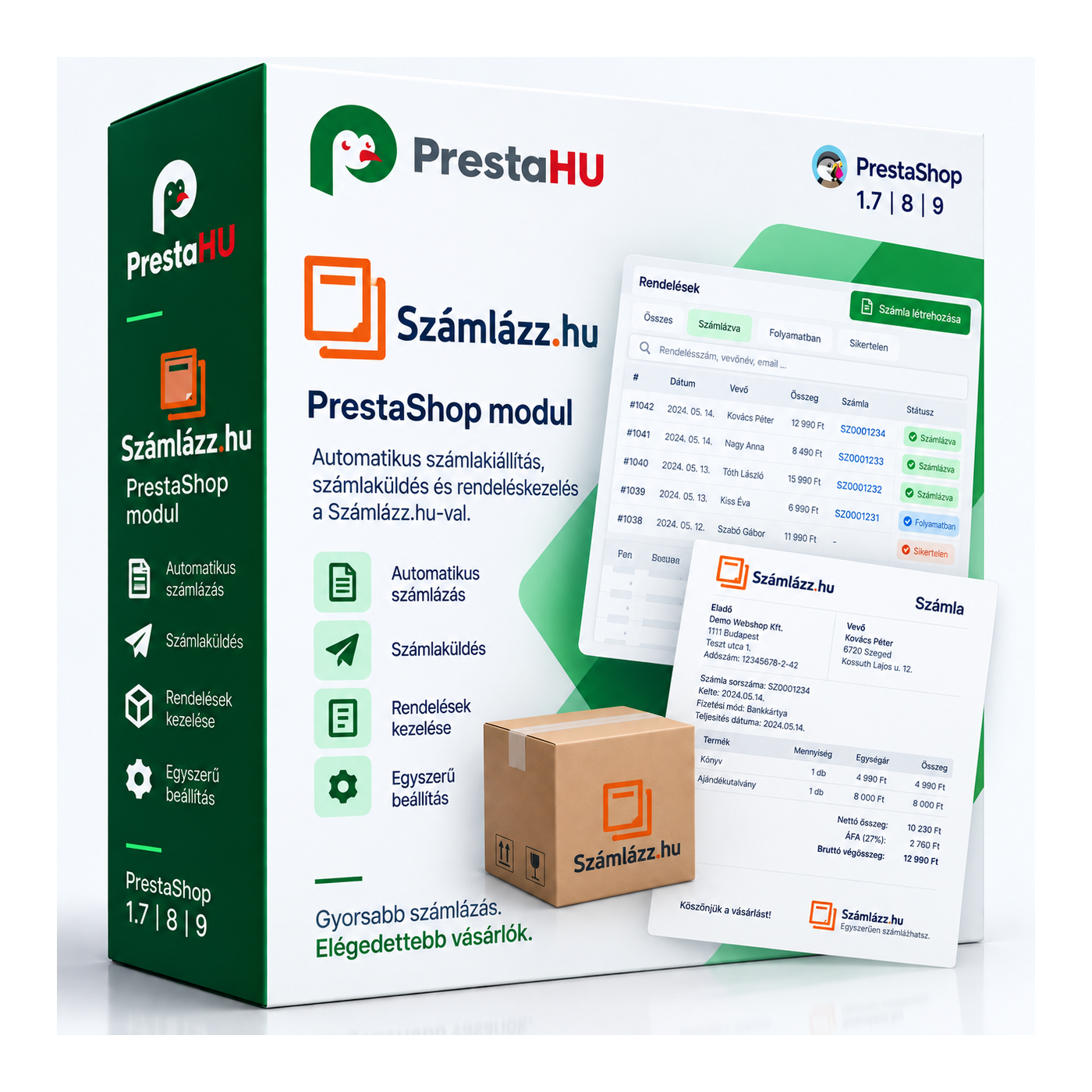
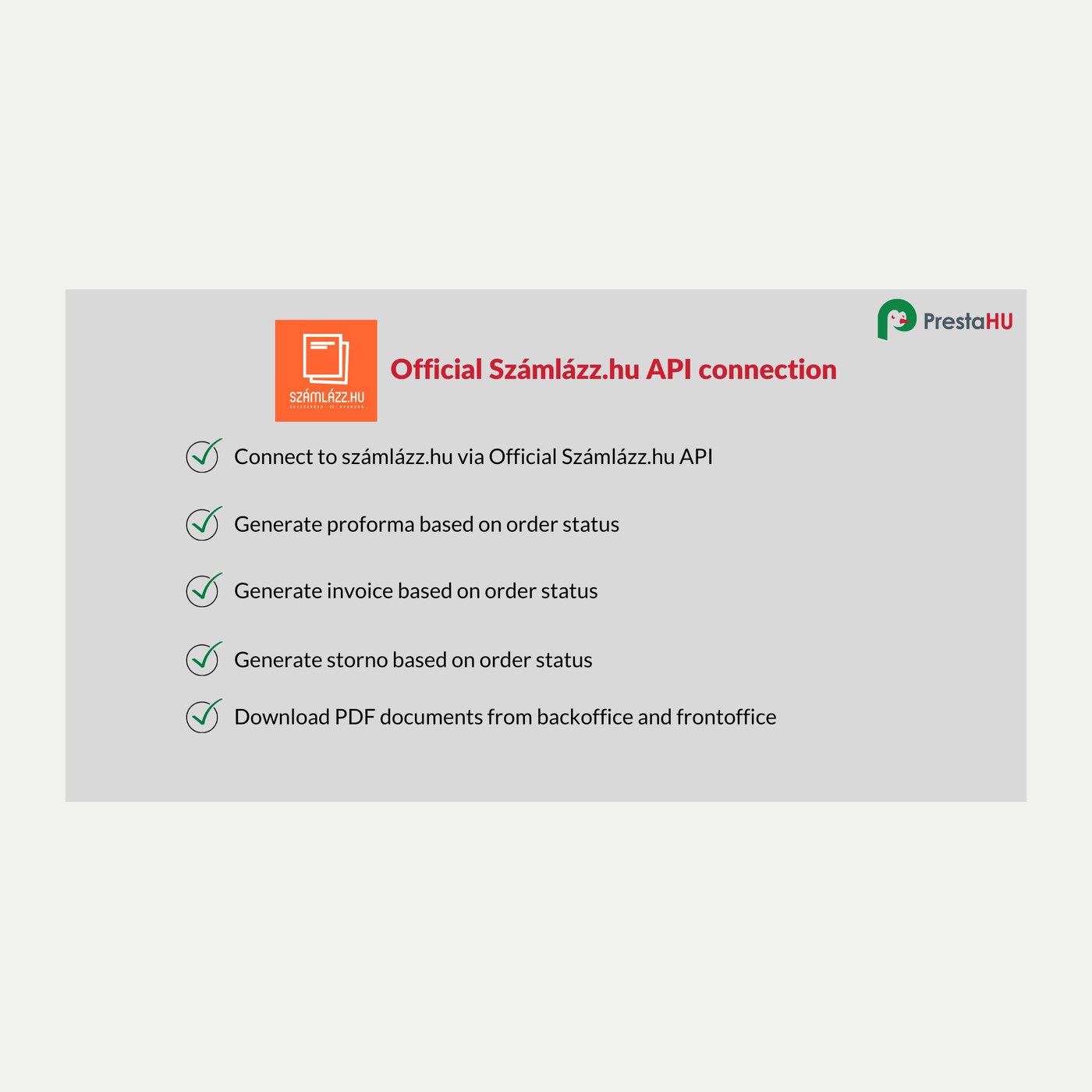
It connects your shop to your Számlázz.hu account over the official API. You decide which order status produces which document — invoice, proforma, prepayment invoice or credit note — and the module issues it at Számlázz.hu, stores the PDF with the order, and shows that document to the customer. For buyers abroad it uses the right VAT rate, puts the community VAT number in its own field and marks the invoice for OSS.

I bought a PrestaShop module from PrestaHU and I’m very satisfied. The module works perfectly, and the owner Levente quickly resolved all my questions with great support. Highly recommended!

Levente is a real Prestashop guru, with all the skills & knowledge to solve our PS issues quickly and efficiently.

Great modules for Prestashop and excellent support from Levi!
All recommendations for this developer!

The developer, Levente, was very helpful when integrating the module into my PrestaShop store. Communication was smooth, and his approach was professional and proactive. I am completely satisfied – I warmly recommend PrestaHU!
Translated

The module with SimplePay worked and was a lower price than the recommended by OTP. And the service from Levente has been spotless. I recommend
For each status you set which document is issued and when the order counts as paid. From then on the document follows the order.
Proforma and prepayment invoice for payment upfront, a final invoice on fulfilment, a credit note on refund — all in the same flow.
You map your PrestaShop tax rules to the Számlázz.hu keys: the percentage keys including the decimal ones, plus the letter codes (AAM, TAM, EUT, EUKT, F.AFA and the rest).
The VAT rate of the buyer's member state, the community VAT number in its own field, and the non-domestic VAT marking for OSS.
Számlázz.hu notifies the shop when the buyer pays the invoice, and the order status changes accordingly.
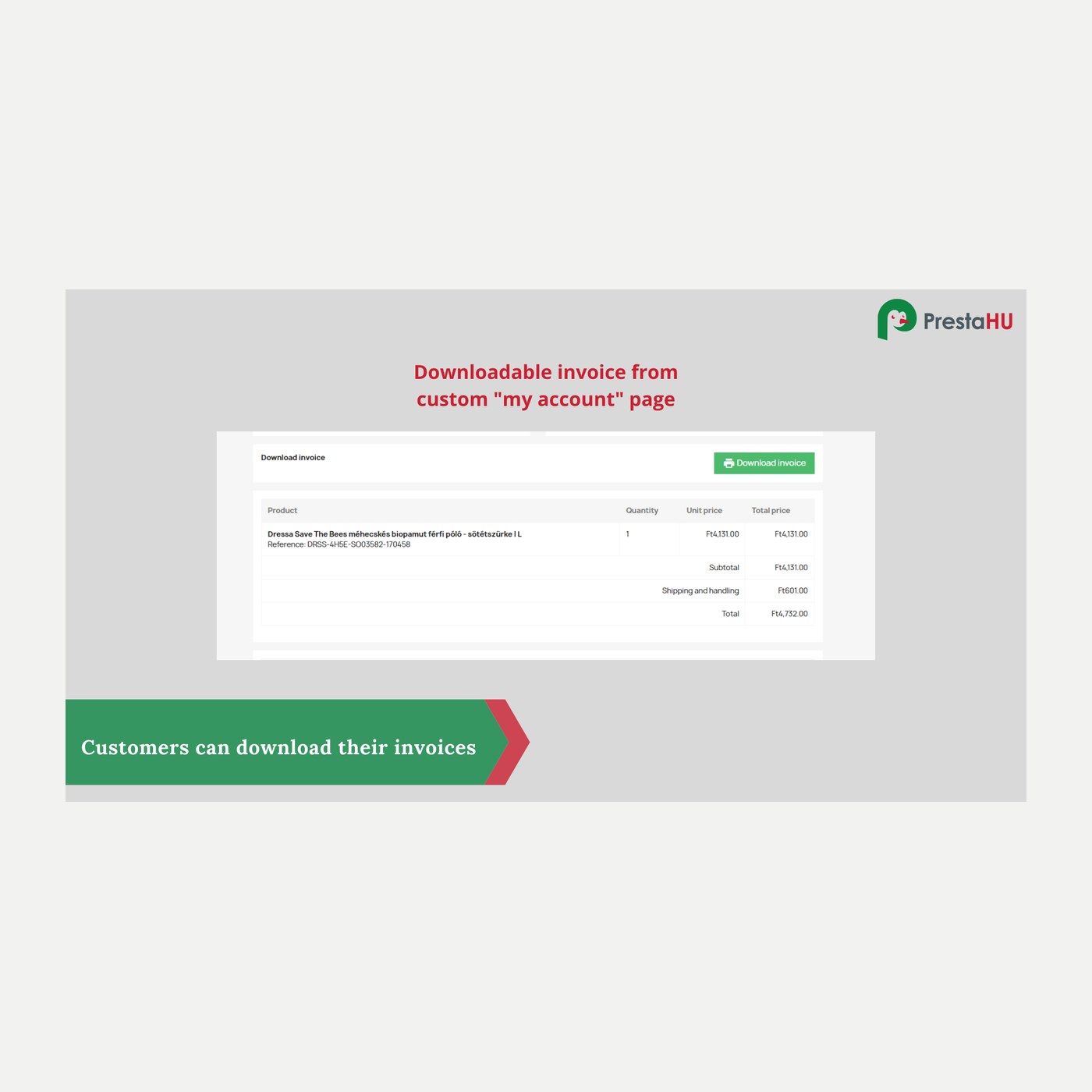
The Számlázz.hu document replaces PrestaShop's own invoice on the order, and the customer downloads it from their account.
A Számlázz.hu account and the Számla Agent key generated in it. You upload the module the usual way, paste the key, map the tax rules, and set which order status issues what.
Browse our other PrestaShop modules.
Our modules are designed to run side by side in the same shop.
Fixes and improvements arrive continuously, in frequent new versions.
Direct help during install and setup.