

PrestaShop 1.7.4–9.1 compatible

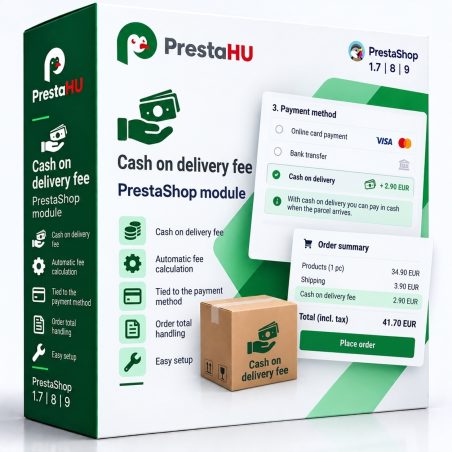
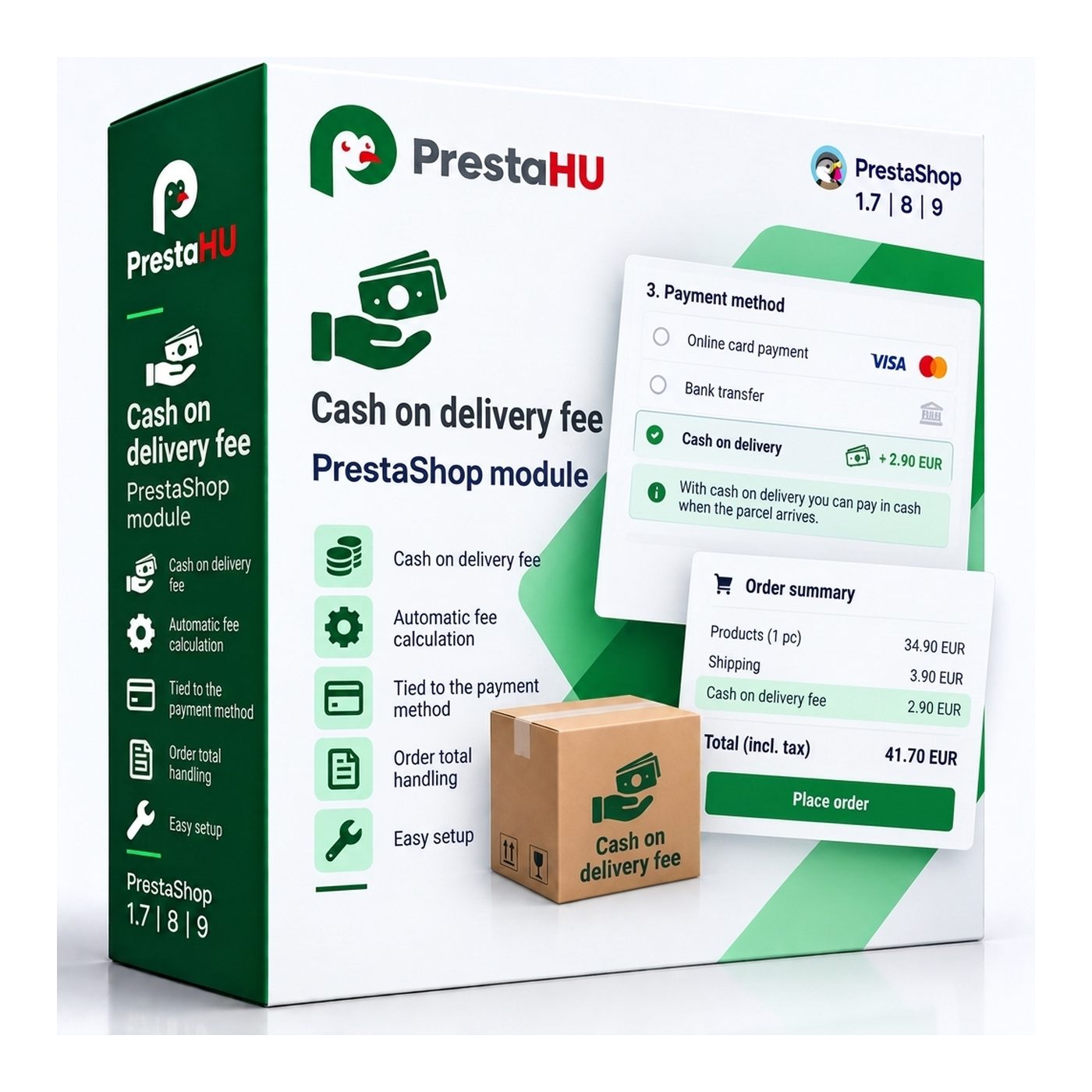
Cash on delivery fee: an automatic charge on COD orders, driven by your rules.

5.0 63 Google reviews of PrestaHU

The fee is applied to the order by your rules, with no manual calculation.

Freeexcl. VAT

Net price.

One-time fee • 12 months of updates and support

Try the demo
  • Rule-based fee
  • Blocklist
  • Support in English
The cash-on-delivery fee is added to the order by itself, following the rules you set.
Cash on delivery fee

What it does

Set it up once, then every COD order gets the fee by your rules.

Fee set by rules

A fixed amount, a percentage, both, or tiers by order value or weight, with a minimum and maximum fee and a free-from limit.


The fee shows everywhere

Checkout, summary, confirmation page and e-mail, customer account, invoice and the back office order page; each place has its own switch.

Fee log and simulation

Each order shows which rule set the fee and why. The simulation shows the fee for given values, a cart or an order, and a rule can be tried before saving.

Conditions in groups

Order value, weight, carrier, country, state, zone, postcode, product, category, brand, supplier, currency, customer group, previous orders and time window. A rule can also turn cash on delivery off.

Blocklist

Customers who refuse their parcel go on the blocklist by hand or automatically, and are not offered cash on delivery.

Languages, currencies, shops

The payment method name and description are set per language, the fee per currency. With multistore, every shop has its own rules.

The actual interface

What the module looks like

Good to know

What do you need?

No external service is needed. After installation, the setup step asks for the cash on delivery fee, and cash on delivery is offered at checkout right away.

  • Compatibility: PrestaShop 1.7.4 to 9.1, multistore included.
  • Fee type: Fixed amount, percentage, both, or tiers, with a minimum and maximum fee.
  • Conditions: By cart, shipping, address, customer and time, in and–or groups.
  • Display: As a separate order line or as part of the shipping cost.
  • Tax: The carrier tax, no tax or any tax rule of the shop.
  • Updates: 12 months of updates and support.

Why it helps you

What you gain

  • Cover the costThe cost of handling cash on delivery is paid by the customer, not the shop.
  • Fewer refused parcelsA blocklisted customer cannot choose cash on delivery, and the fee steers towards paying in advance.
  • Precise rulesThe fee appears only where the rules apply it, and every decision can be traced in the fee log.
  • Clear to the customerThe customer sees the fee and the total at checkout, with no surprise after the order.

Technical details

Compatibility and version

Compatibility
PrestaShop 1.7.4–9.1
Version
2.0.5

Versions

What changed in each version

v2.0.52026-10-18

  • Internal improvements

v2.0.42026-10-16

  • Logo upload accepts images only

v2.0.32026-10-11

  • Screen tabs below the module header
  • Faster fee log and order display
  • Romanian documentation

v2.0.22026-10-10

  • Internal improvements

v2.0.12026-10-06

  • Payment method name set per language

v2.0.02026-10-06

  • Fee rules with conditions, tiers and per-currency fees
  • Fee log, blocklist, simulation, cash on delivery report
  • Cash on delivery fee panel on the order page
  • Rule import and export
  • Previous version settings carried over on upgrade
  • PrestaShop 1.7.4 – 9.1 support

v1.2.02026-08-30

  • PrestaShop 9 compatibility
  • Cash on delivery payment fixes

PrestaHU reviews on Google

Google 5.0 63 Google reviews All reviews on Google
  • tomica blagojević 11 months ago

    I bought a PrestaShop module from PrestaHU and I’m very satisfied. The module works perfectly, and the owner Levente quickly resolved all my questions with great support. Highly recommended!

  • Ivonig Corfmat 2 years ago

    Levente/presta.hu has been very helpful and quick to reply to any question or issue we may have had in order to install and configure the plugins.

    We got 2 plugins from presta.hu and both are doing their tasks just fine.

  • Marcos Ametller 1 year ago

    The module with SimplePay worked and was a lower price than the recommended by OTP. And the service from Levente has been spotless. I recommend

  • András Bajomi 2 years ago

    Levente is a real Prestashop guru, with all the skills & knowledge to solve our PS issues quickly and efficiently.

  • Wiki W 3 years ago

    Great modules for Prestashop and excellent support from Levi!
    All recommendations for this developer!

Frequently asked

What buyers ask before purchasing

Can the fee be fixed or a percentage?
Both, also together. Tiers by order value or weight are available too, with a minimum and maximum fee and a free-from limit.
Which conditions can the fee depend on?
Order value, weight, carrier, country, state, zone, postcode, product, category, brand, supplier, currency, customer group, customer type, previous orders and time window.
Can cash on delivery be turned off for some orders?
Yes. A “Not available” rule hides cash on delivery when it matches, and the customer sees the message of the rule. A maximum order total for cash on delivery can also be set.
Where does the customer see the fee?
At checkout under the payment method and in the summary, before placing the order; afterwards on the confirmation page, in the e-mail and on the invoice.
How is the fee added to the order?
Your choice: as a separate order line with its own tax, or as part of the shipping cost.
Can the payment method name be set?
Yes, per language. This name is shown at checkout, in the order, in the e-mail and on the invoice.
What happens to the settings of the previous version?
On upgrade, the settings and fee rules move to the new version, and the licence stays.
Which PrestaShop versions are supported?
PrestaShop 1.7.4 to 9.1, multistore included.

Help

Where to find help if you get stuck

All modules

Browse our other PrestaShop modules.

Built to work together

Our modules are designed to run side by side in the same shop.

Frequent updates

Fixes and improvements arrive continuously, in frequent new versions.

Live support

Direct help with installation and configuration.

Try the demo

Both open the same demo shop; the bar at the bottom switches between the two sides.

100%

Scroll or double-click: zoom · Drag: move · ESC: close

Cash on delivery fee Freeexcl. VAT
My modules