PrestaShop 1.7, 8, 9 compatible

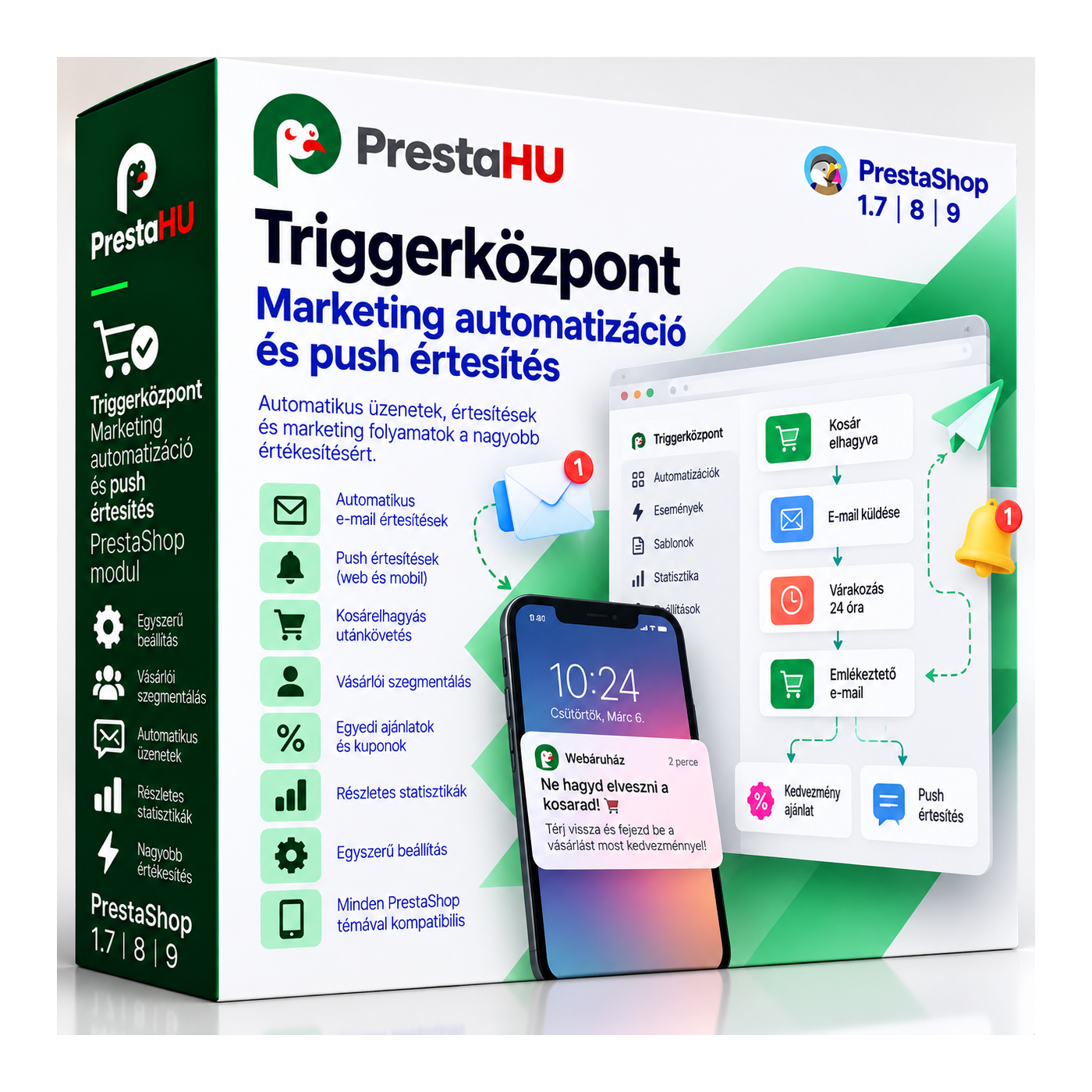
Marketing automation for PrestaShop: email and web push on customer events.

€59.99
One-time fee • 12 months of updates and support
See how it looks
Set up in minutes
Email and web push
Support in English
What it takes off your plate
Automated
customer messaging
The customer does something, the rule fires, and the message goes out on its own by email or web push.
A walkthrough of the module in action
What is this module for?

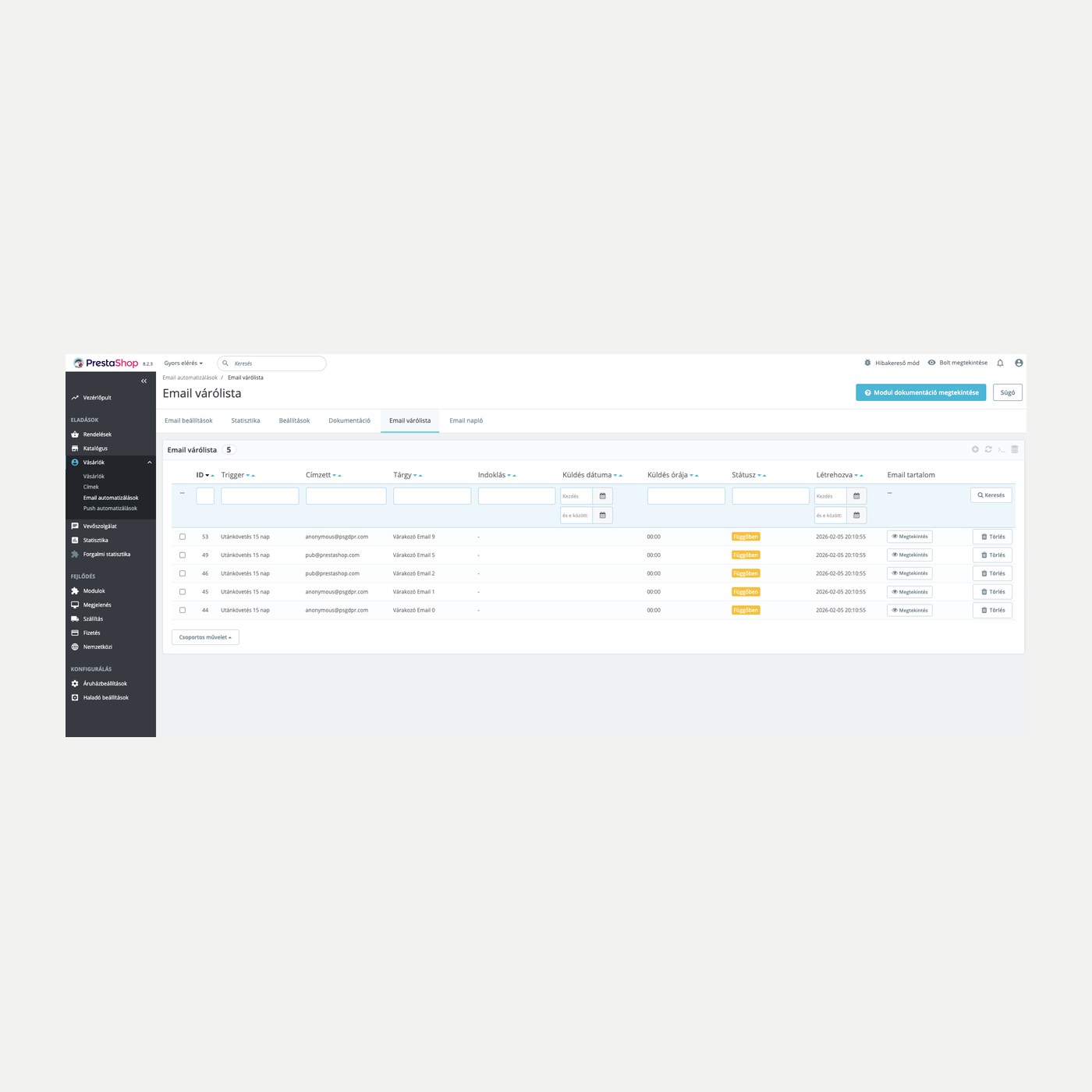
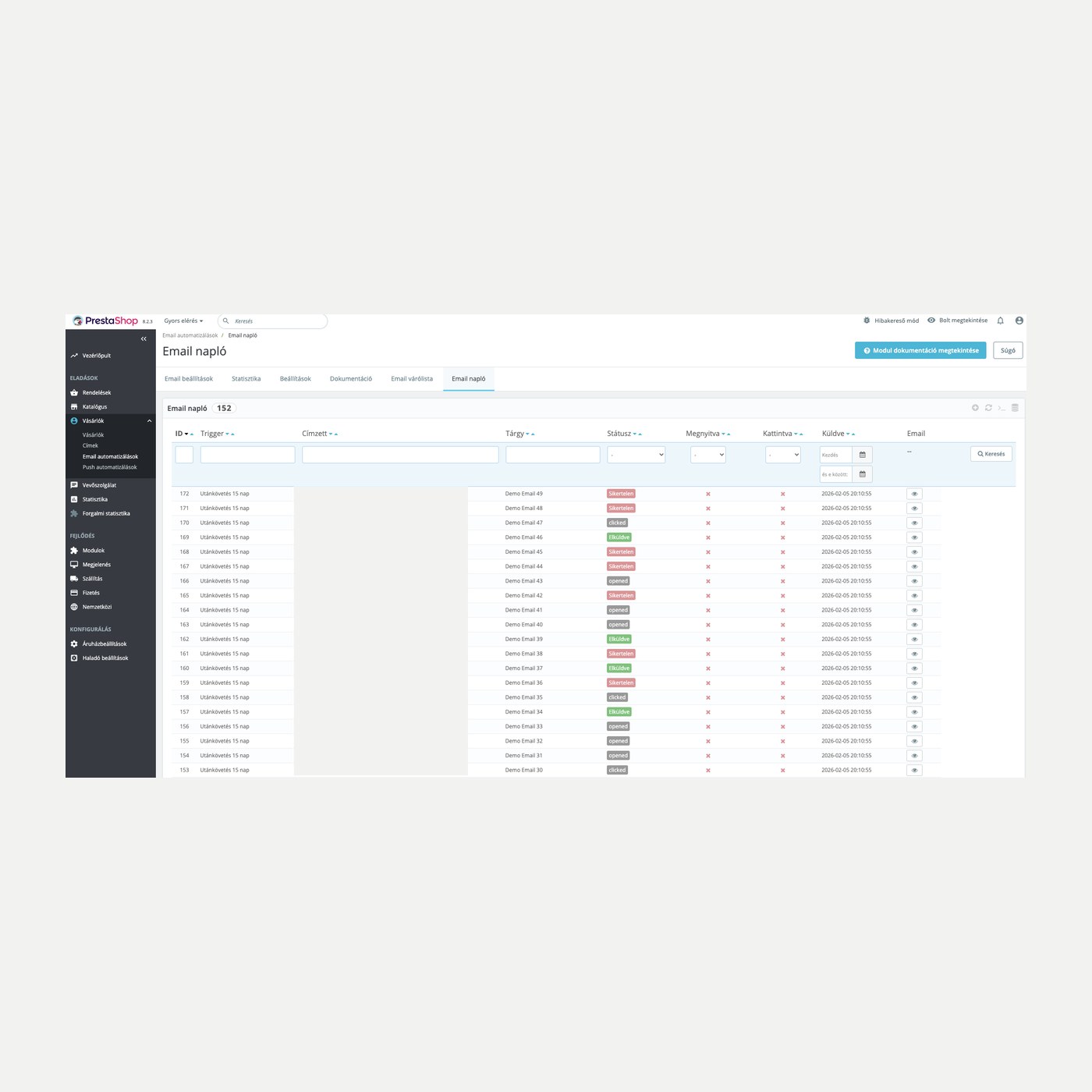
A customer does something in the shop, and the module reaches out on its own. You decide which event fires which email or web push: order status change, abandoned cart, registration or a product view. Sending runs on a schedule from a queue, subscribers are grouped with tags, and you see per channel what performs.

Client feedback

Google 5.0 61 Google reviews All reviews on Google
  • tomica blagojević 9 months ago

    I bought a PrestaShop module from PrestaHU and I’m very satisfied. The module works perfectly, and the owner Levente quickly resolved all my questions with great support. Highly recommended!

  • András Bajomi 2 years ago

    Levente is a real Prestashop guru, with all the skills & knowledge to solve our PS issues quickly and efficiently.

  • Wiki W 3 years ago

    Great modules for Prestashop and excellent support from Levi!
    All recommendations for this developer!

  • Martin Kuchár egy éve

    The developer, Levente, was very helpful when integrating the module into my PrestaShop store. Communication was smooth, and his approach was professional and proactive. I am completely satisfied – I warmly recommend PrestaHU!

    Translated

  • Marcos Ametller a year ago

    The module with SimplePay worked and was a lower price than the recommended by OTP. And the service from Levente has been spotless. I recommend

What it does

Set the rule once, then the event carries the message.

Event-based triggers

Order status change, abandoned cart, registration and product view fire the message, with no manual list handling.


Abandoned cart email with coupon

The automatic reminder restores the cart; the discounted offer is sent per cart from the Abandoned carts list, with a single-use coupon.

New items from the customer's themes

Fresh in-stock items from the categories of the customer's earlier purchases go into the email and the push notification.

Win-back campaign

Customers who last ordered long ago receive one email per customer, with batched sending and a repeat block.

Email automation

Uses your own template filled with the order and customer data; sending runs on a schedule from a queue. Templates ship in Hungarian, English, German and Czech.

Web push in the browser

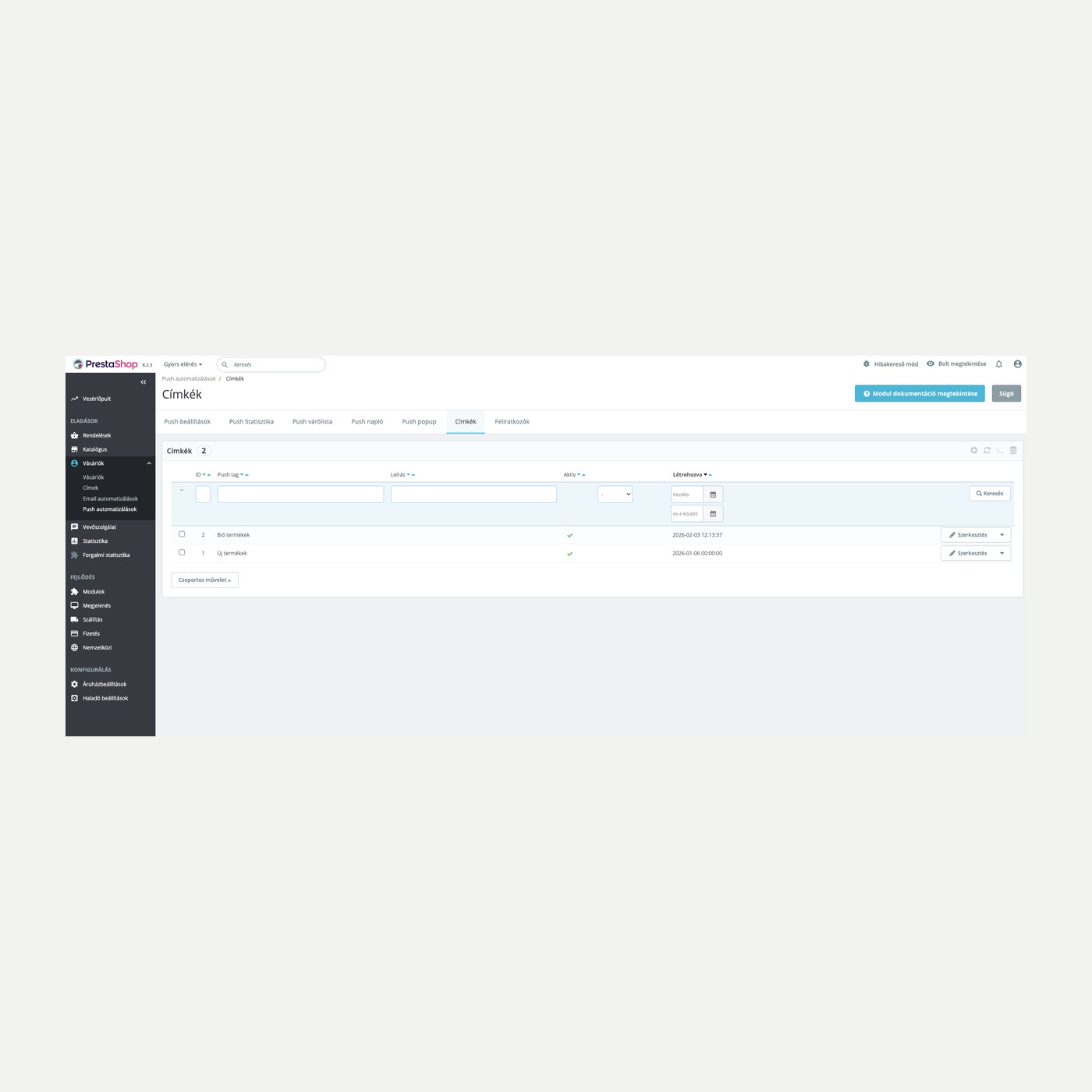
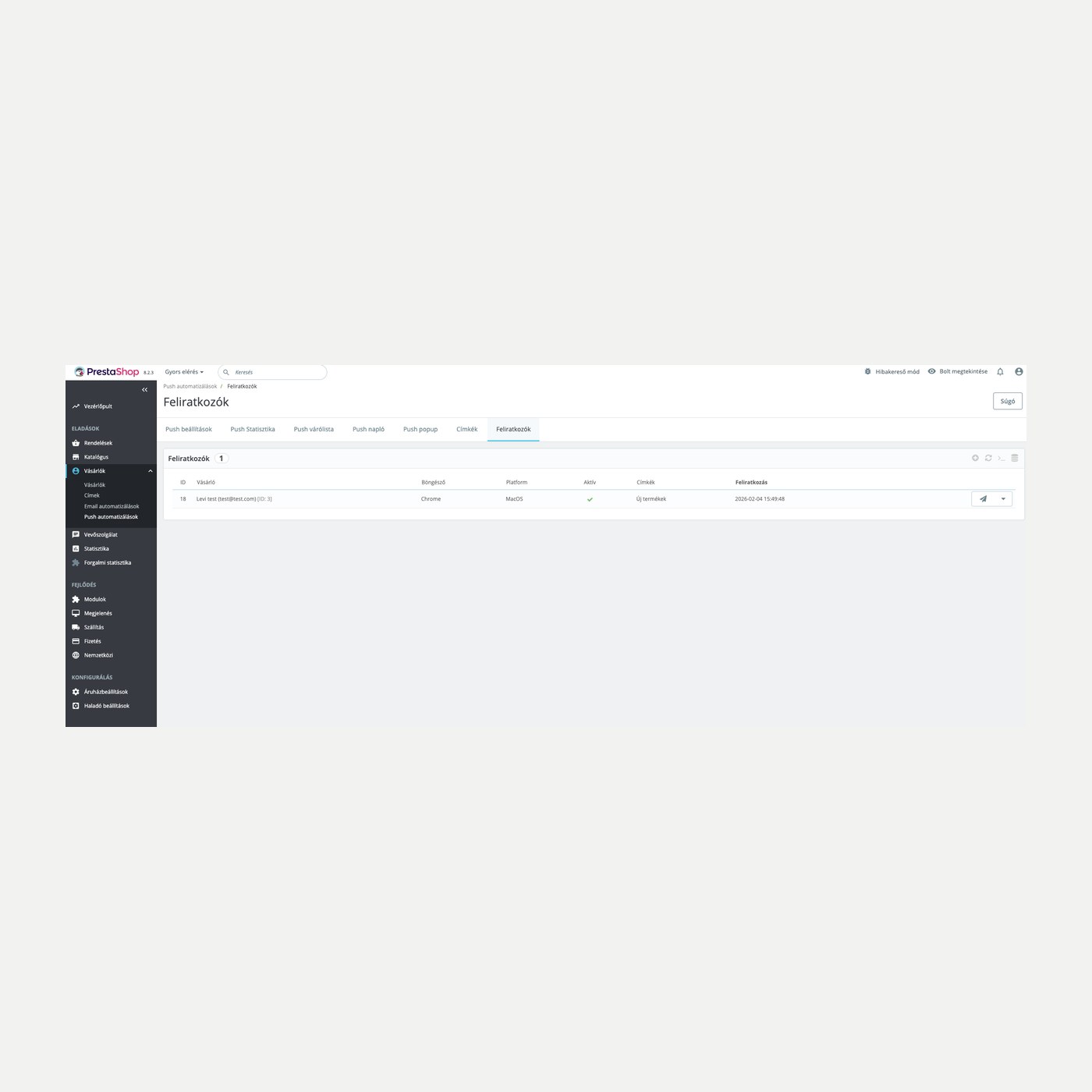
You can reach the customer after they leave the shop: the push arrives in their browser once they subscribe, with a subscribe popup and tagging.

Frequency cap

You set how many marketing emails and push notifications a recipient may receive per week; order status notifications are not counted.

Statistics and revenue

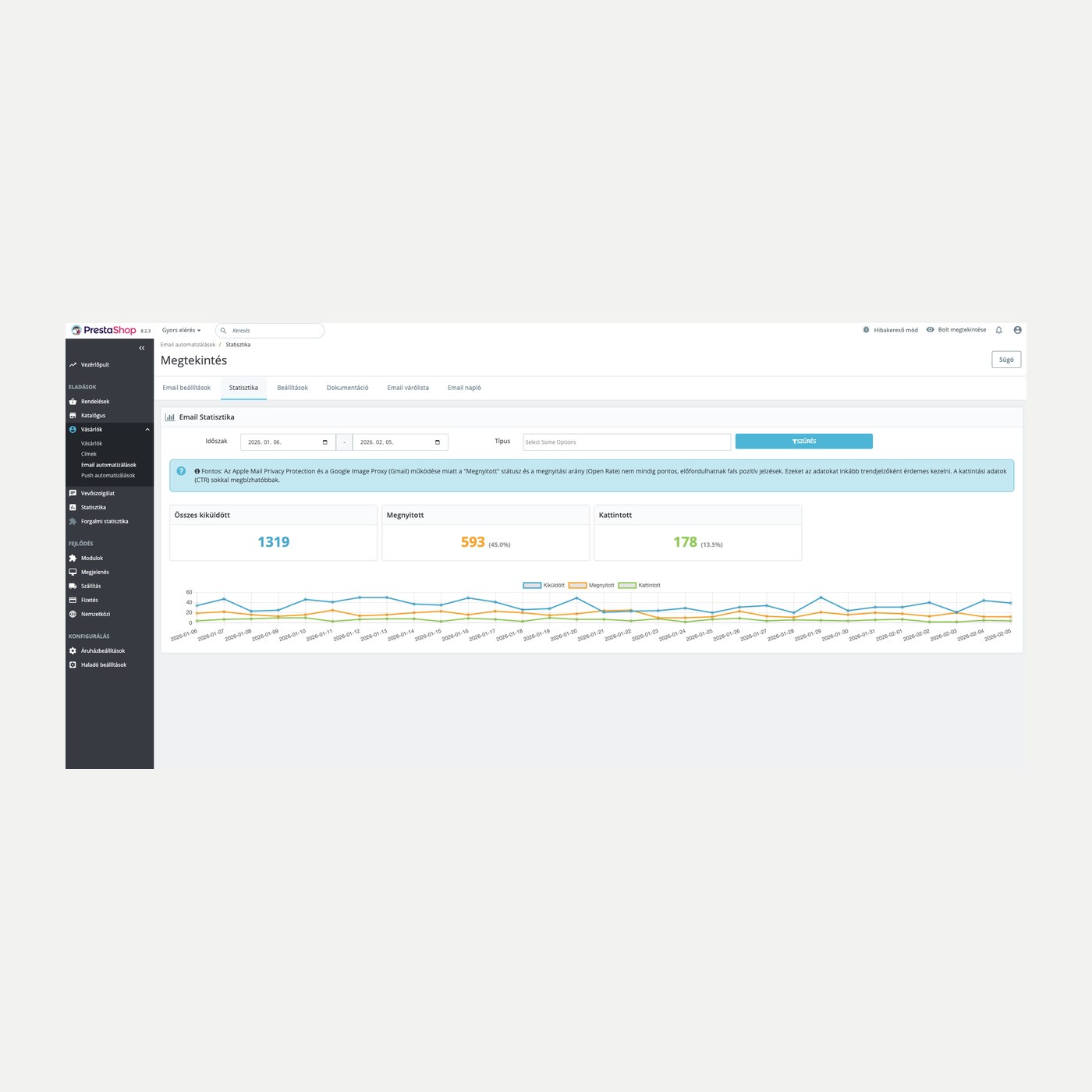
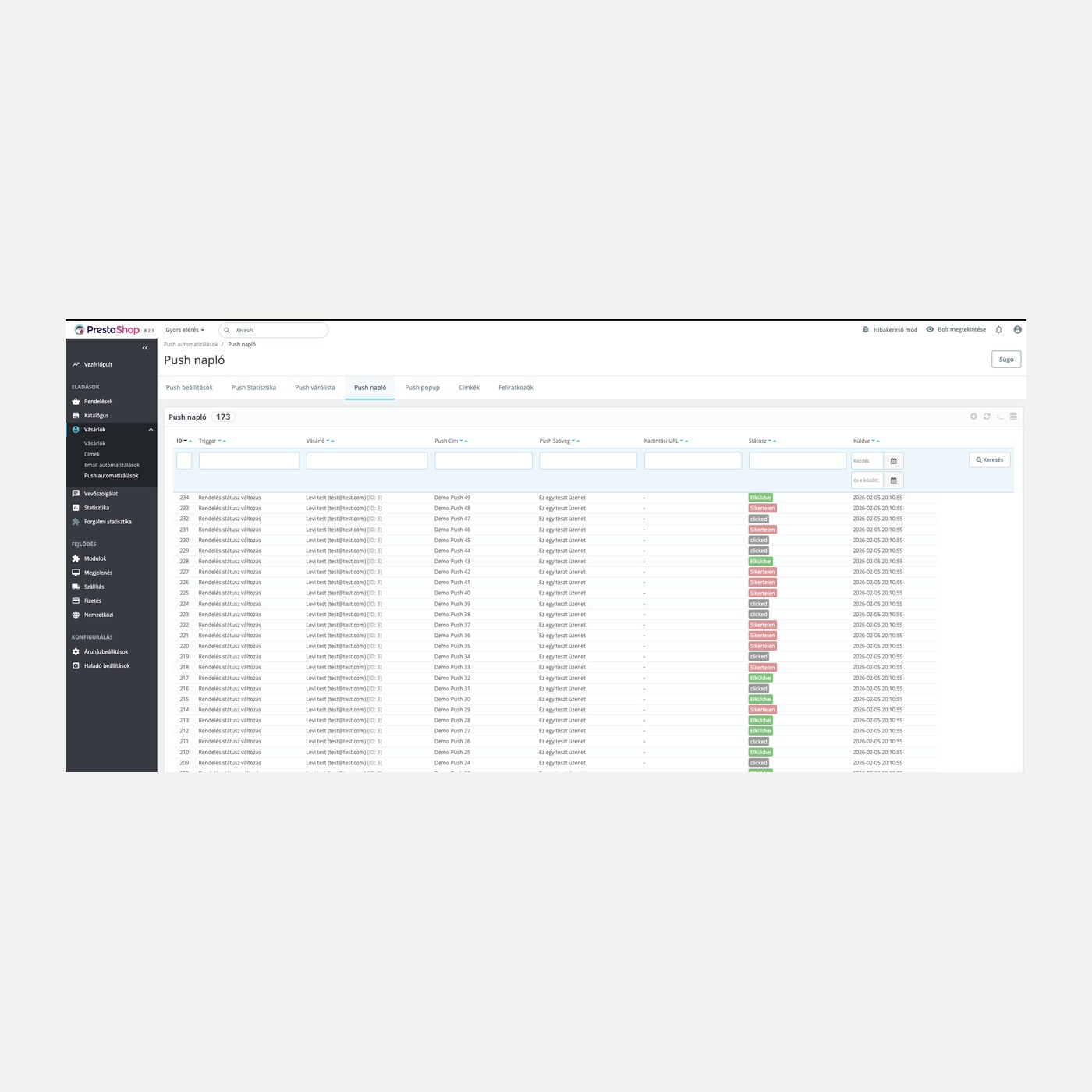
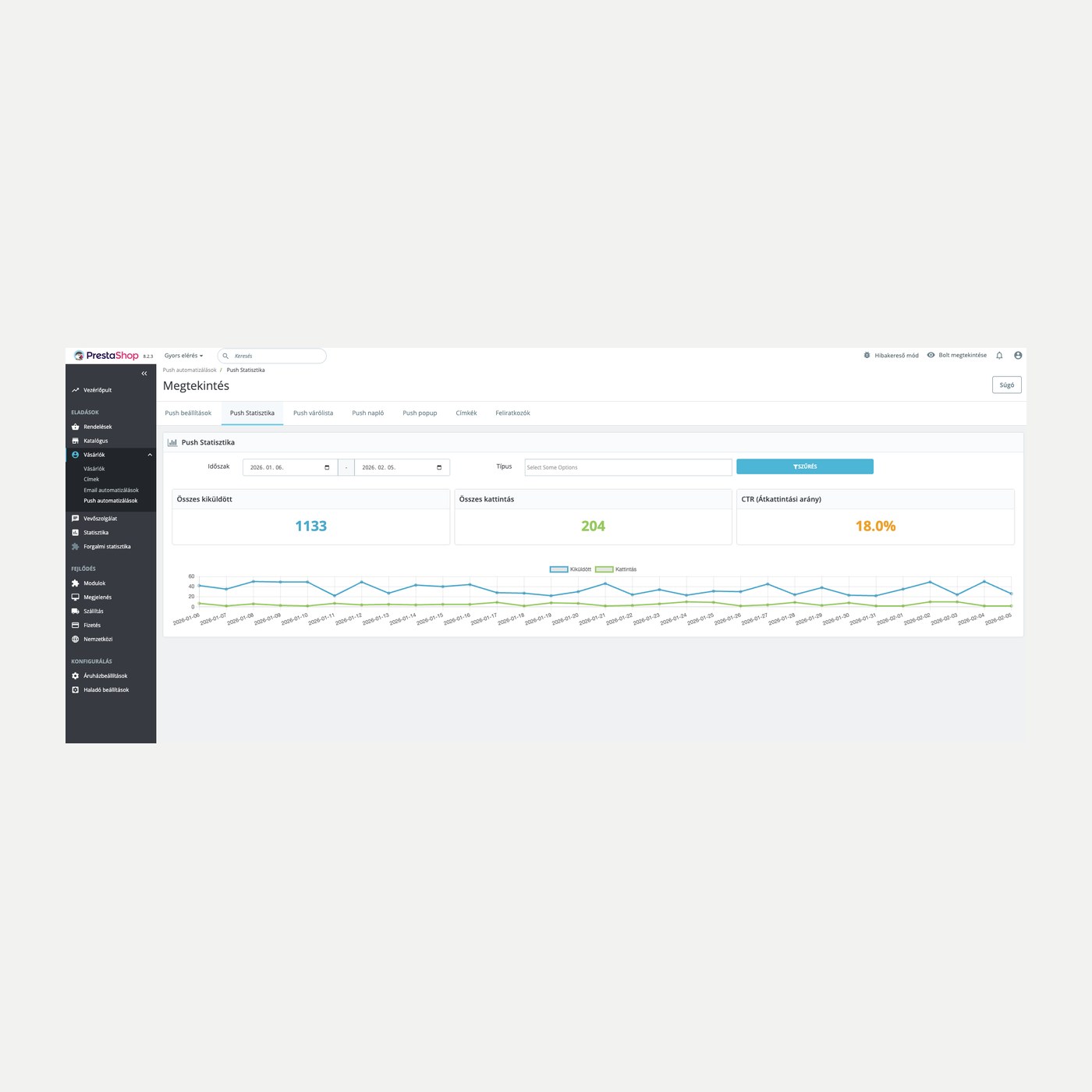
Sends, opens and clicks per channel, plus the order value in the days following a send, per trigger.

The actual interface

This is the module from the inside

Overview
Editing an email trigger
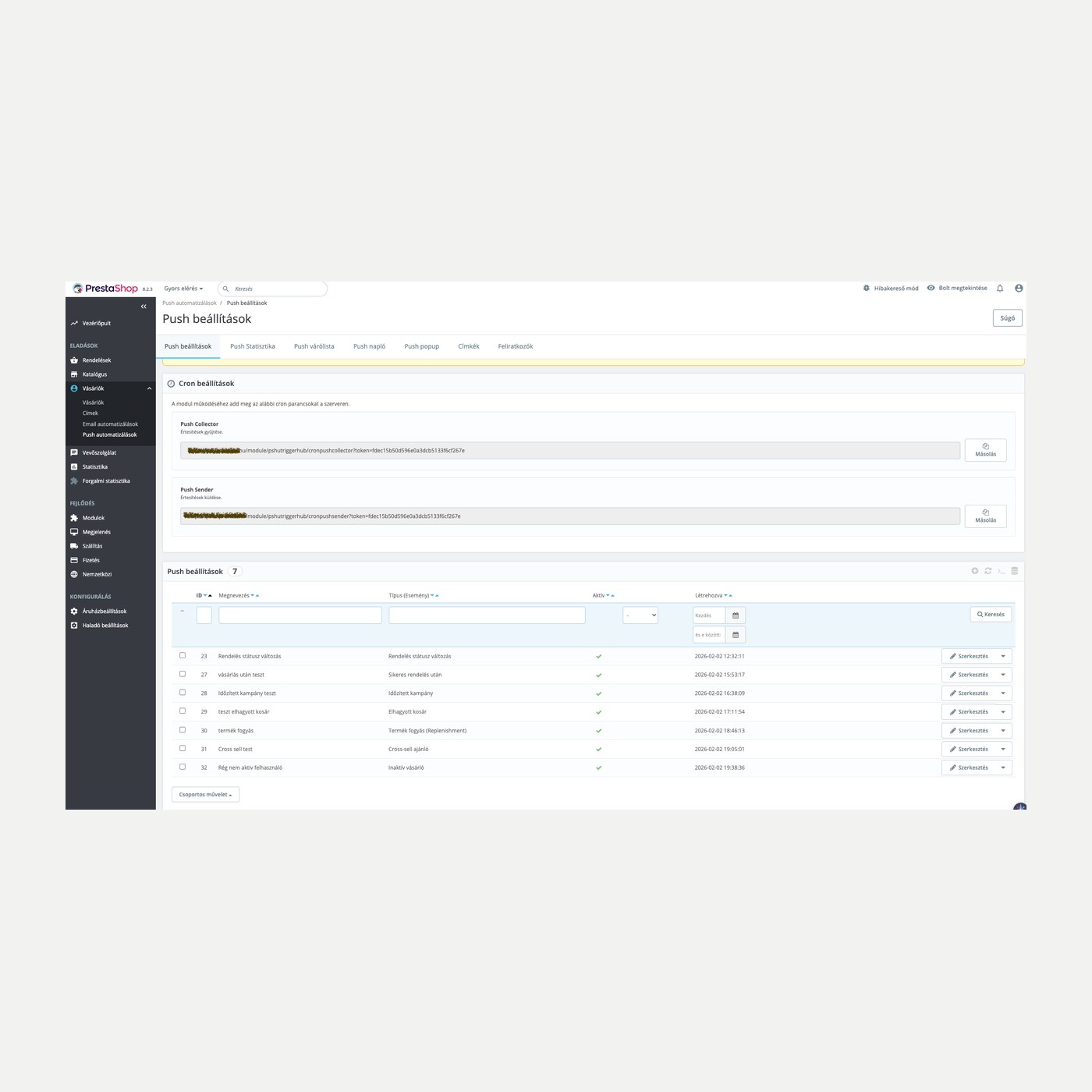
Push notification settings
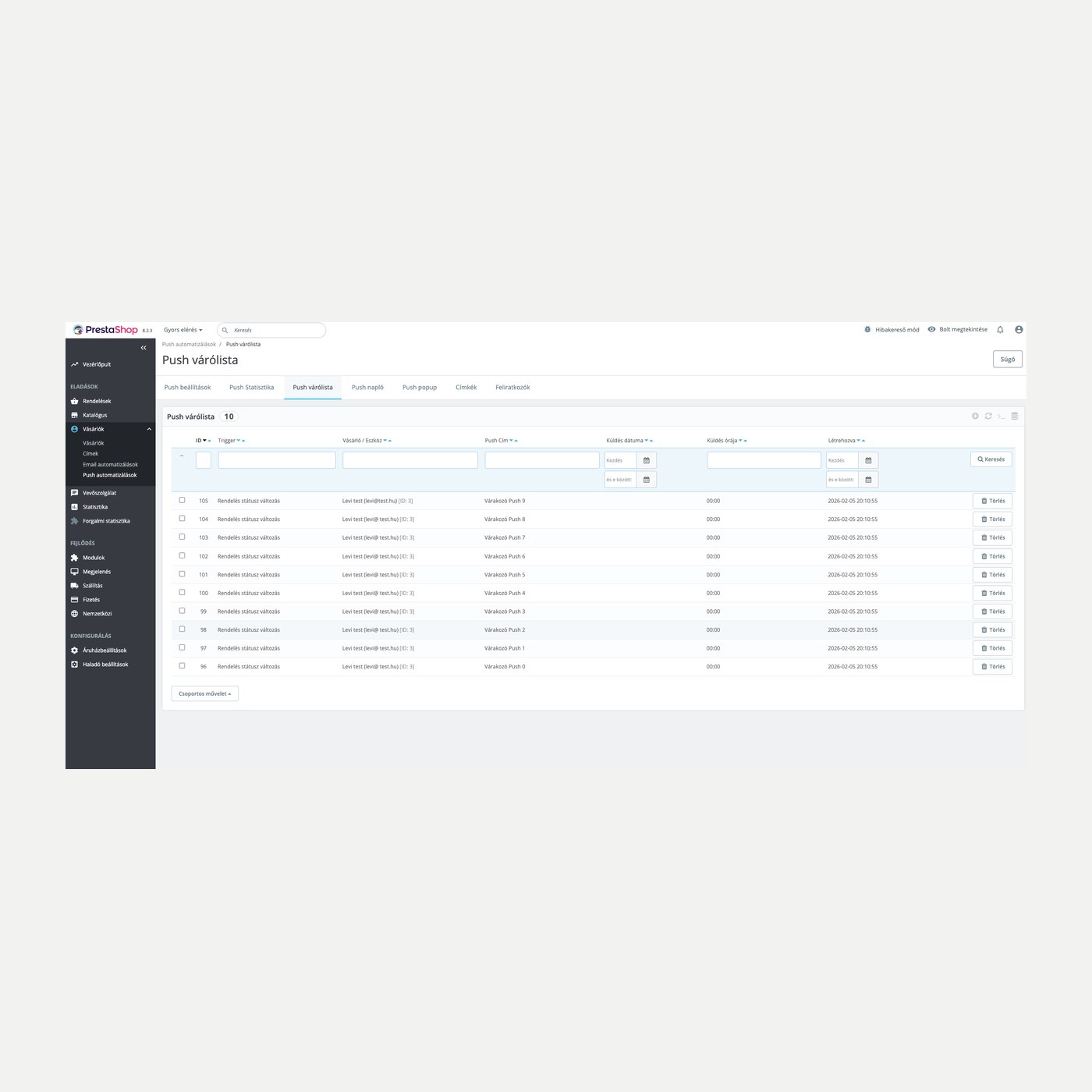
Scheduled run
Abandoned carts
Cart details
Email statistics
Subscription in the webshop
Good to know

What do you need?

You upload and install the module the usual way. Regular sending needs two cron commands set on the server; the admin gives you every URL to copy with one click.

Compatibility: PrestaShop 1.7 through 9.
Channels: Email and browser web push (Web Push).
Triggers: Order status, abandoned cart, new items, win-back, registration, product view, stock run-out.
Sending: Cron-based queue, with a per-run message count you set.
Language: On a multilingual shop each customer gets the message in their own language; templates in HU, EN, DE, CZ.
Updates: 12 months of updates and support in English.
Why it helps you

What you gain

No manual sending: Messages go out on their own in response to customer events.
Bring the customer back: Abandoned cart and back-in-stock alerts bring the visitor back.
More repeat orders: Timed messages keep the relationship alive after the purchase.
Targeted reach: With tags you only write to the people the message is actually for.
Technical details

Compatibility and version

Compatibility Prestashop 1.7
Compatibility PrestaShop 8
Compatibility PrestaShop 9
Version 1.3.5
Versions

What changed in each version

v1.3.5 — 2026-10-10
  • Internal improvements
v1.3.4 — 2026-10-08
  • No error message after deleting a list row
  • Empty trigger name or push topic is refused
v1.3.3 — 2026-10-08
  • Save and error messages inside the screen card
v1.3.2 — 2026-10-08
  • Overview and lists on the new PrestaHU layout
  • Lists and statistics in one content card
v1.3.1 — 2026-10-08
  • A trigger without a subject gets a default subject
  • Can go live without push notifications
v1.3.0 — 2026-10-07
  • Overview screen with steps and setting dialogs
  • One scheduled address for every job
  • Segments from the Customer profiles module
  • Manual send for abandoned carts
  • Cross-sell push from the Cross-sell module rules
  • Multistore: settings per webshop
v1.2.0 — 2026-09-18
  • Abandoned cart email branch with coupon
  • New items trigger in email and push
  • Win-back campaign trigger
  • One-click unsubscribe from the email
  • Weekly frequency cap per recipient
  • Revenue reporting per trigger
v1.1.0 — 2026-08-30
  • PrestaShop 9 compatibility
v1.0.0 — 2026-02-05
  • First release
Frequently asked questions

What people ask before buying

Does it need an external service?
No. Email is sent by your shop and web push goes to the visitor's browser; there is no third party in the flow.
Which PrestaShop versions does it run on?
PrestaShop 1.7 through 9. It works with multilingual shops too.
How does web push work?
The visitor subscribes in the browser, and after that can receive alerts even after leaving the shop. Support varies by browser, and on iOS it depends on the browser version.
Why does it need cron?
Sending runs on a schedule from a queue so the shop stays fast even with many recipients. The admin gives you the cron commands ready to copy.
Which events can trigger a message?
Order status change, abandoned cart, new items from the customer's themes, win-back, registration, product view and stock run-out.
Can the customer unsubscribe?
Yes. Every email carries an unsubscribe link in the footer and in the mail header, with no login needed; the account page works too. Web push is unsubscribed from in the browser.
On how many shops can I use one licence?
The licence covers the domain given at purchase. Another shop needs another licence; write to us and we will sort it out.
Support

Where to get help if you get stuck

All modules

Browse our other PrestaShop modules.

Built to work together

Our modules are designed to run side by side in the same shop.

Frequent updates

Fixes and improvements arrive continuously, in frequent new versions.

Live support

Direct help during install and setup.
TriggerHub - marketing automation and push notifications €59.99
My modules