

Preview button in every row
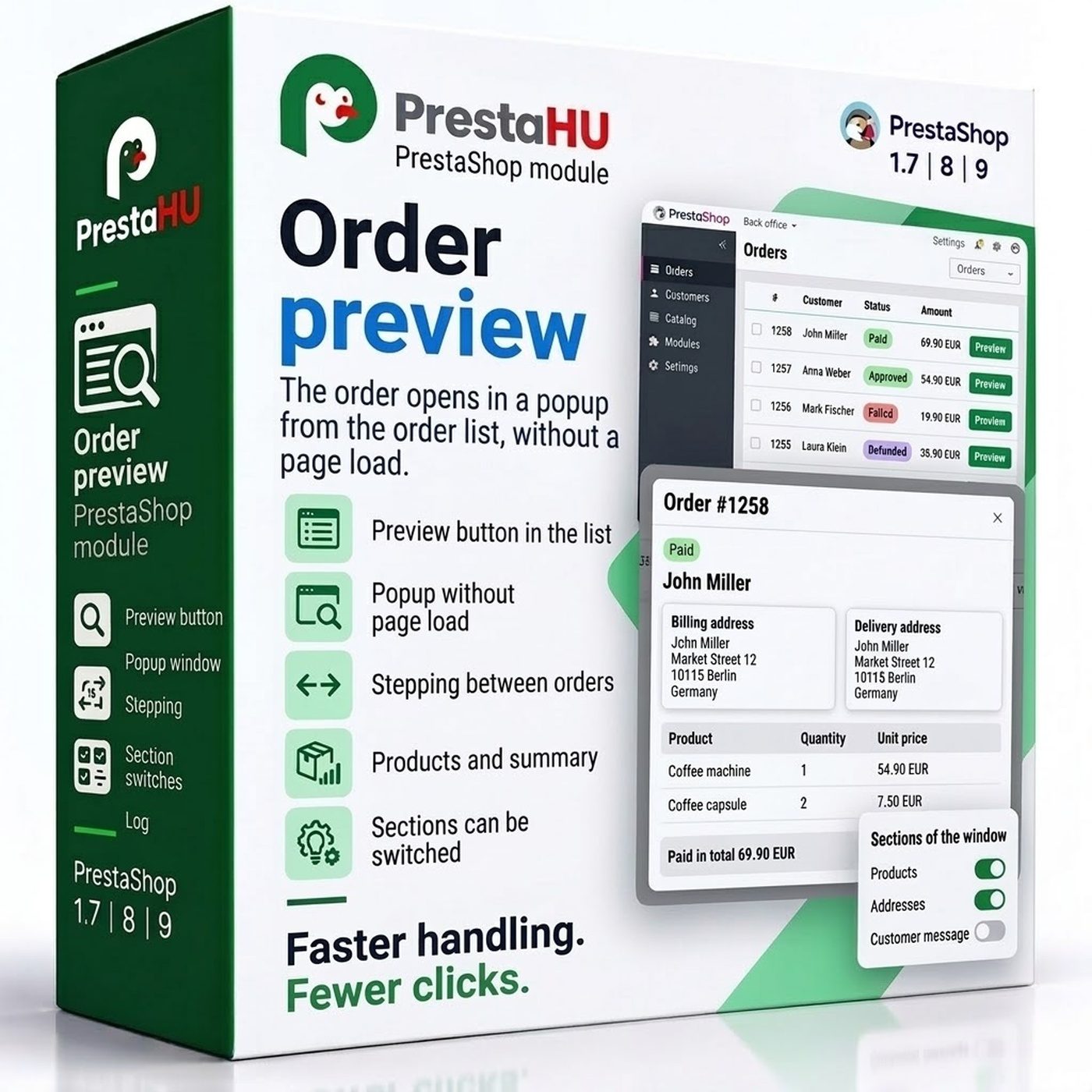
Every row of the Orders list gets the button. One click opens the order in a window over the list, with no page load.


Tell us what you want to achieve and we will tell you the best way and the cost.
Contact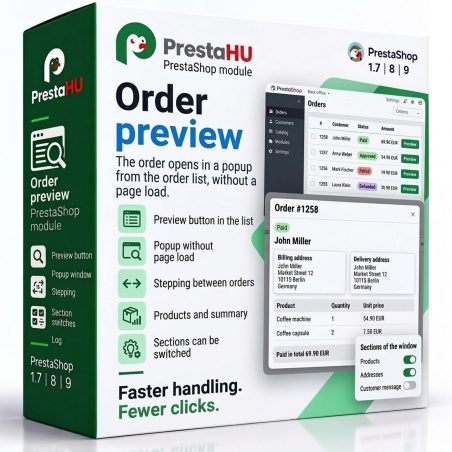
Going through orders usually means opening each one on a new page, going back to the list and filtering again. The module puts a Preview button in every row of the order list. The button shows the order in a window over the list: customer, addresses, products, totals and the customer message. Arrows in the window step to the next order, and once it is closed the list is exactly where it was, filters and page included.

I bought a PrestaShop module from PrestaHU and I’m very satisfied. The module works perfectly, and the owner Levente quickly resolved all my questions with great support. Highly recommended!

Levente/presta.hu has been very helpful and quick to reply to any question or issue we may have had in order to install and configure the plugins.
We got 2 plugins from presta.hu and both are doing their tasks just fine.

The module with SimplePay worked and was a lower price than the recommended by OTP. And the service from Levente has been spotless. I recommend

Levente is a real Prestashop guru, with all the skills & knowledge to solve our PS issues quickly and efficiently.

Great modules for Prestashop and excellent support from Levi!
All recommendations for this developer!
Every row of the Orders list gets the button. One click opens the order in a window over the list, with no page load.
Order number, date, status, payment, carrier, customer, email, phone, invoice and delivery address, products with image, totals and the customer message.
The arrows in the window or the keyboard open the next or previous order, in the order of the list.
Customer details, addresses, products, totals and the customer message can each be left out of the window.
Switch it on per webshop and choose per webshop which parts show. Amounts appear in the order's own currency.
Only employees whose profile may view orders can open the window. The window only shows the order, it never changes it.
No. Upload the module the usual way and it works right after install: the Preview button is on in every webshop and every part of the window shows. Settings are only needed if you want to leave something out.
Browse our other PrestaShop modules.
Our modules are designed to run side by side in the same shop.
Fixes and improvements arrive continuously, in frequent new versions.
Direct help during install and configuration.