

PrestaShop 1.7.8, 8.0–8.2, 9.0–9.2 compatible

PrestaShop Checkout with Quick Order

5.0 61 Google reviews of PrestaHU

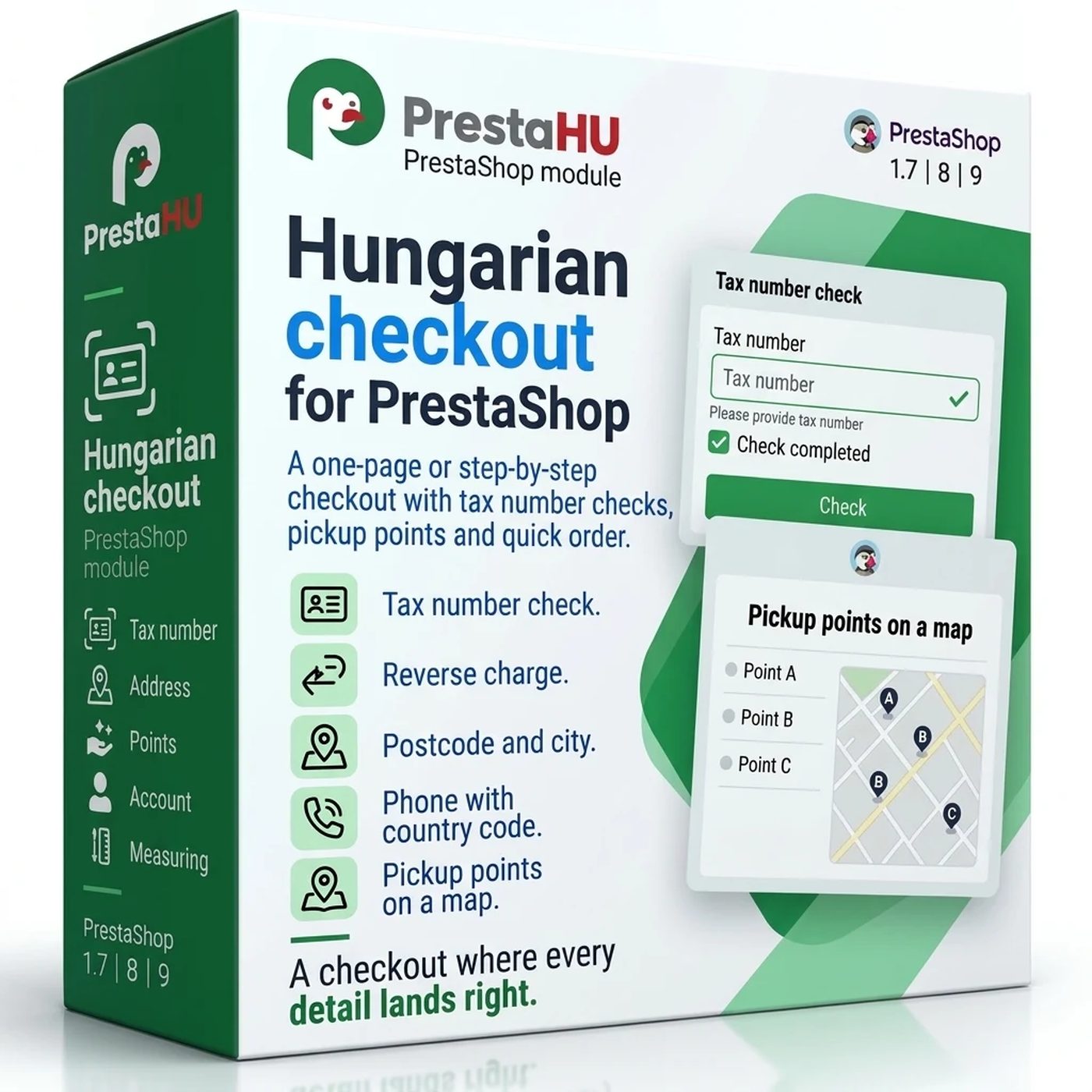
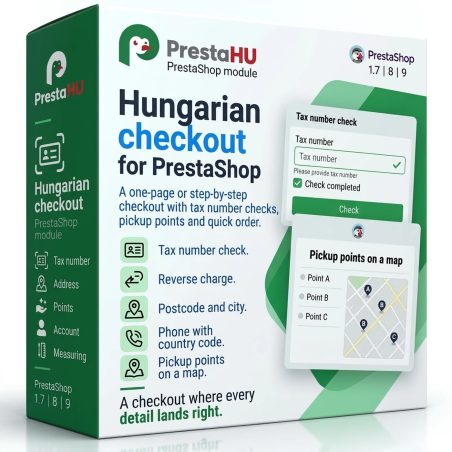
One-page or step-by-step checkout, quick and one-click ordering from the cart, checked VAT numbers, all lockers on one map.

€69.99excl. VAT

Price excluding VAT. Buyers in the EU pay 21% VAT on top, except businesses outside Romania with a VAT number valid in VIES.

One-time fee • 12 months of updates and support

See how it looks
  • One-click reorder
  • Checked VAT numbers
  • Test mode first
How the module works: quick order from the cart, one-click order and the drop-off report.
PrestaHU Checkout

What it does

A shorter way from the cart to the order.

Quick order from the cart

The Quick order button on the cart page opens a window with contact details, delivery, address and payment on one page, and the cart lines can still be changed there. Shoppers who prefer the full checkout continue with the same cart.

One click for returning customers

A signed-in customer sees up to two Order to: buttons in the cart, one for the last pickup point and one for the last address. They only pick the payment method and place the order. A button shows only while the point, the carrier and the address are still valid.

One page or step by step

A step-by-step checkout with a progress bar, or a one-page checkout next to the order summary. The order of the steps, the sign-in offer and the address form can be set; on phones the order bar stays at the bottom of the screen.

Checked VAT numbers

EU VAT numbers are checked in VIES, Hungarian tax numbers with NAV and Romanian CUI codes with ANAF. When it applies, the reverse charge is set and companies are put into a customer group; every check can be looked up later.

See where the checkout stalls

The drop-off report counts the carts step by step, lists the obstacles and the time spent per step, and shows the conversion of the checkout, the quick order and the one-click order in separate rows. GA4 events also carry the way the order came.

Address, phone, pickup point

City from the postcode, phone numbers with the country code, street-level address suggestions. Carrier lockers and your own pickup points appear together on one map.

The actual interface

The module interface

Good to know

Do you need a developer?

No. The module is uploaded the usual way, opens under Orders › PrestaHU Checkout, and the quick setup takes you through four steps. It starts in test mode: only staff and visitors with the test link see the module’s checkout.

  • Compatibility: PrestaShop 1.7.8 or newer, PHP 7.1 or newer, one or more shops; settings apply per shop.
  • Cron job: Not needed: the point lists are refreshed by the shop’s own visits.
  • External services: VIES, NAV, ANAF, address suggestions and bot protection only when you set them up; the checkout works without them.
  • Languages: English, Hungarian and Romanian interface; the shopper texts can be translated in PrestaShop.
  • Uninstall: The PrestaShop checkout comes back, and the data stays unless you ask for it to be deleted.
  • Support: 12 months of updates and support.

Why it is good for you

Fewer clicks, cleaner orders

  • A shorter checkoutIn the quick order window everything is on one page; nobody has to step through the whole checkout.
  • Returning customersAnyone who has ordered before orders to the same place again in one click and only picks the payment.
  • Correct company invoicesThe checked VAT number and the company name from the register are shown on the order page.
  • A safe startYou try it in test mode and switch back to the original checkout with one button.

Technical details

Compatibility and version

Compatibility
PrestaShop 1.7.8, 8.0–8.2, 9.0–9.2
Version
1.0.0

Versions

What changed in each version?

v1.0.02026-11-09

  • Quick order from the cart page: contact details, delivery, address and payment in one window, with the cart lines still editable
  • One-click order for signed-in customers to their last pickup point or address; they only pick the payment method
  • Step-by-step checkout with a progress bar or a one-page checkout; the order of the steps, the sign-in offer and the address form can be set
  • VAT number checks: EU VAT in VIES, Hungarian tax numbers with NAV, Romanian CUI with ANAF; reverse charge and a customer group for companies
  • Drop-off report step by step, with the conversion of the checkout, the quick order and the one-click order in separate rows; a GA4 event on the way the order came
  • City from the postcode, phone numbers with the country code, address suggestions; carrier lockers and your own pickup points on one map

PrestaHU reviews on Google

Google 5.0 61 Google reviews All reviews on Google
  • tomica blagojević 10 months ago

    I bought a PrestaShop module from PrestaHU and I’m very satisfied. The module works perfectly, and the owner Levente quickly resolved all my questions with great support. Highly recommended!

  • Ivonig Corfmat 2 years ago

    Levente/presta.hu has been very helpful and quick to reply to any question or issue we may have had in order to install and configure the plugins.

    We got 2 plugins from presta.hu and both are doing their tasks just fine.

  • Marcos Ametller 1 year ago

    The module with SimplePay worked and was a lower price than the recommended by OTP. And the service from Levente has been spotless. I recommend

  • András Bajomi 2 years ago

    Levente is a real Prestashop guru, with all the skills & knowledge to solve our PS issues quickly and efficiently.

  • Wiki W 3 years ago

    Great modules for Prestashop and excellent support from Levi!
    All recommendations for this developer!

Frequently asked questions

What people ask before buying

Can I try it before customers see it?
Yes. The module starts in test mode: only signed-in staff and visitors with the test link see its checkout, everyone else keeps the original one. Going live is a switch on the Overview screen, and the Back to the original checkout button returns the PrestaShop checkout at once.
Does it work with my payment and shipping modules?
The checkout offers the carriers and payment methods installed in PrestaShop. The Overview screen shows the state per module: works natively, works with an adapter, tried in an order, or not tried yet.
What is needed for the VAT number checks?
VIES checks of EU VAT numbers and ANAF lookups of Romanian CUI codes need no account. The Hungarian NAV lookup needs a technical user of the shop’s company in NAV Online Invoice. When a register does not answer, the order can still be placed by default and the number stays unchecked.
How does the one-click order work?
A signed-in customer who has ordered before sees up to two Order to: buttons on the cart page: one repeats the delivery of the last pickup-point order, the other that of the last home delivery. In the window they only choose the payment method. A button is not shown when the point, the carrier or the address is no longer valid.
Which parcel lockers appear on the map?
Your own pickup points, and the points of Foxpost, Magyar Posta, DPD, GLS, Packeta, Packli and FAN Courier when their PrestaHU module is installed.
Does it need a cron job or special server settings?
No. The point lists are refreshed by the shop’s visits, and the log is cleaned once a day when it is written.
Which PrestaShop versions does it run on?
PrestaShop 1.7.8 or newer with PHP 7.1 or newer, one or more shops.

Help

Where to get help

All modules

Browse our other PrestaShop modules.

Built to work together

Our modules are designed to run side by side in the same shop.

Frequent updates

Fixes and improvements arrive continuously, in frequent new versions.

Live support

Direct help during install and configuration.

100%

Scroll or double-click: zoom · Drag: move · ESC: close

PrestaHU Checkout €69.99excl. VAT
My modules