


PrestaShop 1.7.4–1.7.8, 8.0–8.2, 9.0–9.2 compatible

iLogistic integration: orders go to the warehouse on their own

5.0 61 Google reviews of PrestaHU

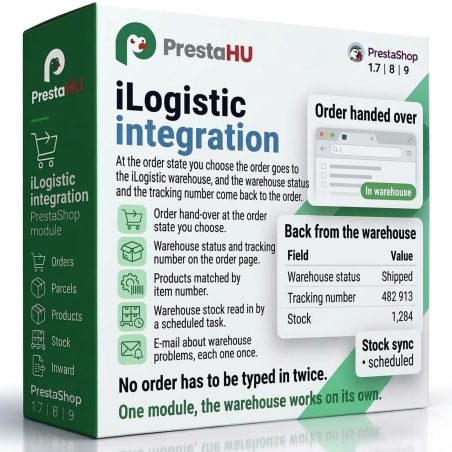
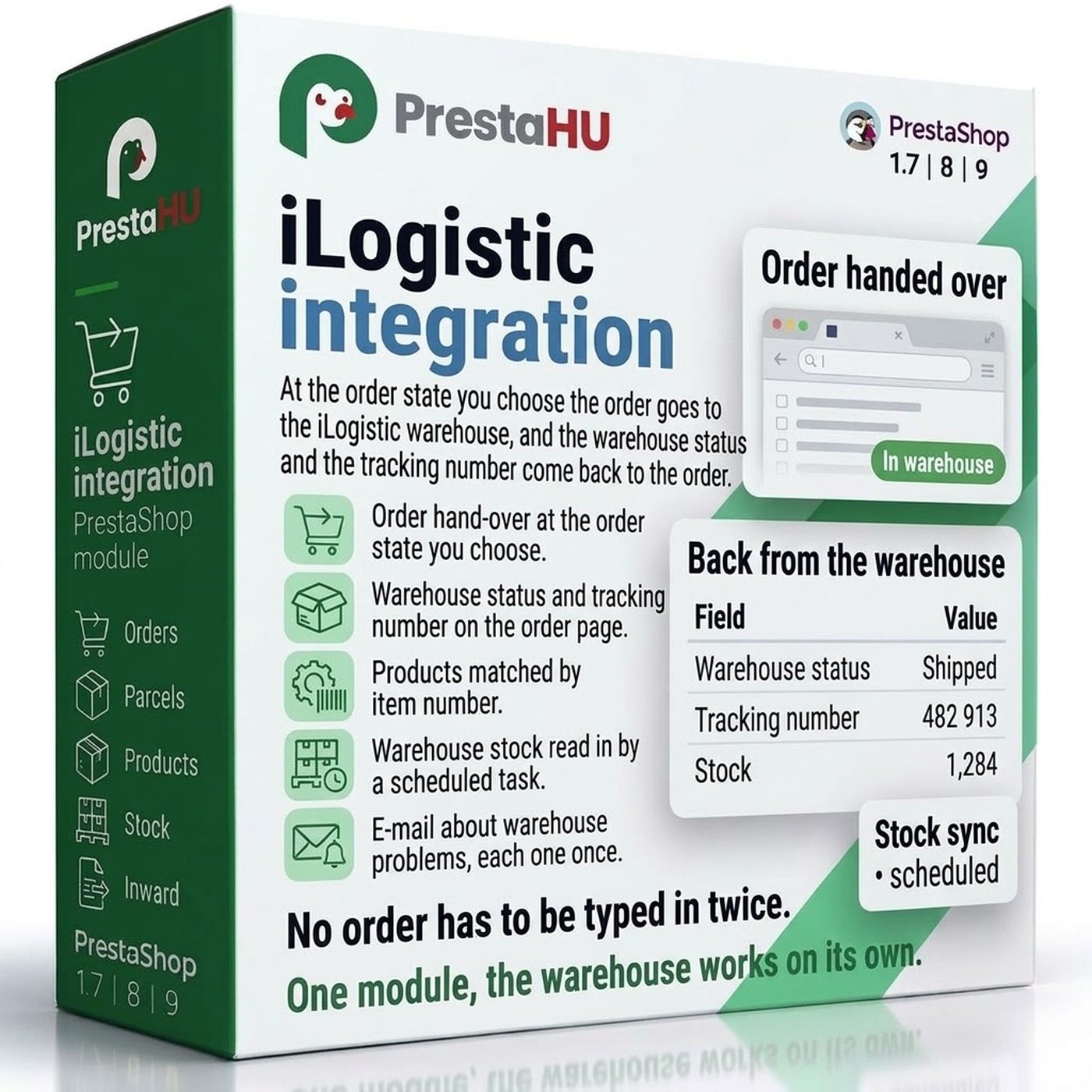
At the order state you choose, the order goes to the warehouse, and the warehouse status and the tracking number come back to the order.

€49.99

One-time fee • 12 months of updates and support

See how it looks
  • Orders to the warehouse by order state
  • Tracking number on the order
  • Sandbox account for testing
Orders go to the warehouse on their own; the warehouse status and the tracking number come back to the order.
iLogistic integration – fulfillment warehouse PrestaShop | PrestaHU

What it does

Set it up once, and orders find their own way to the warehouse.

Order hand-over by order state

You choose the order states that hand an order over to the warehouse and the ones that cancel it there. Changes to the address, the products or the carrier are sent too.


Warehouse status and tracking number

On the order page, the iLogistic panel shows the hand-over, the warehouse status and the tracking number. Each warehouse status sets the order state you mapped to it, and the tracking number becomes the order’s tracking number.

Products matched by item number

Send all products first reads the iLogistic product list and matches the products already there by item number, then uploads the new ones in batches. The item number field is your choice: Reference, EAN-13, MPN or product ID.

Inward deliveries from the back office

A new inward delivery is entered by hand or loaded from a file, with the products, the quantities and the expected arrival. The quantity the warehouse received and the delivery state come back to the list.

Warehouse stock in the webshop

The scheduled task reads the warehouse stock and writes only the values that differ. Orders not yet handed over can be deducted, so the same item is never sold twice.

E-mail about warehouse problems

When the warehouse rejects an automatic hand-over, or the connection breaks, the module sends one e-mail with all the new errors. The same error is sent only once.

The actual interface

The module interface

Good to know

What do you need?

An iLogistic account with an API token, and a scheduled task on your hosting. You upload the module the usual way, go through the settings on the overview cards, and start it in the Go-live window.

  • Compatibility: PrestaShop 1.7.4 to 9.
  • Connection: Your iLogistic account, with the warehouse notifications: the status updates within moments.
  • Testing: Test (sandbox) and live account; nothing is shipped from the test account.
  • Parcel lockers: Foxpost parcel lockers, MPL PostaPont and MPL parcel lockers.
  • Multistore: A separate iLogistic account and settings for each webshop.
  • Updates: 12 months of updates and support.

Why it is good for you

Less manual work between the warehouse and the webshop

  • No retypingOrders and products are not entered again in iLogistic, and tracking numbers are not copied back by hand.
  • No forgotten ordersThe order list shows for every order whether it was handed over and what state it has in the warehouse.
  • Matching stockThe webshop shows the warehouse stock, less the orders not yet handed over.
  • Safe to tryBefore going live, the whole flow can be tried with the test (sandbox) account.

Technical details

Compatibility and version

Compatibility
PrestaShop 1.7.4–1.7.8, 8.0–8.2, 9.0–9.2
Version
1.1.0

Versions

What changed in each version?

v1.1.02026-11-05

  • First release
  • Orders handed over to the iLogistic warehouse by order state
  • Warehouse status and tracking number on the order
  • Product upload with a choice of item number field
  • Warehouse stock and inward deliveries from the back office
  • E-mail about warehouse problems

PrestaHU reviews on Google

Google 5.0 61 Google reviews All reviews on Google
  • tomica blagojević 10 months ago

    I bought a PrestaShop module from PrestaHU and I’m very satisfied. The module works perfectly, and the owner Levente quickly resolved all my questions with great support. Highly recommended!

  • Ivonig Corfmat 2 years ago

    Levente/presta.hu has been very helpful and quick to reply to any question or issue we may have had in order to install and configure the plugins.

    We got 2 plugins from presta.hu and both are doing their tasks just fine.

  • Marcos Ametller 1 year ago

    The module with SimplePay worked and was a lower price than the recommended by OTP. And the service from Levente has been spotless. I recommend

  • András Bajomi 2 years ago

    Levente is a real Prestashop guru, with all the skills & knowledge to solve our PS issues quickly and efficiently.

  • Wiki W 3 years ago

    Great modules for Prestashop and excellent support from Levi!
    All recommendations for this developer!

Frequently asked questions

What buyers ask before they order

What do I need to use the module?
An iLogistic account with an API token and the name of the webshop in iLogistic, plus a scheduled task on your hosting that calls the module every 15 minutes. Turning on the warehouse notifications in the iLogistic account is recommended: the warehouse status then updates within moments.
Can I try the module before going live?
Yes. In the Connection window you can choose the test (sandbox) account: nothing is shipped from it, so the whole flow can be tried. Switching to the live account afterwards takes one click.
What happens to the orders placed before the module was started?
They are not sent on their own. In the Go-live window you decide about them: send all, skip all, or one by one on the order list. Skipping changes nothing in the webshop and sends nothing to iLogistic.
How does the module match my products with the ones in iLogistic?
By item number. You choose which product field matches the item number in iLogistic: Reference, EAN-13, MPN or product ID. Products already in iLogistic are matched, only the new ones are uploaded.
Does it work with parcel locker delivery?
Yes, with Foxpost parcel lockers and with MPL PostaPont and parcel lockers. The point the customer chose in the Foxpost or the Magyar Posta module is passed to the warehouse.
What happens when an order has to be cancelled?
An order that gets a cancel state is cancelled in iLogistic, so the warehouse does not ship it. Once the warehouse is processing the order, it can no longer be cancelled; the order list shows this.
What happens to the stock of the webshop?
When stock reading is on, the scheduled task reads the warehouse stock and writes only the values that differ. You choose whether orders placed in the webshop but not yet handed over are deducted, so the same item is never sold twice.
What is kept when the module is uninstalled?
All data: the handed-over orders, the product matches, the inward deliveries and the log. After reinstalling, the module carries on where it left off.

Help

Where to get help

All modules

Browse our other PrestaShop modules.

Built to work together

Our modules are designed to run side by side in the same shop.

Frequent updates

Fixes and improvements arrive continuously, in frequent new versions.

Live support

Direct help during install and configuration.
100%

Scroll or double-click: zoom · Drag: move · ESC: close

iLogistic integration €49.99
My modules