
PrestaShop 1.7.4–1.7.8, 8.0–8.2, 9.0–9.2 compatible

OptiMonk integration with cart and coupons

5.0 61 Google reviews of PrestaHU

OptiMonk sees the cart, the product and the customer group, and decides from them when and to whom a popup shows.

€19.99

One-time fee • 12 months of updates and support

See how it looks
  • Targeting by the cart
  • Unique coupon codes
  • Support in English
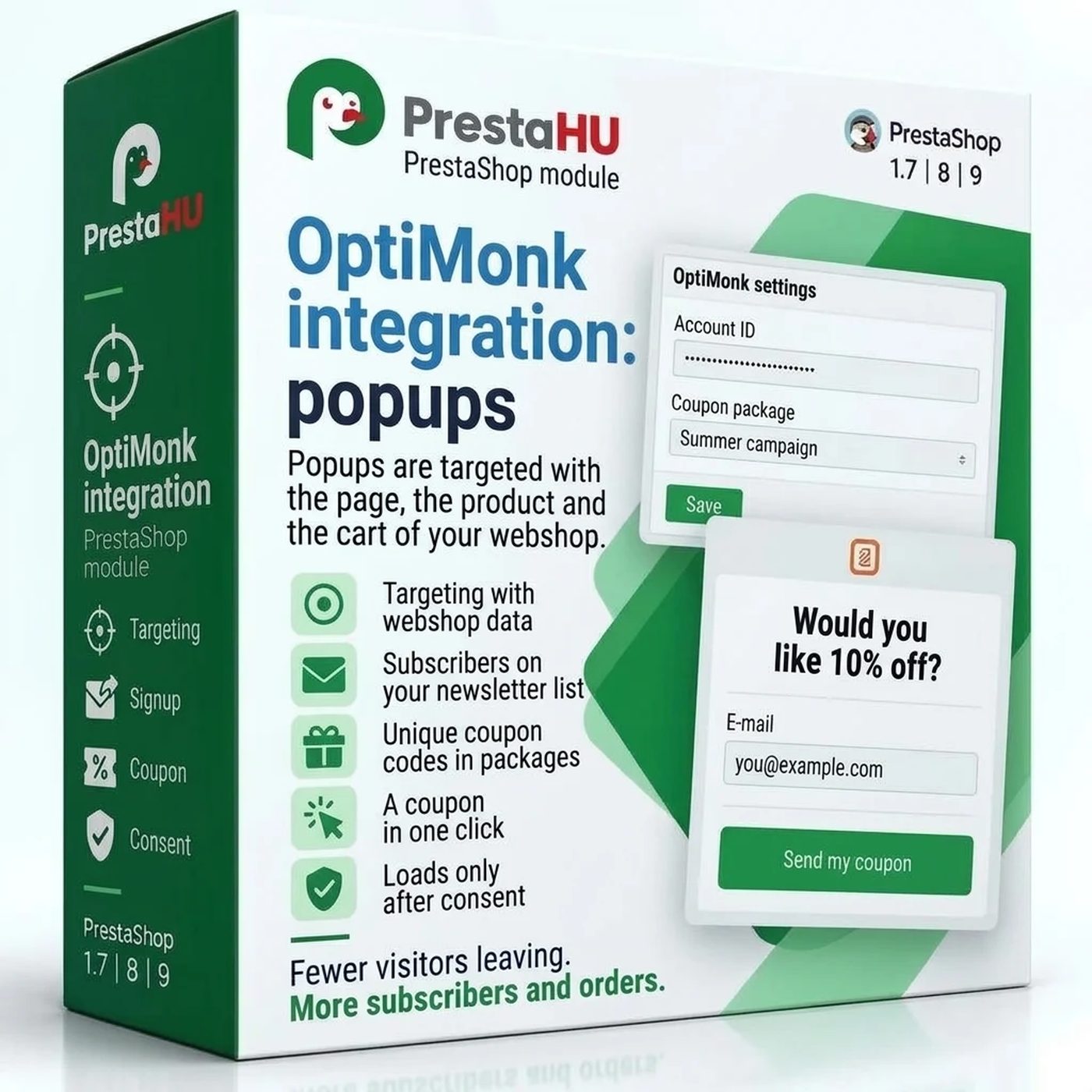
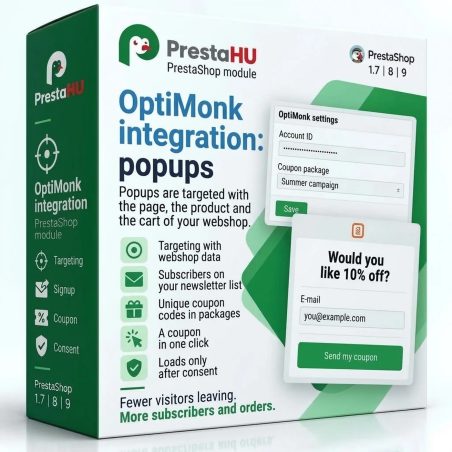
Targeting with the webshop data, subscribers on the newsletter list, unique coupon codes for OptiMonk campaigns.
OptiMonk PrestaShop module – targeting and coupons | PrestaHU

What it does

Connect it once, and OptiMonk works with your webshop data.

Targeting with webshop data

OptiMonk receives the page type, the product, the cart and the customer group. A popup can show only on product pages, only with a non-empty cart, or with the amount still missing for free shipping. The cart content is up to date right after adding to cart, without a page reload.

Only after consent

The OptiMonk script loads only once the visitor has given consent: by Google Consent Mode, the cookie of your consent manager, a browser event or a script call. The cart, the checkout and the payment pages are always left out, and you can exclude more pages.

Subscribers on your newsletter list

A visitor who enters an e-mail address in a popup and gives consent goes to the newsletter list of the webshop, after a confirmation e-mail if you want one. The subscriber list shows the campaign, the source of consent and the status.

Unique coupon codes in packages

One package makes up to 20,000 unique codes as cart rules, with a discount, a minimum cart value, a validity period and customer groups. You upload the codes to the OptiMonk campaign as one file.

A coupon in one click

The link that applies a coupon puts the code on the visitor’s cart and opens the cart or the page you choose. Placed on a button of an OptiMonk popup, the visitor does not have to type the code.

Which code brought an order

The results of a package show the order, the discount and the order value for each code. The module sends an e-mail when a package expires in 14, 7 or 1 days, or when 80% of its codes have been used.

The actual interface

This is the module from the inside

Good to know

What do you need?

An OptiMonk account and its account ID, found in the OptiMonk embed code. Upload the module as usual, enter the ID, choose how the webshop learns about the visitor’s consent, and the OptiMonk popups work with your webshop data.

  • PrestaShop: 1.7.4 to 9
  • Installation: ZIP upload in the Module Manager
  • Interface languages: English, Hungarian, Romanian
  • Several webshops: separate settings for each webshop
  • Coupon codes: up to 20,000 unique codes per package
  • Log: every step of the module can be looked up for 90 days

Why it is good for you

Better-targeted popups, less work by hand

  • Precise targetingA popup shows by cart value, product and customer group.
  • No list kept by handSubscribers go to the newsletter list of the webshop on their own.
  • Coupons that workA code given out in OptiMonk is valid in the webshop cart.
  • Consent respectedThe script loads only after the visitor has given consent.

Technical details

Compatibility and version

Compatibility
PrestaShop 1.7.4–1.7.8, 8.0–8.2, 9.0–9.2
Version
1.0.0

Versions

What changed in each version?

v1.0.02026-11-06

  • OptiMonk account for each webshop, with a connection check
  • Detection of OptiMonk code pasted into the theme or another module, without double loading
  • Webshop data for popup targeting: cart, customer, page and product
  • Unique coupon codes as cart rules, with export to OptiMonk and tracking of their use
  • Popup subscribers join the newsletter list of the webshop with their consent
  • Loading only with the visitor's consent, following the cookie banner of the webshop
  • Excluded pages where no popup appears

PrestaHU reviews on Google

Google 5.0 61 Google reviews All reviews on Google
  • tomica blagojević 10 months ago

    I bought a PrestaShop module from PrestaHU and I’m very satisfied. The module works perfectly, and the owner Levente quickly resolved all my questions with great support. Highly recommended!

  • Ivonig Corfmat 2 years ago

    Levente/presta.hu has been very helpful and quick to reply to any question or issue we may have had in order to install and configure the plugins.

    We got 2 plugins from presta.hu and both are doing their tasks just fine.

  • Marcos Ametller 1 year ago

    The module with SimplePay worked and was a lower price than the recommended by OTP. And the service from Levente has been spotless. I recommend

  • András Bajomi 2 years ago

    Levente is a real Prestashop guru, with all the skills & knowledge to solve our PS issues quickly and efficiently.

  • Wiki W 3 years ago

    Great modules for Prestashop and excellent support from Levi!
    All recommendations for this developer!

Frequently asked questions

What people ask before buying

Which PrestaShop versions does it work with?
PrestaShop 1.7.4 to 9, with one or more webshops. Each webshop has its own settings.
Do I need an OptiMonk account?
Yes, the module connects an existing OptiMonk account with the webshop. The account ID is in the OptiMonk embed code; the API key is optional.
Where do popup subscribers go?
To the newsletter list of the webshop when the PrestaShop e-mail subscription module is installed; otherwise to the module’s own list. Only visitors who gave consent are added, and if you switch it on, the signup is valid after a confirmation e-mail.
How do the coupon codes get to OptiMonk?
The module makes the codes as cart rules and exports them to a file, which you upload to the coupon codes of the OptiMonk campaign. You can export only the new codes, or all of them.
What if the OptiMonk code is already in my theme?
The module searches the active theme, the modules and the texts of the database, and shows where an OptiMonk code typed by hand is. Remove it: it loads without consent, and the script can load twice.
Does OptiMonk receive the customer’s name or e-mail address?
No. For a customer, the group, the number of orders, the total spent, the last order and the newsletter signup are passed. Passing the first name is a separate switch, for when the privacy policy of the webshop names OptiMonk as a recipient.
What happens when I uninstall the module?
The module removes its own menu items. The settings, coupon packages, subscriber records and the coupon codes already made are kept, so after a new installation the module continues where it stopped.

Help

Where to get help

All modules

Browse our other PrestaShop modules.

Built to work together

Our modules are designed to run side by side in the same shop.

Frequent updates

Fixes and improvements arrive continuously, in frequent new versions.

Live support

Direct help during install and configuration.

100%

Scroll or double-click: zoom · Drag: move · ESC: close

OptiMonk integration: targeted popups and coupons €19.99
My modules