



PrestaShop 1.7.4–1.7.8, 8.0–8.2, 9.0–9.2 compatible

Security fixes for PrestaShop

5.0 61 Google reviews of PrestaHU

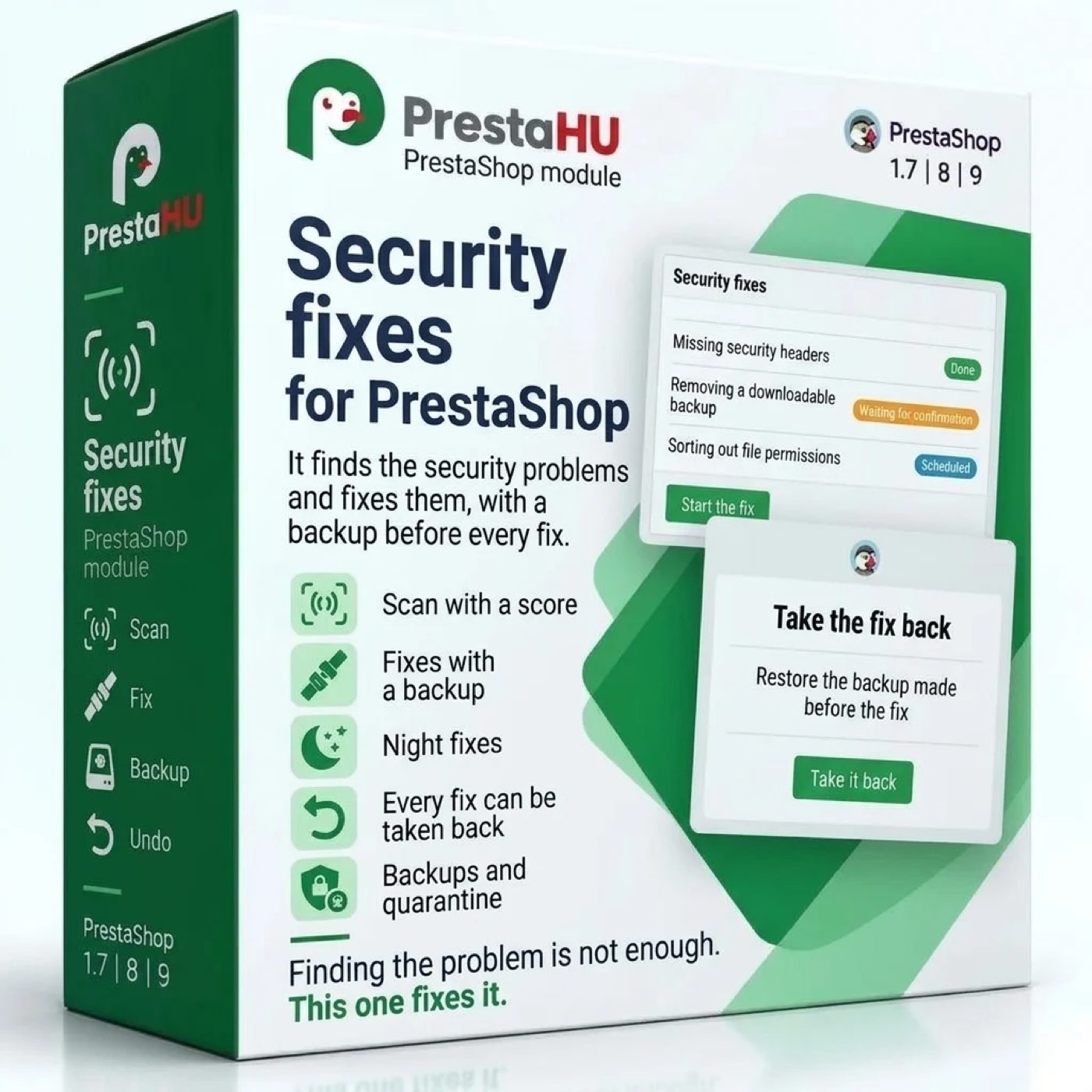
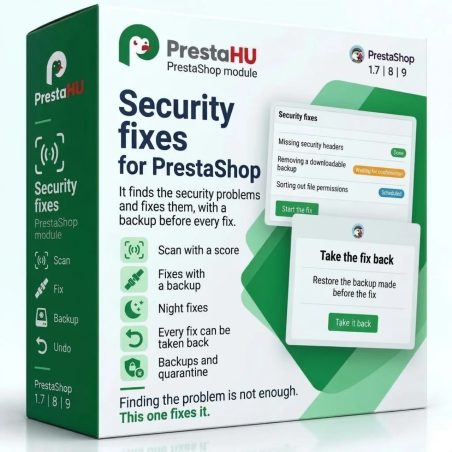
It finds the security problems, fixes them with a backup, and goes back when a page of the store answers differently.

€49.99

One-time fee • 12 months of updates and support

See how it looks
  • A backup before every fix
  • Taken back in one click
  • Support in English
Scan, fix with a backup, check and take back: security problems fixed from the back office.
PrestaShop security fix module – backup and rollback | PrestaHU

What it does

A module that does not only find the security problems of your store, it fixes them too.

Scan with a score

It checks the same things as the free Security scan: PrestaShop and module versions with known vulnerabilities, downloadable backups, missing security headers, suspicious accounts, changed files. It also reports modules switched off for a long time and never updated. A score and a grade show the state at a glance.

Fixes with backup and check

Before every fix, the affected files and settings are backed up. Then the module requests the home page, a category, a product, the cart and the back office sign-in page; when any of them answers differently than before, it takes the change back by itself.

Night fixes

When switched on, the module also applies the low-risk fixes after the night scan, each with a backup and the check pages. A fix of higher risk, such as moving a file into quarantine or switching a module off, always waits for your confirmation.

Every fix can be taken back

The Fixes screen lists every fix with its time, state and steps, with filters and CSV export. One click takes a fix back. When the problem is still there after the fix, a ready text for the hosting provider is prepared.

Backups and quarantine

Backups are kept for the time you set, up to the number you set. A file moved into quarantine is listed here too and can be restored. When a fix cannot be taken back by itself, one click restores it from the backup.

Notices and a monthly report

An e-mail goes out when a serious finding appears, when a night fix ran or was taken back by the module, and when the score drops; the same notice can go to a webhook. At the start of each month a PDF summary of the previous month arrives.

The actual interface

This is the module from the inside

Good to know

What you need

Upload the module ZIP in the Module Manager as usual. The night scan and fixes need a scheduled task (cron) on the hosting running every 15 minutes, and the vulnerability list needs an internet connection. A scan or a fix can also be started by hand at any time.

  • PrestaShop: 1.7.4 to 9
  • PHP: 7.1 to 8.5
  • Interface: English, Hungarian, Romanian
  • Backups: kept 30 days by default, at most 20
  • Multistore: separate scan and settings per shop
  • Log: entries kept for 90 days

Why it is good for you

The problems get fixed, the store keeps working

  • Nothing stays openMost findings can be fixed with one click, without a developer.
  • Nothing breaksWhen a check page answers differently, the fix is taken back by itself.
  • Works at nightLow-risk fixes run on their own after the scan.
  • A ready text for the hostWhen the problem lies on the server, the text for the provider is copied with one button.

Technical details

Compatibility and version

Compatibility
PrestaShop 1.7.4–1.7.8, 8.0–8.2, 9.0–9.2
Version
1.0.0

Versions

What changed in each version?

v1.0.02026-11-08

  • One-click fixes with a backup first and a page check after
  • A fix is taken back on its own when a page answers differently
  • Low-risk fixes run all at once or during the night
  • Suspicious files to quarantine, changed core files back to the official ones
  • Backups and fixes listed, with undo and CSV export
  • Monthly security summary as PDF and e-mail

PrestaHU reviews on Google

Google 5.0 61 Google reviews All reviews on Google
  • tomica blagojević 10 months ago

    I bought a PrestaShop module from PrestaHU and I’m very satisfied. The module works perfectly, and the owner Levente quickly resolved all my questions with great support. Highly recommended!

  • Ivonig Corfmat 2 years ago

    Levente/presta.hu has been very helpful and quick to reply to any question or issue we may have had in order to install and configure the plugins.

    We got 2 plugins from presta.hu and both are doing their tasks just fine.

  • Marcos Ametller 1 year ago

    The module with SimplePay worked and was a lower price than the recommended by OTP. And the service from Levente has been spotless. I recommend

  • András Bajomi 2 years ago

    Levente is a real Prestashop guru, with all the skills & knowledge to solve our PS issues quickly and efficiently.

  • Wiki W 3 years ago

    Great modules for Prestashop and excellent support from Levi!
    All recommendations for this developer!

Frequently asked questions

Questions before buying

How is it different from the free Security scan?
The Security scan only reads and describes the steps of the fix. Security Pro checks the same things, but it also fixes most problems with a backup, checks the store afterwards, and every fix can be taken back.
Do I need the Security scan module as well?
No. Security Pro scans and fixes on its own; installing the Security scan is not required.
What happens when a fix breaks something?
After the fix the module requests the check pages of the store; when one answers differently than before, it takes the change back by itself. A backup is made before every fix, and every fix can be taken back with one click.
Does it fix things on its own?
Only when you switch it on: then the low-risk fixes run after the night scan. A fix of higher risk, such as quarantine or switching a module off, always asks for a manual confirmation.
Which PrestaShop versions does it work with?
PrestaShop 1.7.4 to 9, PHP 7.1 to 8.5, with one or more shops.
What does the night scan need?
A scheduled task (cron) on the hosting running every 15 minutes. The module gives its address, copied with one button. The scan runs between 1 and 5 at night when the previous one is older than 20 hours.
Do customers see the module?
No. The module has no customer-facing part. The request filter blocks only the requests to vulnerable addresses; the rest of the store works as before.
What happens when the module is uninstalled?
The menu items are removed, the module takes its own rules out of the .htaccess file and removes the request filters. Backups are deleted only when that setting is on; findings, fixes and the log stay in the database.

Help

Where to get help

All modules

Browse our other PrestaShop modules.

Built to work together

Our modules are designed to run side by side in the same shop.

Frequent updates

Fixes and improvements arrive continuously, in frequent new versions.

Live support

Direct help during install and configuration.

100%

Scroll or double-click: zoom · Drag: move · ESC: close

PrestaShop security fixes: automatic fixes with backup €49.99
My modules