




PrestaShop 1.7.4–1.7.8, 8.0–8.2, 9.0–9.2 compatible

Mixed Cart Shipping Rules for PrestaShop

5.0 61 Google reviews of PrestaHU

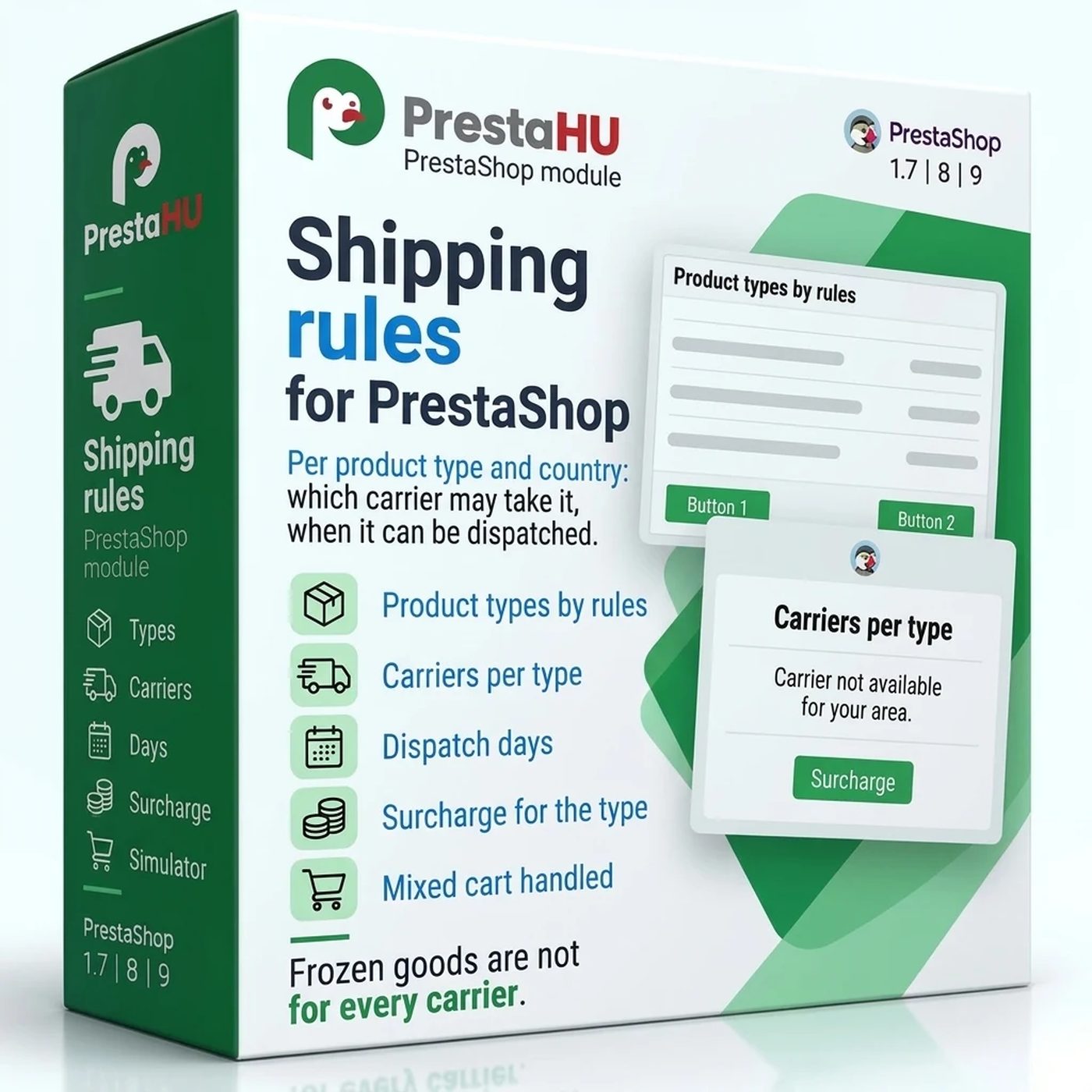
Frozen goods leave only with a cold-chain carrier; the surcharge and the dispatch day show at the checkout.

€39.99excl. VAT

Price excluding VAT. Buyers in the EU pay 21% VAT on top, except businesses outside Romania with a VAT number valid in VIES.

One-time fee • 12 months of updates and support

See how it looks
  • Rules per country
  • Five ready product types
  • Support in English
Product types, carrier rules, the simulator and the cart as the customer sees it.
Mixed Cart Shipping Rules for PrestaShop

What it does

Carriers follow the kind of goods.

Product types, five ready to use

Products are sorted into types by product, category with its subcategories, manufacturer, feature value, weight or longest side. After installation five ready types wait for products: frozen, chilled, fragile, oversized and hazardous goods, each with its own customer messages in every language.

Carriers per type and country

For each type, set either the only carriers that may take it or the carriers that may not. A rule for one country wins over the rule for every country. A mixed cart keeps the carriers that every type in it allows.

Dispatch days and order cutoff

Tick the weekdays a type can be dispatched on, per country, and set an order cutoff hour. Depending on the type, the customer is only told the dispatch day, or no carrier is offered on the other days.

Surcharge on the shipping cost

A type can add a percentage of the shipping cost and a fixed amount per currency, also narrowed to a country or a carrier. The checkout shows the surcharge under its own name and charges it on free shipping too.

The customer knows why

The product page, the cart and the carrier step show, in the customer’s language, the message of the type, the delivery methods that cannot be chosen and the dispatch day. When the types in a cart share no carrier, the customer is told to place separate orders, or the checkout offers the fallback carrier you set.

A simulator before going live

Choose products and a delivery country, and the simulator shows from the checkout’s own carrier list which carriers remain, why each removed one was removed, the surcharge and when the order can leave.

The actual interface

The module interface

Good to know

What you need to use it

Upload the module ZIP in the Module Manager; the menu item appears under Shipping. No external account is needed. As long as no product is assigned to a type, the checkout is unchanged.

  • PrestaShop: 1.7.4 to 9
  • Interface languages: English, Hungarian, Romanian
  • Several webshops: log per webshop
  • Currency: fixed surcharge per currency

Why it is good for you

Intact parcels, fewer questions

  • The right carrierGoods that need cooling or careful handling travel only with a carrier that takes them.
  • Extra cost as a surchargeThe extra cost of a large or special parcel goes into the shipping cost as a named surcharge.
  • Fewer questionsThe customer reads in the cart why a delivery method cannot be chosen and when the order leaves.
  • A check at orderingOn PrestaShop 9 an order with a carrier the rules do not allow is not created; on older versions the order page marks the broken rule.

Technical details

Compatibility and version

Compatibility
PrestaShop 1.7.4–1.7.8, 8.0–8.2, 9.0–9.2
Version
1.0.0

Versions

What changed in each version?

v1.0.02026-11-09

  • Product types by product, category with its subcategories, manufacturer, feature value, weight or longest side; five ready types with customer messages in every language
  • Carrier rules per type and country: only the listed carriers, or any carrier except the listed ones; a mixed cart keeps the shared carriers
  • Dispatch days and an order cutoff per type and country; the customer is told the dispatch day, or no carrier is offered on the other days
  • A surcharge on the shipping cost: a percentage and a fixed amount per currency, also narrowed to a country or a carrier, charged on free shipping too
  • Customer messages on the product page, in the cart and at the carrier step; a fallback carrier when no carrier is left for the cart; a check when the order is placed
  • A simulator with the checkout's own carrier list; a log per webshop

PrestaHU reviews on Google

Google 5.0 61 Google reviews All reviews on Google
  • tomica blagojević 10 months ago

    I bought a PrestaShop module from PrestaHU and I’m very satisfied. The module works perfectly, and the owner Levente quickly resolved all my questions with great support. Highly recommended!

  • Ivonig Corfmat 2 years ago

    Levente/presta.hu has been very helpful and quick to reply to any question or issue we may have had in order to install and configure the plugins.

    We got 2 plugins from presta.hu and both are doing their tasks just fine.

  • Marcos Ametller 1 year ago

    The module with SimplePay worked and was a lower price than the recommended by OTP. And the service from Levente has been spotless. I recommend

  • András Bajomi 2 years ago

    Levente is a real Prestashop guru, with all the skills & knowledge to solve our PS issues quickly and efficiently.

  • Wiki W 3 years ago

    Great modules for Prestashop and excellent support from Levi!
    All recommendations for this developer!

Frequently asked questions

What people ask before buying

Does the checkout change after installation?
No. The five ready types have no products at installation, and as long as a type has no products, the checkout offers the same carriers as before.
What happens when the cart holds products of several types?
The cart keeps the carriers every type allows, and the dispatch days the types share. When no shared carrier is left, the customer is told to place separate orders; when a fallback carrier is set, the checkout offers it.
Can a rule differ by country?
Yes. Carrier rules, dispatch days and surcharges can be set for one country or for every country; the line for a country wins.
What if the customer still picks a carrier the rules do not allow?
On PrestaShop 9, PrestaShop refuses such an order. On older versions the order is recorded with a warning, and the module marks the broken rule on the order page.
Does it work with the carriers of shipping modules?
Yes. The module filters the checkout’s carrier list, so the carriers of shipping modules are in it with their own prices. The simulator shows the same list.
Which PrestaShop versions does it work with?
PrestaShop 1.7.4 to 9. If, before PrestaShop 9, another module already changes the carrier list of the cart at the same place, the installation stops and the error message names the conflict.
What happens when the module is uninstalled?
Uninstalling removes the menu items; the checkout then offers PrestaShop’s own carrier list. The types, rules, surcharges and settings are kept and work the same way after a reinstall.

Help

Where to get help

All modules

Browse our other PrestaShop modules.

Built to work together

Our modules are designed to run side by side in the same shop.

Frequent updates

Fixes and improvements arrive continuously, in frequent new versions.

Live support

Direct help during install and configuration.

100%

Scroll or double-click: zoom · Drag: move · ESC: close

Mixed Cart Shipping Rules for PrestaShop €39.99excl. VAT
My modules