Badges from product features
A badge can be tied to one or more values of a feature, such as composition, material or certification. Its text is your own wording or the feature value itself in the visitor's language, so one badge covers every value.


Tell us what you want to achieve and we will tell you the best way and the cost.
Contact
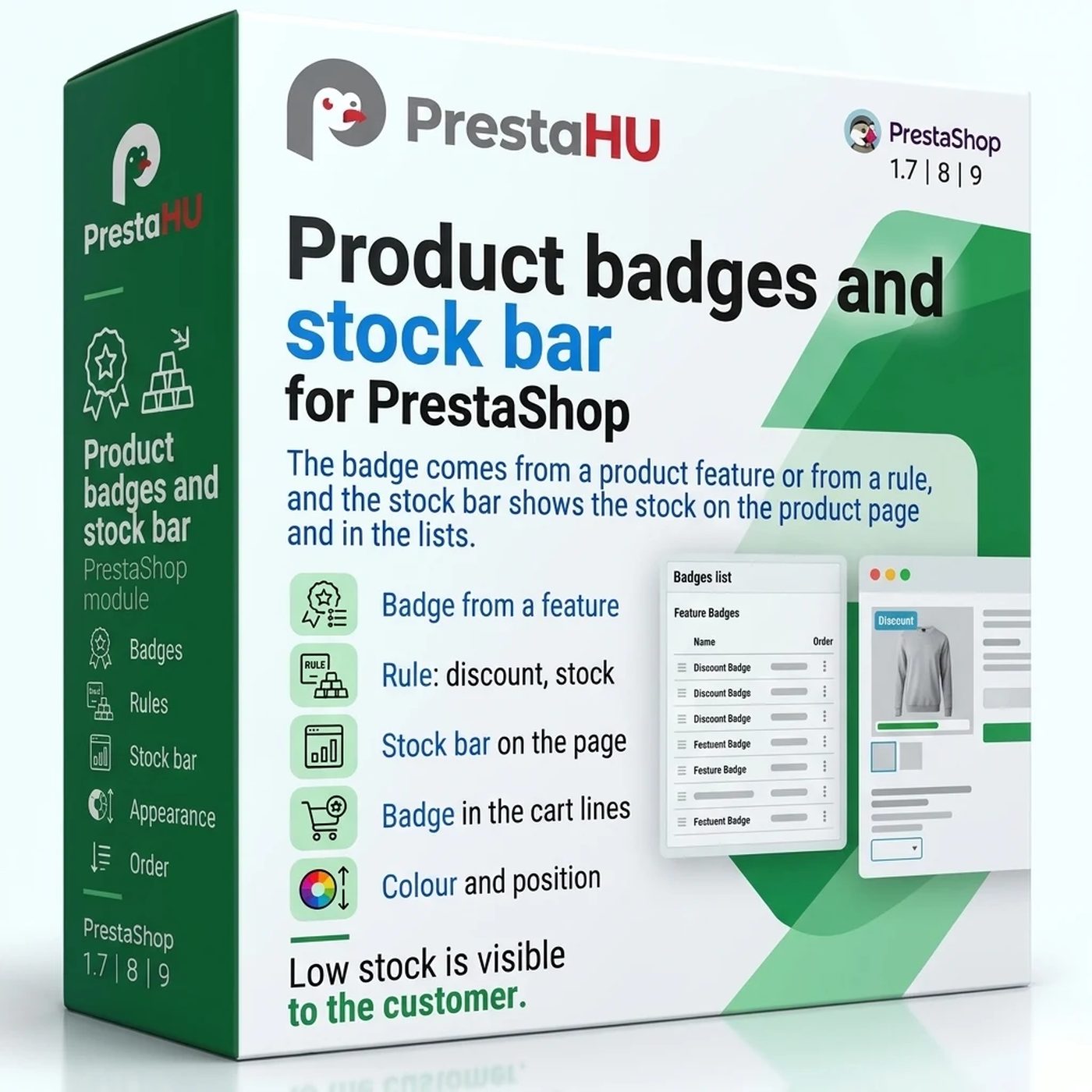
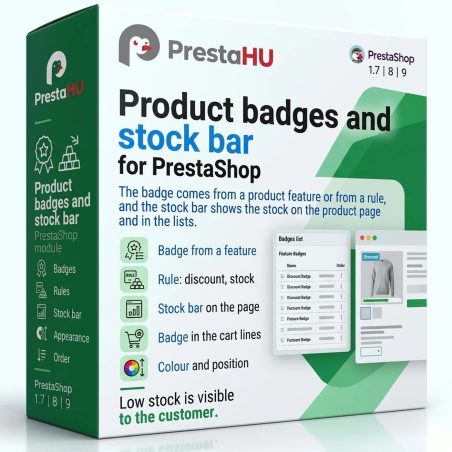
Badges on the product picture tell what's on sale, what's running out and what stands out; the stock bar shows the real stock.
Price excluding VAT. Buyers in the EU pay 21% VAT on top, except businesses outside Romania with a VAT number valid in VIES.
One-time fee • 12 months of updates and support
What it does
A badge can be tied to one or more values of a feature, such as composition, material or certification. Its text is your own wording or the feature value itself in the visitor's language, so one badge covers every value.
New products, products discounted by at least the given percentage, low stock up to a number of pieces, out of stock, a price that reaches the free shipping limit, and a zero price. The text can carry the discount, the number of pieces and the feature value.
On the product page a four-step bar shows the real stock of the selected combination and follows the choice of combination; the level is always written next to it. The two limits, the bar colour and the texts per language are yours to set, the number of pieces can be shown, and the lists get a smaller bar.
A product priced at zero shows “Free” instead of the amount on the product page, in the lists and in the customer account, and optionally in the cart lines. Invoices, product feeds and structured data keep the zero amount. The text can be changed per language.
Background and text colour are free to choose; the editor measures the contrast and does not save a pair that is hard to read. Twelve built-in icons or your own, one of the four corners of the picture or next to the price, a schedule, customer groups and a limit per place.
A badge can also go on chosen products, categories or brands, with products left out one by one. Products are found by name, reference or id.
The actual interface
Good to know
Upload the module ZIP in the Module Manager; the menu item appears under Catalog. No external account is needed. Until you add a badge or switch on the stock bar, the webshop stays as it is.
Why it is good for you
Technical details
Versions

I bought a PrestaShop module from PrestaHU and I’m very satisfied. The module works perfectly, and the owner Levente quickly resolved all my questions with great support. Highly recommended!

Levente/presta.hu has been very helpful and quick to reply to any question or issue we may have had in order to install and configure the plugins.
We got 2 plugins from presta.hu and both are doing their tasks just fine.

The module with SimplePay worked and was a lower price than the recommended by OTP. And the service from Levente has been spotless. I recommend

Levente is a real Prestashop guru, with all the skills & knowledge to solve our PS issues quickly and efficiently.

Great modules for Prestashop and excellent support from Levi!
All recommendations for this developer!
Frequently asked questions
Help
Browse our other PrestaShop modules.
Our modules are designed to run side by side in the same shop.
Fixes and improvements arrive continuously, in frequent new versions.
Direct help during install and configuration.