PrestaShop 1.7.4–1.7.8, 8.0–8.2, 9.0–9.2 compatible

Bulk product editor with import and export

5.0 62 Google reviews of PrestaHU

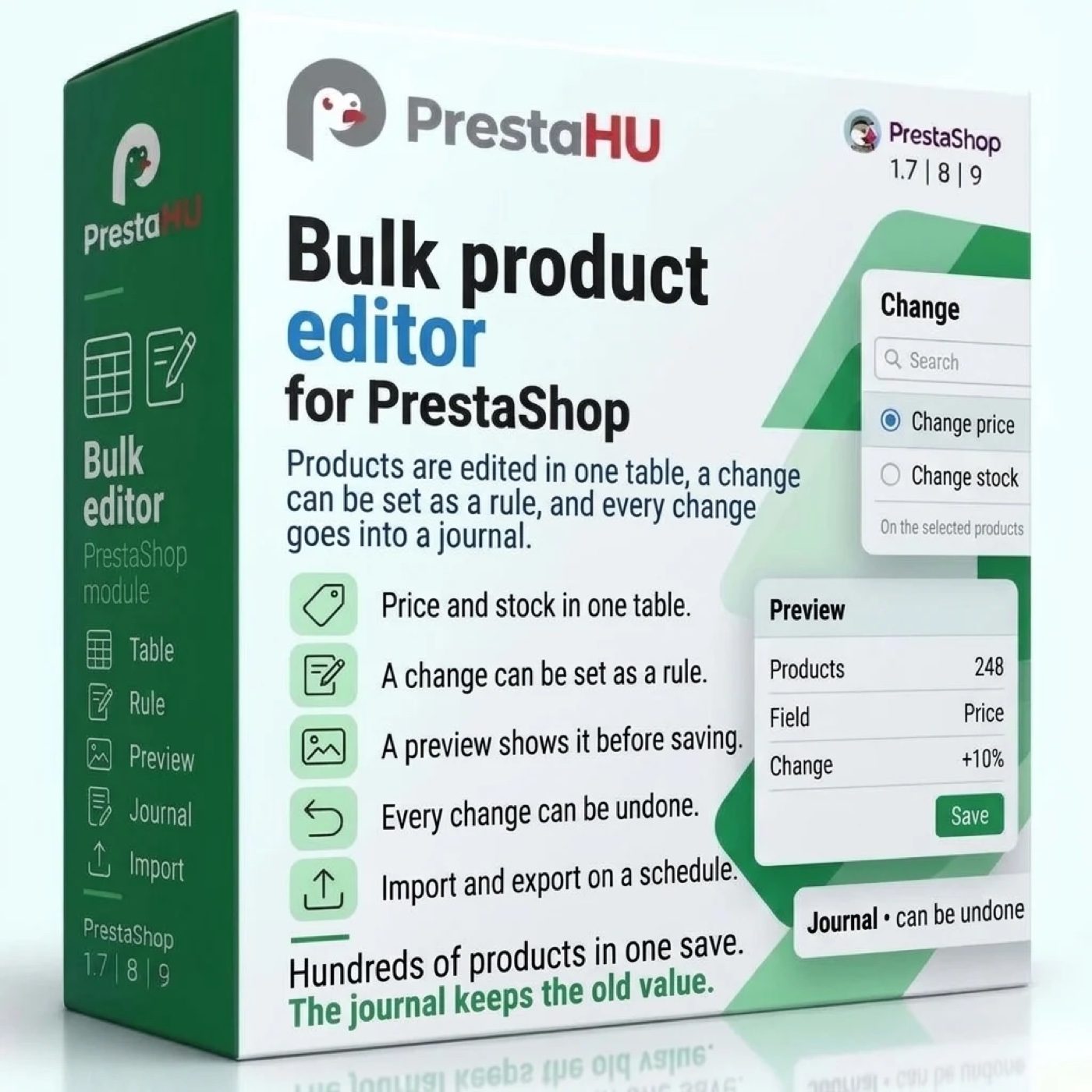
A price, stock level or description changes through one rule or one file, and the preview shows the result in advance.

€39.99excl. VAT

Price excluding VAT. Buyers in the EU pay 21% VAT on top, except businesses outside Romania with a VAT number valid in VIES.

One-time fee • 12 months of updates and support

Try the demo
  • Table and rules
  • Preview and undo
  • Scheduled imports
Table, rules, preview, journal, import and export in one module.
Bulk edit PrestaShop module – product import and export | PrestaHU

What it does

Set the change once, and the module rewrites the products.

A table you edit in place

Products appear in one table, cells are edited where they are, and cells copied from a spreadsheet can be pasted in. A filter selects products by name, reference, barcode, category (with subcategories), brand, supplier, status, and ranges of stock, price or date added. Column sets and filters can be saved, and the webshop and language can be chosen.

Rules for percentages, formulas, price bands

A price can change by a percentage, an amount, a multiplier, a formula or price bands, starting from the net, gross or wholesale price, and be rounded to a whole number, to decimals, to a multiple or to a given ending such as .99. Text fields take a prefix, a suffix, a replacement or a case change. Rules also set stock, categories, tags, features, brand, supplier, status and specific prices.

Preview before anything is written

Before saving, the preview lists each product with its old and new value, and nothing reaches the webshop until the change is confirmed. The fields of a product can be protected, so that no rule and no import overwrites them. An import also has a step of its own for a trial run.

Journal and undo

Every change is recorded as an operation with its old and new values. Undo restores the stored old value instead of calculating backwards. If a value has changed since, the module names the operation that changed it, and the choice is to skip it or to restore it anyway. The changes and the failed rows can be downloaded as CSV.

Import with column mapping

The columns of a CSV, XLSX, ODS, XML or JSON file are matched to product fields (name, price, stock, category, image, feature, combination and more), and the matching can be saved as a template. Products are recognised by ID, reference, EAN, UPC, ISBN, MPN or supplier reference, and rows can update, create or do both. Rows with errors are returned in a separate file.

Export and scheduled runs

An export profile keeps the fields and the format. The file is available through a download link (limited to chosen IP addresses and, if needed, to new or changed products only) or is delivered to a folder on the server, an FTP server or an SFTP server. A schedule can refresh the file behind the link, so the external system always downloads current data. A schedule runs every few minutes, hourly, daily, weekly, monthly or once, and takes its file from a web address, an FTP or SFTP server or a server folder. E-mail notices are optional.

The real interface

What the module looks like inside

Good to know

What do you need?

Only the module itself. After installation the bulk editor appears in the Catalog menu, and a first import needs nothing more than choosing a file. A scheduled run needs one address, which the module shows, entered in the task scheduler of the hosting.

  • Compatibility: PrestaShop 1.7.4 – 9.
  • File formats: CSV, XLSX, ODS, XML and JSON; the old binary XLS format is not read.
  • File sources: An uploaded file, a web address, an FTP or SFTP server, or a folder on the server.
  • Encoding: The module recognises the delimiter, the decimal mark and the text encoding (Windows-1250, for example).
  • Webshops and languages: The table and the import both work per webshop and per language.
  • Journal: Old and new values are kept 180 days and operation records 730 days by default; both can be changed.

Why it helps

What you get

  • Less manual workA hundred prices change through one rule, and a supplier file updates the range on a schedule.
  • Safer changesThe preview shows the result first, and the journal restores the old values.
  • Reusable setupsColumn sets, filters, rules and import mappings are saved and used again.
  • A clear recordThe result of a scheduled run is in the journal, and a failed run is also reported by e-mail.

Technical details

Compatibility and version

Compatibility
PrestaShop 1.7.4–1.7.8, 8.0–8.2, 9.0–9.2
Version
1.1.0

Versions

What changed in each version?

v1.1.02026-11-15

  • The file of a permanent export link is refreshed on a schedule: a schedule can target a permanent link, so the external system always downloads current data
  • The link card shows which schedule refreshes it and when it runs next; the schedule can be set up with one button
  • Deleting a link switches off the schedules that refresh it
  • On wide screens the schedule form, the export profile and the import steps show full-width fields instead of squeezed drop-downs
  • On narrow screens the rows of the Export list stack readably, and the row action menu stays inside the screen

v1.0.12026-11-15

  • Import handles the texts of new products according to the “A language missing from a file” setting: it warns, copies the default language text or skips the row
  • The import preview shows the notes of the rows and the reason of the skipped rows, with their row numbers
  • Import messages name the value they refer to

v1.0.02026-11-15

  • Spreadsheet-style product editing with filters, saved views and paste
  • Price changes by percentage, amount, multiplier or formula
  • Preview before applying, undo from the journal
  • Import and export in CSV, XLSX, ODS, XML and JSON
  • Files, web addresses, FTP and SFTP as sources; export by link or upload
  • Scheduled import and export with e-mail notifications

PrestaHU reviews on Google

Google 5.0 62 Google reviews All reviews on Google
  • tomica blagojević 11 months ago

    I bought a PrestaShop module from PrestaHU and I’m very satisfied. The module works perfectly, and the owner Levente quickly resolved all my questions with great support. Highly recommended!

  • Ivonig Corfmat 2 years ago

    Levente/presta.hu has been very helpful and quick to reply to any question or issue we may have had in order to install and configure the plugins.

    We got 2 plugins from presta.hu and both are doing their tasks just fine.

  • Marcos Ametller 1 year ago

    The module with SimplePay worked and was a lower price than the recommended by OTP. And the service from Levente has been spotless. I recommend

  • András Bajomi 2 years ago

    Levente is a real Prestashop guru, with all the skills & knowledge to solve our PS issues quickly and efficiently.

  • Wiki W 3 years ago

    Great modules for Prestashop and excellent support from Levi!
    All recommendations for this developer!

FAQ

What people ask before buying

Which PrestaShop versions does it work on?
PrestaShop 1.7.4 to 9.
Can a change be undone?
Yes. The journal keeps the old value of every operation, and undo restores it. If a value has changed since, the module names it, and the choice is to skip it or to restore it anyway. A product created by an import is removed by the undo, provided nobody has changed it since.
How long does the journal keep the old values?
180 days by default, and the operation records 730 days; both can be changed.
What happens to products that are not in the file?
One of four choices applies: the product stays as it is, becomes inactive, can no longer be ordered, or gets zero stock. The module does not delete products that are missing from the file. Unless the products are set to stay unchanged, an empty file or one with very few rows makes the run wait for approval.
Which files can be imported?
CSV, XLSX, ODS, XML or JSON files, uploaded, fetched from a web address or an FTP or SFTP server, or read from a folder on the server. The old XLS format is not read; the file has to be saved as XLSX or CSV.
How do scheduled runs work?
The schedule is set in the module, and the address the module shows is entered once in the task scheduler of the hosting; that address starts the tasks that are due. A schedule can run every few minutes, hourly, daily, weekly, monthly or once.
Does it work with several webshops and languages?
Yes. The table lets you choose the webshop and the language, and in an import each column states which language and which webshop it belongs to.
On how many webshops can one licence be used?
The licence is for the domain given at the order. Another webshop needs another licence; write to us and we will arrange it.

Help

Where to get help

All modules

Browse our other PrestaShop modules.

Built to work together

Our modules are designed to run side by side in the same shop.

Frequent updates

Fixes and improvements arrive continuously, in frequent new versions.

Live support

Direct help during install and configuration.

100%

Scroll or double-click: zoom · Drag: move · ESC: close

Bulk product editor with import and export for PrestaShop €39.99excl. VAT
My modules