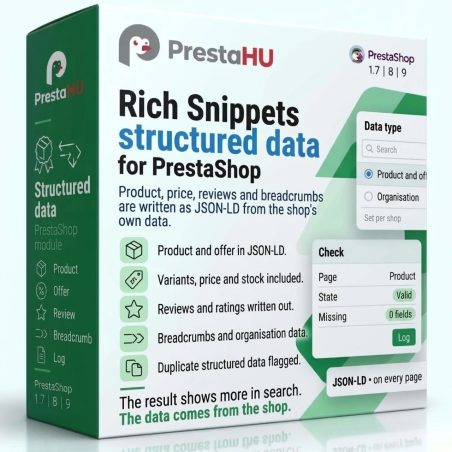
PrestaShop 1.7.4–1.7.8, 8.0–8.2, 9.0–9.2 compatible

Rich Snippets for your product pages.

5.0 62 Google reviews of PrestaHU

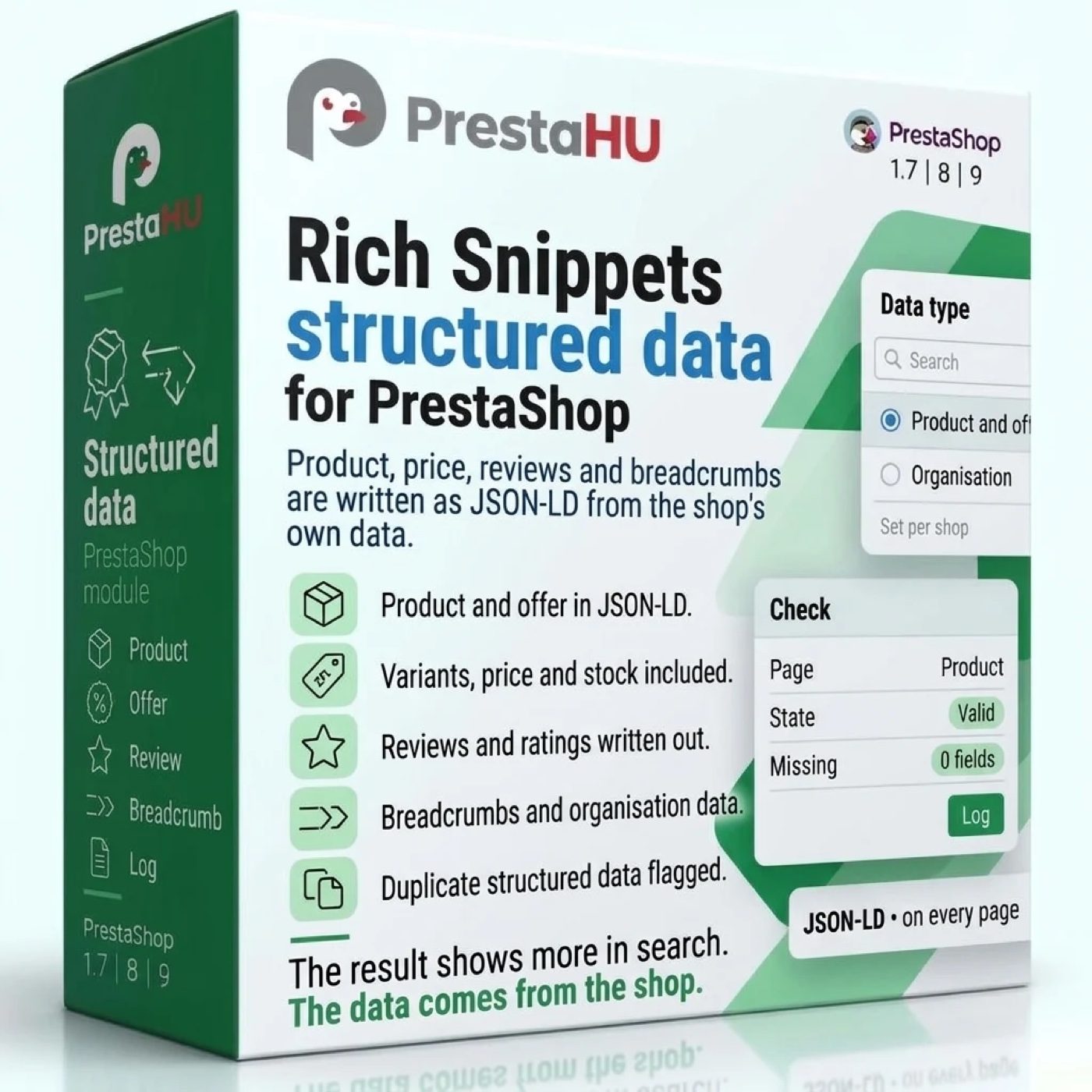
Product, price, stock, variants, breadcrumb path and shop details, taken from your shop's real data.

€59.99excl. VAT

Price excluding VAT. Buyers in the EU pay 21% VAT on top, except businesses outside Romania with a VAT number valid in VIES.

One-time fee • 12 months of updates and support

Try the demo
  • From your shop's own data
  • One block per page
  • Support in English
One checkable set of product data per page, built from the shop's real data, and a preview that shows what is missing.
Rich Snippets and structured data for PrestaShop

What it does

Search engines get accurate data, once per page.

Product and variants

Besides name, images, price and stock, size and colour variants get their own data, with their own web address and offer. The price is the one the customer sees on the page.


Real reviews only

The rating comes from the shop's review module, and only approved reviews go into the data. A product without a rating carries none.

Returns and shipping

Return terms are set per country. Shipping cost comes from each carrier's price table, and the delivery time is entered per carrier and zone.

One block per page

If the theme or another module already outputs such data, the module replaces the duplicate, leaves out its own block, or only reports it. The scan lists the foreign blocks.

Preview and live check

The preview shows the finished data and the missing or broken fields. The live check does the same on the real pages and also checks that the price is visible on the page.

Exceptions by product or category

A single product or a whole category can be left out of the data; barcode, manufacturer part number and Google product category can be overridden per product, also from the product editor.

Real interface

What the module looks like inside

Good to know

Do you need a developer?

No. The module is uploaded from the Module Manager, and the Overview guides the setup step by step. After installation, the product, breadcrumb, organization and website data appear even before any card is filled in.

  • Compatibility: PrestaShop 1.7.4–9.1.
  • Shops: Settings are stored per shop, in a multistore too.
  • Scheduled task: Recommended to run every 15 minutes. It removes expired stored data and log entries older than 90 days, and sends the notification email.
  • Languages: Back office in Hungarian, English and Romanian.
  • Uninstall: Settings and rules are kept; the data can be deleted on the Delete data card, with a separate confirmation.
  • Support: 12 months of updates and support in English.

Why it pays off

What do you gain?

  • One block per pageNo clash with a block of the same kind from the theme or another module, because the module replaces it.
  • See what is missingThe preview flags missing and broken fields before Google meets them.
  • Price matches the pageThe offer uses the price currently displayed, including specific price, tax and customer group.
  • Nothing to type twiceShop details, carrier price tables and PrestaShop settings are the base; only what is missing has to be filled in.

Technical details

Compatibility and version

Compatibility
PrestaShop 1.7.4–1.7.8, 8.0–8.2, 9.0–9.2
Version
1.0.1

Versions

What changed in each version

v1.0.12026-11-14

  • Product pages no longer stop when a shipping time rule covers all zones of the carrier
  • The price in the data follows the price display of the customer group: without tax for a group that sees net prices
  • Unit price (for example per kilogram or per litre) in the offer
  • With returns switched off and no own rule, no return policy is stated in the data
  • The Overview shows when the return rules are not set

v1.0.02026-11-14

  • Product, price and stock as structured data
  • Variants with their own URL and offer
  • Approved reviews as ratings
  • Return and shipping conditions
  • One block per page, duplicates replaced
  • Preview and live check

PrestaHU reviews on Google

Google 5.0 62 Google reviews All reviews on Google
  • tomica blagojević 11 months ago

    I bought a PrestaShop module from PrestaHU and I’m very satisfied. The module works perfectly, and the owner Levente quickly resolved all my questions with great support. Highly recommended!

  • Ivonig Corfmat 2 years ago

    Levente/presta.hu has been very helpful and quick to reply to any question or issue we may have had in order to install and configure the plugins.

    We got 2 plugins from presta.hu and both are doing their tasks just fine.

  • Marcos Ametller 1 year ago

    The module with SimplePay worked and was a lower price than the recommended by OTP. And the service from Levente has been spotless. I recommend

  • András Bajomi 2 years ago

    Levente is a real Prestashop guru, with all the skills & knowledge to solve our PS issues quickly and efficiently.

  • Wiki W 3 years ago

    Great modules for Prestashop and excellent support from Levi!
    All recommendations for this developer!

Frequently asked questions

What buyers ask before they order

Does the module change my product data?
No. The module only outputs the structured data in the page header; products, prices and stock stay unchanged.
Is the price the same as the displayed price?
Yes. The offer uses the price currently displayed, including specific price, tax and customer group, in the currency of the request.
What happens if the theme already outputs such data?
There are three modes: the module replaces the foreign block of the same kind (the default), leaves out its own block, or only reports. The kinds concerned are product, breadcrumb, organization and website; other blocks, such as FAQ or blog, are left untouched. The theme files do not change.
How are variants shown?
In the settings you say which attribute group is the colour, size, material or pattern. After that, a product with several combinations appears as a product group, each combination with its own web address and offer. Without an assignment, the product is output as a single product.
Which reviews go into the data?
The average rating and the reviews come from the shop's review module (the PrestaShop product comments module or another review module), and only approved reviews go into the data. If a product has no rating, none is output.
Can a product or a category be left out?
Yes. Selected products on the Products screen or a whole category can be left out at once, and the exclusion can also be switched on on the product edit page. Every action is written to the log.
Is Google sure to show rich results?
No. The module gives the pages accurate, checkable data; what Google displays in the results is for Google to decide.
Is a scheduled task required?
The product, breadcrumb, organization and website data are output right after installation. The scheduled task deletes stored data and old log entries and sends the notification email; the Overview shows its address, and running it every 15 minutes is recommended.

Help

Where to get help

All modules

Browse our other PrestaShop modules.

Built to work together

Our modules are designed to run side by side in the same shop.

Frequent updates

Fixes and improvements arrive continuously, in frequent new versions.

Live support

Direct help during install and configuration.
Try the demo

Both open the same demo shop; the bar at the bottom switches between the two sides.

100%

Scroll or double-click: zoom · Drag: move · ESC: close

Rich Snippets and structured data for PrestaShop €59.99excl. VAT
My modules