PrestaShop 1.7.4–1.7.8, 8.0–8.2, 9.0–9.2 compatible

FAQ on every page of your shop

5.0 62 Google reviews of PrestaHU

The answer stands where the question comes up: under the product, above the category, on the no-results page.

€19.99excl. VAT

Price excluding VAT. Buyers in the EU pay 21% VAT on top, except businesses outside Romania with a VAT number valid in VIES.

One-time fee • 12 months of updates and support

See how it looks
  • Own text in every language
  • By product, category, brand
  • Support in English
Same question in your inbox again? The answer is written once and appears where customers look for it.
PrestaShop FAQ module – questions on product and category pages | PrestaHU

What it does

The answer is where the customer looks.

Shown where customers look

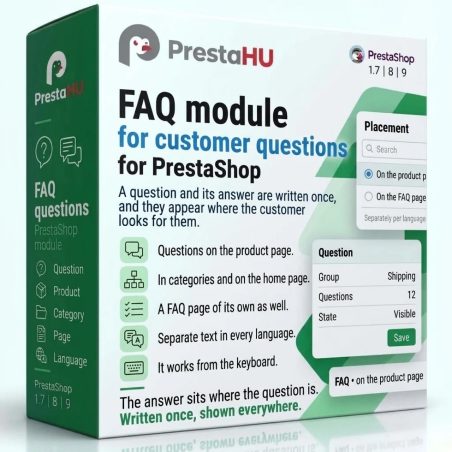
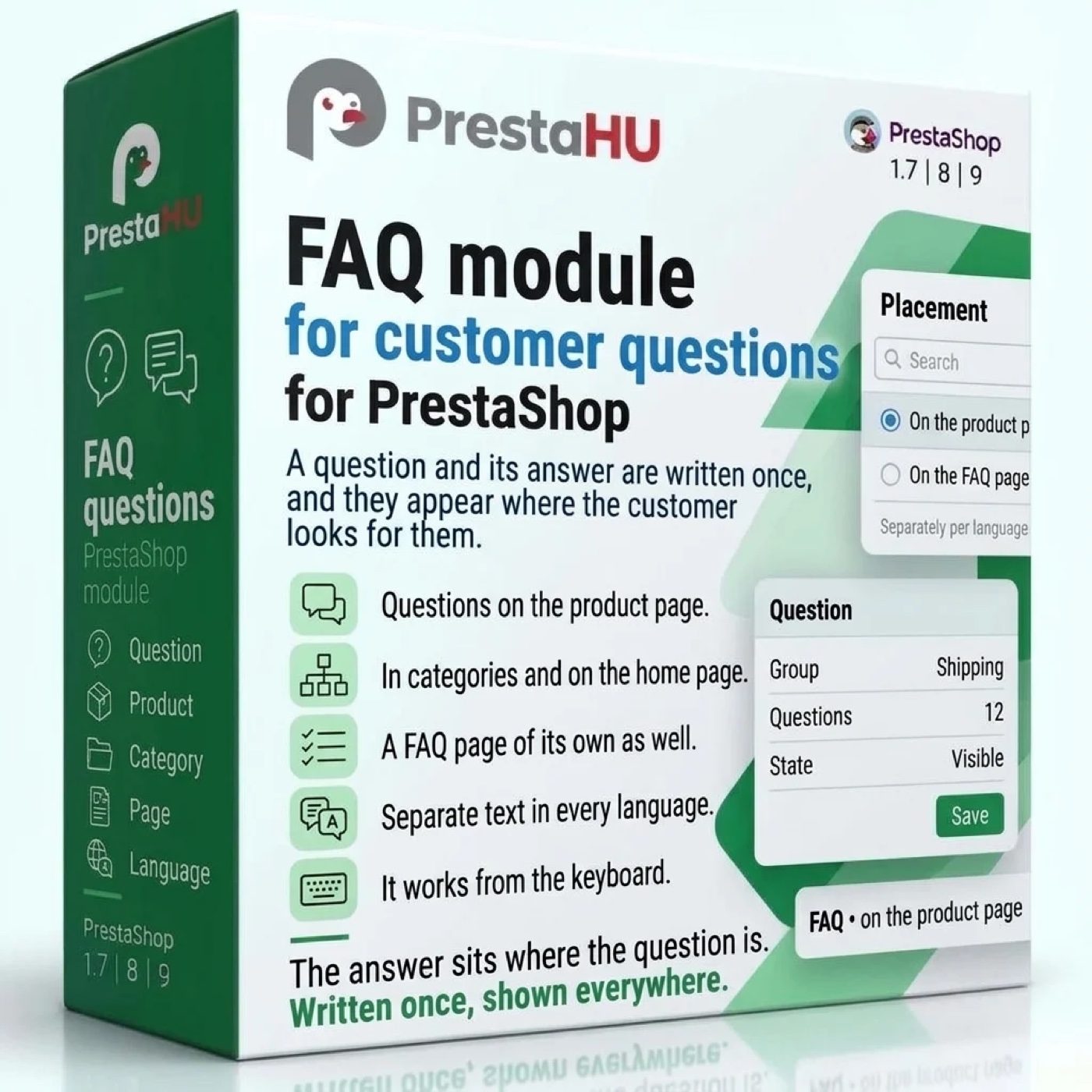
Product page, category, brand, home page, CMS page, no-results page and a FAQ page of its own: each place has its own layout (accordion or open list), heading and number of questions.


Assign and exclude

A question can be assigned to the whole store, a category (subcategories included), a product, a brand or a CMS page, and excluded where it does not fit. Products are picked by name and image.

A FAQ page with topics

The FAQ page groups questions by topic, and each topic has its own address and icon. Visitors filter the questions while typing, and the results are split into pages.

Customers can ask too

Visitors can send a question from the FAQ page, the product page and the no-results page. You answer by e-mail or publish it as a question with one click; the name of the asker never appears.

See what is still missing

The module logs the search terms for which the store search and the FAQ page found nothing. One click turns a term into a new question.

Image, video, button and variables

An answer can carry an image, a YouTube or Vimeo video and a button. It can also contain the free-shipping threshold, the number of return days, and the store e-mail and phone number, which the module reads from the store settings.

Real interface

What the module looks like inside

Good to know

Do I need a developer?

No. The module is uploaded as usual and opens under PrestaHU FAQ in the Catalog menu. After installation the product page, the no-results page and the FAQ page are on; the other places are switched on in the settings.

  • Compatibility: PrestaShop 1.7.4–9.1, one shop or several.
  • Languages: Question and answer are written separately for every language; the back office is in English, Hungarian and Romanian.
  • Starter questions: One button on the Tools screen creates three questions (contact, free shipping, returns), switched off, so you can rewrite them first.
  • Scheduled task: Optional: every 15 minutes it removes old search terms and the personal data of answered visitor questions.
  • Several shops: Questions, topics and settings are kept for each shop, and can be copied to another shop.
  • Uninstalling: Questions and topics are kept; they are back after a reinstall.

Why it pays off

What you gain

  • Fewer repeat e-mailsThe answer stands where the question comes up, so the customer does not need to write.
  • Kept up in one placeThe free-shipping threshold and the return days come from the store settings, so no answer needs rewriting by hand.
  • See what is missingThe list of searches without a result shows what visitors ask for and cannot find.
  • In every languageEvery language gets its own text, so a customer abroad reads the answer in their own language.

Technical details

Compatibility and version

Compatibility
PrestaShop 1.7.4–1.7.8, 8.0–8.2, 9.0–9.2
Version
1.0.0

Versions

What changed in each version

v1.0.02026-11-14

  • Questions by product, category, brand and home page
  • Standalone FAQ page with topics and search
  • Image, video and button in the answer
  • Visitors can submit questions
  • Log of searches with no results
  • Import from CSV and JSON files

PrestaHU reviews on Google

Google 5.0 62 Google reviews All reviews on Google
  • tomica blagojević 11 months ago

    I bought a PrestaShop module from PrestaHU and I’m very satisfied. The module works perfectly, and the owner Levente quickly resolved all my questions with great support. Highly recommended!

  • Ivonig Corfmat 2 years ago

    Levente/presta.hu has been very helpful and quick to reply to any question or issue we may have had in order to install and configure the plugins.

    We got 2 plugins from presta.hu and both are doing their tasks just fine.

  • Marcos Ametller 1 year ago

    The module with SimplePay worked and was a lower price than the recommended by OTP. And the service from Levente has been spotless. I recommend

  • András Bajomi 2 years ago

    Levente is a real Prestashop guru, with all the skills & knowledge to solve our PS issues quickly and efficiently.

  • Wiki W 3 years ago

    Great modules for Prestashop and excellent support from Levi!
    All recommendations for this developer!

Frequently asked questions

What buyers ask before they order

Where can the questions appear?
On the home page, the product page, category and brand pages, CMS pages, the no-results page and a FAQ page of its own. After installation the product page, the no-results page and the FAQ page are on; the other places are switched on in the settings.
Do I need to edit the theme?
Usually not. If the theme has no suitable place, the module shows the questions as a tab on the product page, and added to the page text elsewhere. The block can also be placed in a spot of your choice with a short code in the page text or a call in the template.
Can I write separate text for every language?
Yes. Question and answer are written for every language separately, and the address of the FAQ page is set per language. The back office is in English, Hungarian and Romanian.
What store details can go into an answer?
The free-shipping threshold, the number of return days, and the store e-mail and phone number. The module reads them from the store settings; when a value is not set, the question that uses it is not shown.
Can customers ask a question too?
Yes, once the question form is switched on. It can appear on the FAQ page, the product page and the no-results page; you answer by e-mail, reject the question, or publish it with one click. The form is protected against spam and comes with a consent checkbox.
Can I bring in the questions I already have?
Yes. Questions load from a CSV or JSON file, with a check first: the module shows how many questions can be imported and how many rows are faulty. Questions can be exported too, and the file can be imported again.
How does it work with several shops?
Questions, topics and settings are kept for each shop, and a change applies to the shop chosen in the top bar. The questions of one shop can be copied to another.
Does the module give search engines structured data?
Yes: from the questions shown on a page, the module builds a FAQPage structured data block, which has a switch of its own. Whether and how a search engine shows it is the search engine’s decision.

Help

Where to get help

All modules

Browse our other PrestaShop modules.

Built to work together

Our modules are designed to run side by side in the same shop.

Frequent updates

Fixes and improvements arrive continuously, in frequent new versions.

Live support

Direct help during install and configuration.
100%

Scroll or double-click: zoom · Drag: move · ESC: close

FAQ module for PrestaShop €19.99excl. VAT
My modules