PrestaShop 1.7.4–1.7.8, 8.0–8.2, 9.0–9.2 compatible

Google Tag Manager and Analytics with one sign-in

5.0 63 Google reviews of PrestaHU

Google-verified app

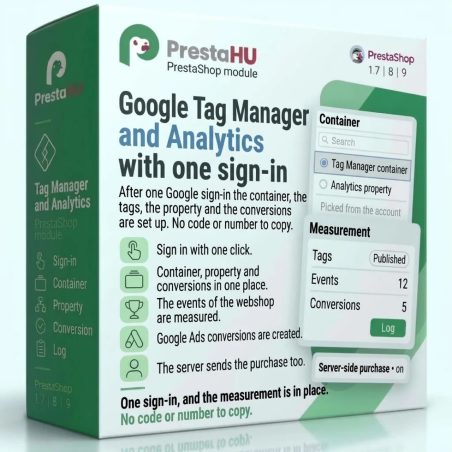
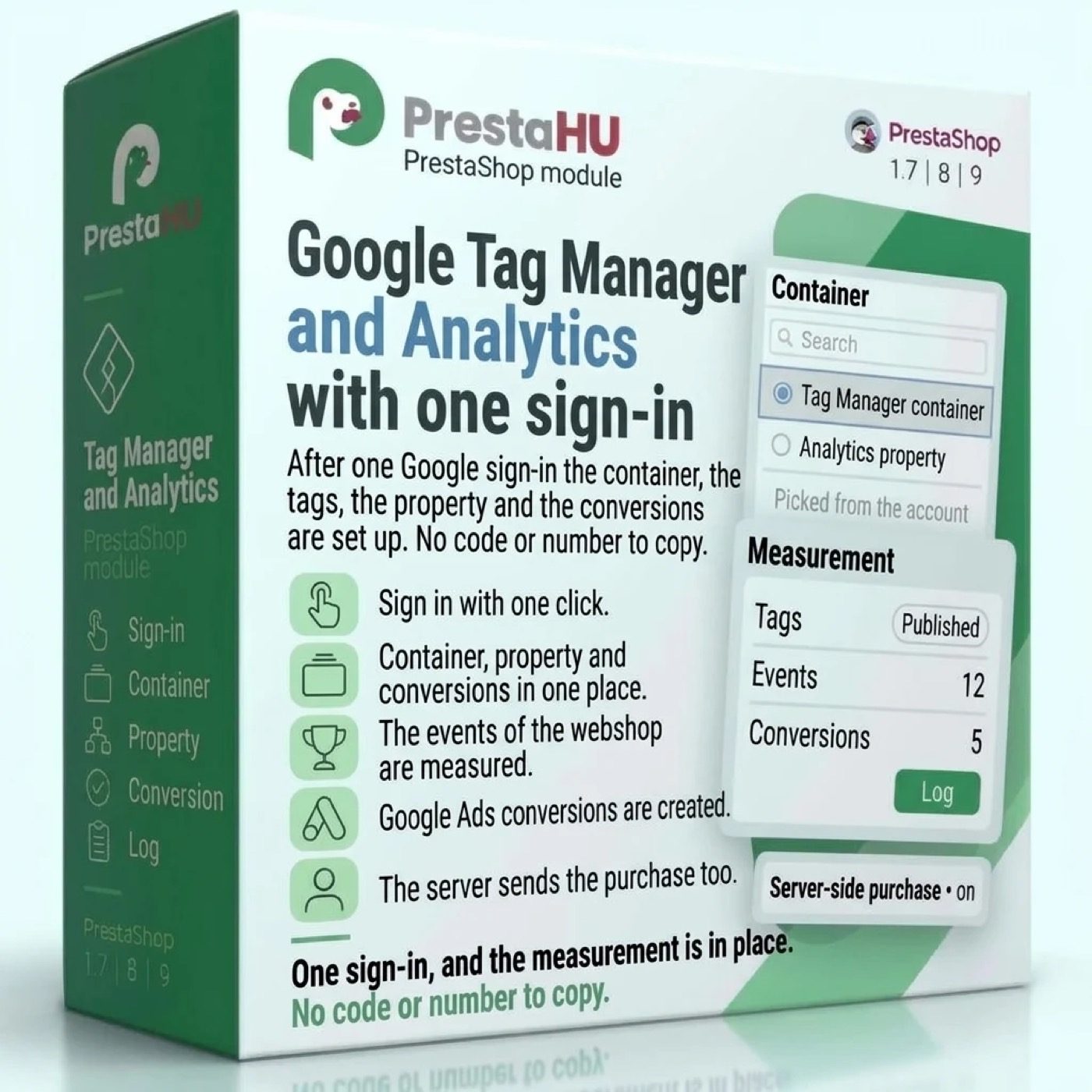
After one Google sign-in the container, the tags, the property and the conversions are set up. No code or number to copy.

The connection runs through an app checked and approved by Google.

Signing in to the Google account is one click and the module does the rest: nothing to copy, nothing to type.

€49.99excl. VAT

Price excluding VAT. Buyers in the EU pay 21% VAT on top, except businesses outside Romania with a VAT number valid in VIES.

One-time fee • 12 months of updates and support

See how it looks
  • Sign in with one click
  • Nothing to copy
  • Support in English
One Google sign-in, and the webshop measures visits, purchases and Google Ads conversions.
Google Tag Manager and Analytics module for PrestaShop | PrestaHU

What it does

One sign-in, and the measurement is in place.

Sign in with one click

Signing in to the Google account is one click, and the module does the rest. No ID, code or number has to be looked up, copied or typed.


Container, property, conversions

After the sign-in, the Tag Manager container, the Analytics property and the Google Ads account are picked from lists, and the module can create the container and the property for you. The tags go into the container and are published, and the module leaves the other items of the container alone.

Webshop events measured

Product list, product page, adding to and removing from the cart, cart, the checkout steps, purchase, search, login and sign-up are measured. No separate measurement code has to be built into the webshop.

Google Ads conversions

Google Ads gets conversions for purchase, sign-up, product page view, add to cart and checkout start, and the ones that already exist are reused. The advertising tags start only with the visitor's consent.

Purchases from the server too

When the browser did not send a purchase or a refund, the webshop sends it to Google Analytics itself. A purchase the browser already sent is not counted twice. The function can be switched on or off.

Warns about double counting

When another module, the theme of the webshop or a container already measures the same thing, the module shows where, so visits and purchases are not counted twice.

The actual interface

This is the module from the inside

Good to know

What do you need?

A Google account that can manage Tag Manager and Analytics (and Google Ads for the conversions), and a module that handles cookie consent, so the advertising tags start only with consent. The module can create the Tag Manager and Analytics accounts; it does not create a Google Ads account.

  • PrestaShop: 1.7.4 to 9
  • Installation: ZIP upload in the Module Manager
  • Sign-in: one Google account, one click
  • Interface language: Hungarian, English, Romanian
  • Purchases from the server: can be switched off; when on, a scheduled task on the hosting is needed
  • Bundle discount: The Google and Meta modules cost less together: two modules −10%, three −20%, four −30%, five −35%.

Why it is good for you

More accurate numbers, less manual work

  • No copyingAfter one sign-in the container, the property and the conversions are set up, with no code or number to copy.
  • More complete numbersA purchase also arrives from the webshop when the browser did not send it, so advertising decisions rest on more complete data.
  • No double countingThe module shows when other code measures the same thing.
  • Everything in one placeThe back office shows Google figures on the product, and the source and cookie consent on the order.

Technical details

Compatibility and version

Compatibility
PrestaShop 1.7.4–1.7.8, 8.0–8.2, 9.0–9.2
Version
1.0.3

Versions

What changed in each version?

v1.0.32026-11-17

  • The automatic update also runs when the Google & Meta page is opened, not only on the Modules page
  • The automatic update no longer stops with a “local changes” notice when nobody changed the files of the module

v1.0.22026-11-17

  • In the guide, the picture of the Google & Meta tab of a product shows the loaded figures

v1.0.12026-11-17

  • On the Google & Meta tab of a product, revenue and cost use the number format of the back-office language, also when the currency of the Google account is not set up in the shop

v1.0.02026-11-16

  • Sign in to your Google account with one click, nothing to copy
  • Choose a Tag Manager container, Analytics property and Google Ads account from a list, or create them from the module
  • Shop events tracked: product page, cart, checkout, purchase, search, registration
  • Google Ads conversions created automatically; ad tags start only after the visitor consents
  • Purchases and refunds are also sent from the shop server, without double counting
  • A warning when another module or the theme already tracks the same thing
  • Module update straight from the back office, with an automatic update option

PrestaHU reviews on Google

Google 5.0 63 Google reviews All reviews on Google
  • tomica blagojević 11 months ago

    I bought a PrestaShop module from PrestaHU and I’m very satisfied. The module works perfectly, and the owner Levente quickly resolved all my questions with great support. Highly recommended!

  • Ivonig Corfmat 2 years ago

    Levente/presta.hu has been very helpful and quick to reply to any question or issue we may have had in order to install and configure the plugins.

    We got 2 plugins from presta.hu and both are doing their tasks just fine.

  • Marcos Ametller 1 year ago

    The module with SimplePay worked and was a lower price than the recommended by OTP. And the service from Levente has been spotless. I recommend

  • András Bajomi 2 years ago

    Levente is a real Prestashop guru, with all the skills & knowledge to solve our PS issues quickly and efficiently.

  • Wiki W 3 years ago

    Great modules for Prestashop and excellent support from Levi!
    All recommendations for this developer!

Frequently asked questions

What people ask before buying

Which PrestaShop versions does it work with?
PrestaShop 1.7.4 to 9.
What do I have to copy or type to set it up?
Nothing. Signing in to the Google account is one click, the container, the property and the Google Ads account are picked from lists, and the module can create the container and the property. No ID, code or account number has to be looked up.
Does the module touch the existing items of the container?
No. In the container the module manages only the items named PrestaHU; every other tag, trigger and variable stays as it was.
Does it measure without consent?
The Google Ads tags start only with the visitor's consent, which needs a module that handles cookie consent. When the visitor refused analytics consent, the purchase is not sent from the webshop either.
What happens when another module already measures the same thing?
The module warns you and shows where the same thing is measured: another module, the theme or a container. So visits and purchases are not counted twice.
Are my employees left out of the measurement?
By default, yes: in a browser signed in to the back office the measurement does not start. The setting can be switched off when the measurement has to be tried there.
Is it cheaper if I buy several Google or Meta modules?
Yes. The Google and Meta modules cost less together: two modules −10%, three −20%, four −30%, five −35%.

Help

Where to get help

All modules

Browse our other PrestaShop modules.

Built to work together

Our modules are designed to run side by side in the same shop.

Frequent updates

Fixes and improvements arrive continuously, in frequent new versions.

Live support

Direct help during install and configuration.
100%

Scroll or double-click: zoom · Drag: move · ESC: close

Google Tag Manager and Analytics €49.99excl. VAT
My modules