PrestaShop 1.7.4–1.7.8, 8.0–8.2, 9.0–9.2 compatible

NETOPIA Payments integration for card payments in PrestaShop

5.0 63 Google reviews of PrestaHU

The buyer lands on a page that says what happened and what to do next, not on the order confirmation.

€39.99excl. VAT

Net price.

One-time fee • 12 months of updates and support

Try the demo
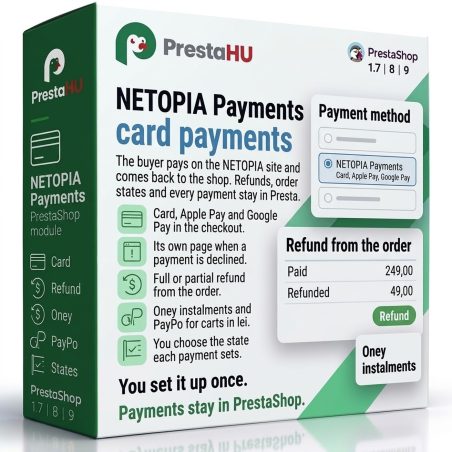
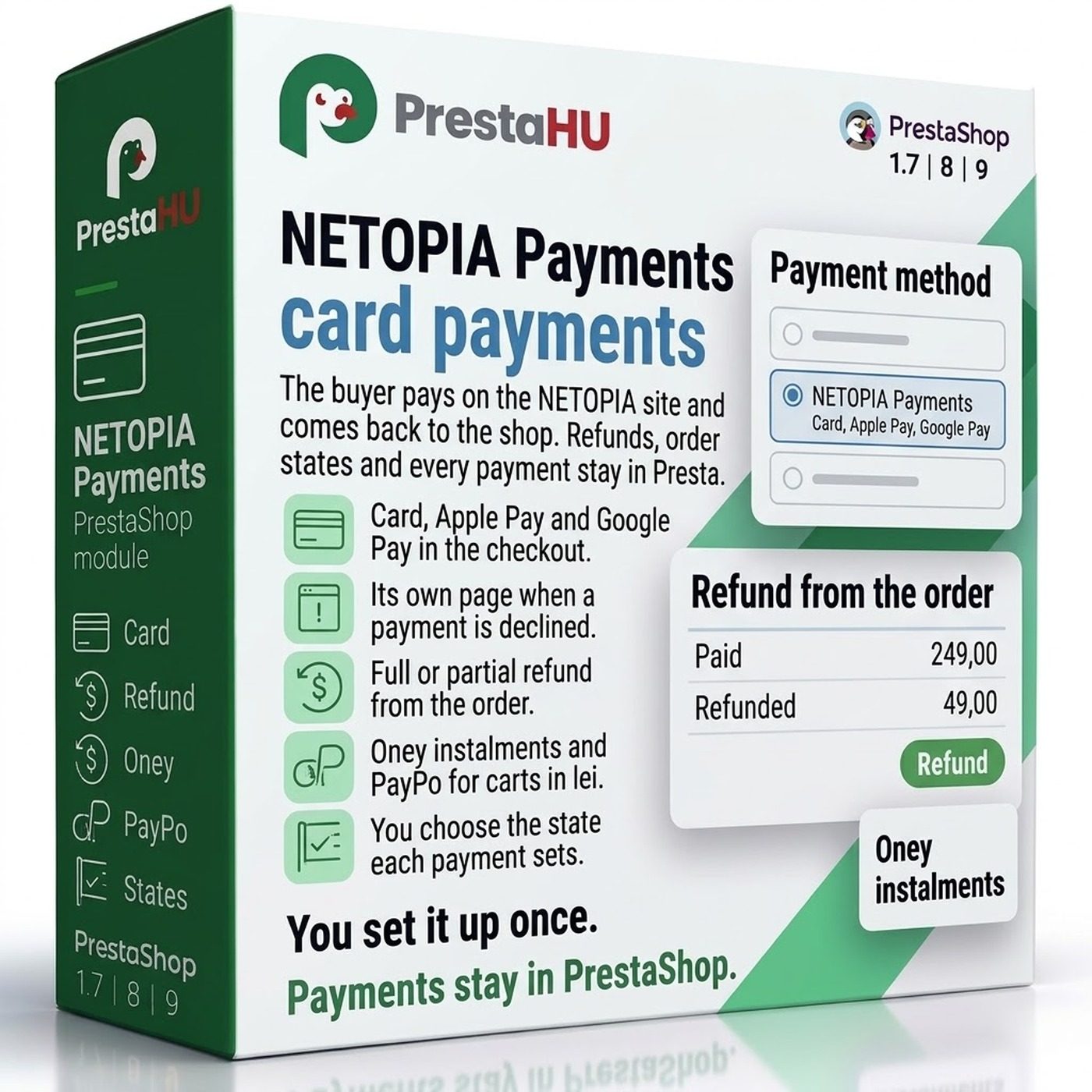
  • Card, Apple Pay, Google Pay
  • Refunds from the order
  • Support in English
Card, Apple Pay and Google Pay through NETOPIA, a page of its own for failed payments, and refunds from the order.
NETOPIA PrestaShop module – card payments | PrestaHU

What it does

Set it up once, then payments and refunds stay in PrestaShop.

Its own failed payment page

A declined, cancelled or expired payment never ends on the order confirmation. The buyer sees the reason, the amount and the saved cart, then pays again or picks another method.


Refunds from the order

Refund in full or in part from the order page. A reserved amount is charged or released there too, and a credit slip can refund at NETOPIA as well.

Oney and PayPo

Oney instalments and PayPo appear as separate payment methods for carts in Romanian lei. Oney instalments can also be shown on the product page and in the cart.

Order states

You choose the state an order gets when a payment succeeds, is declined, cancelled, reserved or refunded. The order is created after the payment or before it, as you prefer.

Every payment in one list

See each payment attempt with its status, amount, method and the answer from NETOPIA, and sort or filter any column.

Card, Apple Pay, Google Pay

The buyer pays on the NETOPIA site and comes back to your shop. Apple Pay and Google Pay show up there next to the card, with nothing to set in the module.

The actual interface

This is the module from the inside

Good to know

What do you need?

A NETOPIA account with an active point of sale. Upload the module as usual, enter the details from your NETOPIA account, make a trial payment in test mode, then switch to real payments.

  • Compatibility: PrestaShop 1.7.4 – 9.
  • Payment: Card, Apple Pay and Google Pay on the NETOPIA site.
  • Instalments: Oney and PayPo, in Romanian lei only, when switched on in the NETOPIA account.
  • Currencies: RON, EUR and USD; a cart in another currency is either converted or the method is not offered.
  • Language of the payment page: Romanian, English, Hungarian, Russian, Slovak, French, Spanish, Italian and Polish.
  • Several webshops: Each webshop can use its own NETOPIA account.

Why it is good for you

What you get

  • Fewer lost cartsAfter a failed payment the buyer has another try or another payment method within reach.
  • Refunds without a detourThe money goes back from the order page, with no need to open your NETOPIA account.
  • Reservation when you need itThe amount can simply be reserved at payment and charged when the order reaches the state you chose.
  • You always know what happenedEvery payment attempt stays in the list, with the answer from NETOPIA.

Technical details

Compatibility and version

Compatibility
PrestaShop 1.7.4–1.7.8, 8.0–8.2, 9.0–9.2
Version
1.0.0

Versions

What changed in each version?

v1.0.02026-11-03

  • First release
  • Card payment with 3-D Secure on the NETOPIA page
  • Oney and PayPo instalments and pay later
  • Refund, capture and void from the order page
  • Retry page and e-mail after a failed payment
  • Separate NETOPIA account and settings per shop

PrestaHU reviews on Google

Google 5.0 63 Google reviews All reviews on Google
  • tomica blagojević 11 months ago

    I bought a PrestaShop module from PrestaHU and I’m very satisfied. The module works perfectly, and the owner Levente quickly resolved all my questions with great support. Highly recommended!

  • Ivonig Corfmat 2 years ago

    Levente/presta.hu has been very helpful and quick to reply to any question or issue we may have had in order to install and configure the plugins.

    We got 2 plugins from presta.hu and both are doing their tasks just fine.

  • Marcos Ametller 1 year ago

    The module with SimplePay worked and was a lower price than the recommended by OTP. And the service from Levente has been spotless. I recommend

  • András Bajomi 2 years ago

    Levente is a real Prestashop guru, with all the skills & knowledge to solve our PS issues quickly and efficiently.

  • Wiki W 3 years ago

    Great modules for Prestashop and excellent support from Levi!
    All recommendations for this developer!

Frequently asked questions

What people ask before buying

Do I need a contract with NETOPIA?
Yes. You need a NETOPIA account with an active point of sale, and you enter its details in the module.
Which PrestaShop versions does it work on?
PrestaShop 1.7.4 – 9. In an installation with several webshops, each webshop can use its own NETOPIA account.
What does the buyer see when a payment fails?
A page of the module with the reason, the amount and the cart contents. The products stay in the cart, and the buyer can pay again or choose another method.
How do Apple Pay and Google Pay work?
They appear on the NETOPIA site next to the card payment, so there is nothing to set in the module. Which services are available depends on your NETOPIA account.
Can I refund from PrestaShop?
Yes. Full and partial refunds are done from the order page. If you use credit slips, a credit slip can refund the same amount at NETOPIA too.
How do Oney and PayPo work?
They are separate payment methods at checkout, for carts in Romanian lei. Have them switched on in your NETOPIA account, then turn them on in the module settings.
Can I take payments in euros?
Yes, if your NETOPIA account takes the currency. The module works with RON, EUR and USD; for a cart in another currency you choose conversion or hiding the payment method.
On how many shops can I use one licence?
The licence covers the domain given at purchase. An additional shop needs an additional licence; write to us and we will sort it out.

Help

Where to get help

All modules

Browse our other PrestaShop modules.

Built to work together

Our modules are designed to run side by side in the same shop.

Frequent updates

Fixes and improvements arrive continuously, in frequent new versions.

Live support

Direct help during install and configuration.

Try the demo

Both open the same demo shop; the bar at the bottom switches between the two sides.

100%

Scroll or double-click: zoom · Drag: move · ESC: close

NETOPIA Payments €39.99excl. VAT
My modules