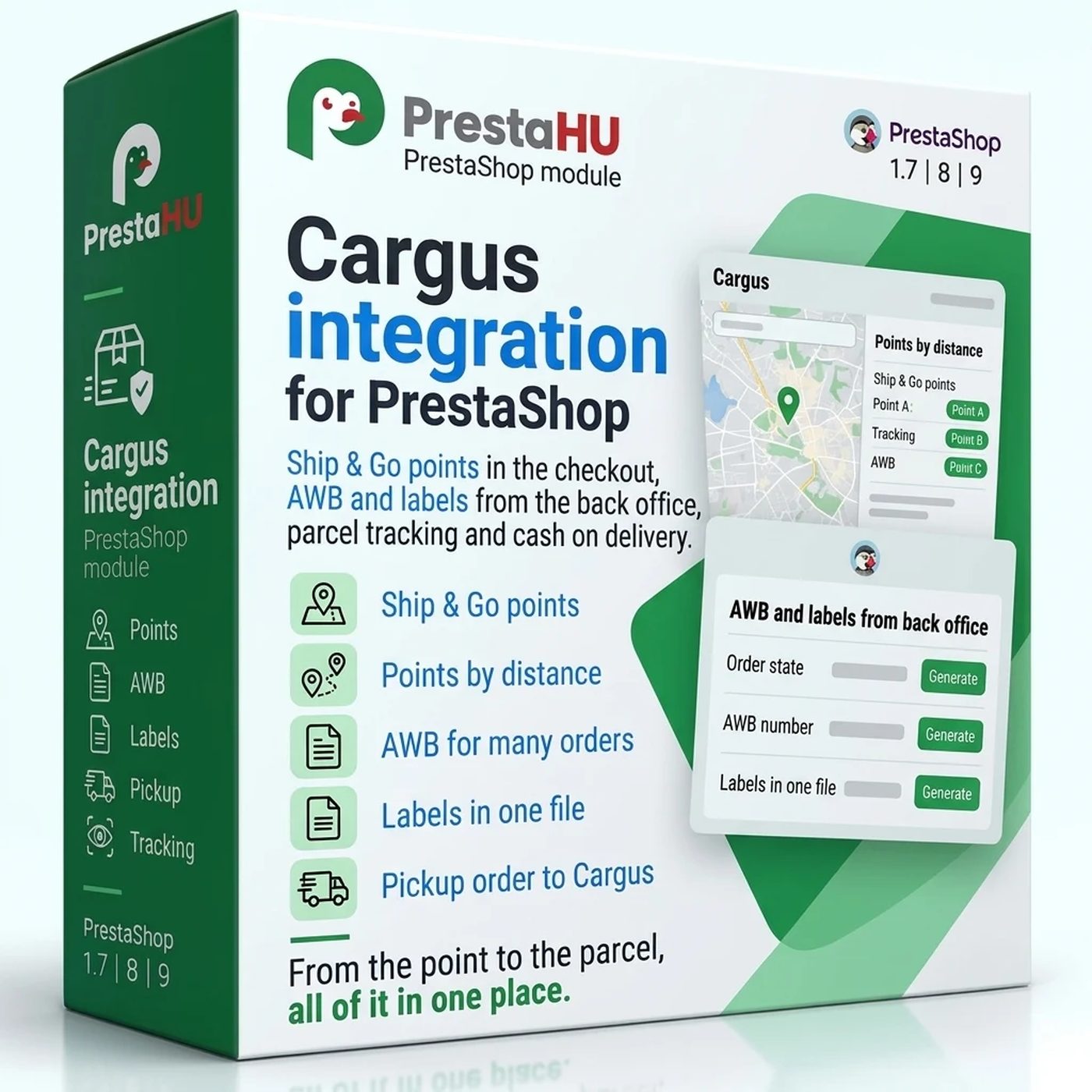
Ship & Go points in the checkout
The customer sees the Ship & Go points nearest to the delivery address first, with address, opening hours and whether cash on delivery is accepted. The list can be searched, and the point can be chosen on the map.


Tell us what you want to achieve and we will tell you the best way and the cost.
Contact
The customer picks home delivery or a Ship & Go point, and the AWB, the label and the courier order are made from the order.
Net price.
One-time fee • 12 months of updates and support
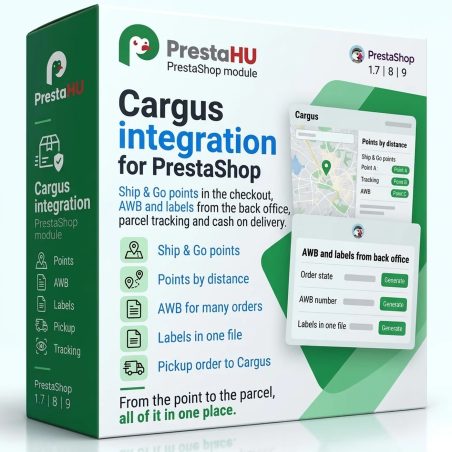
What it does
The customer sees the Ship & Go points nearest to the delivery address first, with address, opening hours and whether cash on delivery is accepted. The list can be searched, and the point can be chosen on the map.
The AWB form starts from the order and the settings: service, pickup location, parcels and their weight, cash on delivery, declared value, who pays the shipping. When Cargus refuses an AWB, the reason is shown and the form can be corrected.
The Cargus AWBs screen lists every AWB with its order, customer, service, cash on delivery, courier order and Cargus state. The labels of several AWBs print in one file, on a 10 × 14 cm label or an A4 page.
Every service you switch on is a carrier in the checkout: Standard, Economic Standard, Multipiece, Ship & Go, Saturday delivery, Morning delivery, delivery before 10:00 or 12:00, and international delivery. Each has a price, a Bucharest price and a free shipping limit, or the Cargus tariff with a surcharge.
After the AWB, the courier order tells Cargus to collect the parcels from the pickup location in a time window. It is sent from the order page, in bulk, or automatically when the AWB is made, and it can be withdrawn.
For the payment methods you tick, the AWB carries the order total as cash on delivery in RON. The state of the money is shown at every AWB, and a cash on delivery that Cargus collected but did not pay out after 14 days is reported by e-mail.
The actual interface
Good to know
A Cargus contract and an API account: the subscription key from the Cargus API portal, and the user name and password Cargus sends by e-mail. Upload the module as usual, save the account, switch on the services you offer with their price, and add the cron address at your hosting.
Why it is good for you
Technical details
Versions

I bought a PrestaShop module from PrestaHU and I’m very satisfied. The module works perfectly, and the owner Levente quickly resolved all my questions with great support. Highly recommended!

Levente/presta.hu has been very helpful and quick to reply to any question or issue we may have had in order to install and configure the plugins.
We got 2 plugins from presta.hu and both are doing their tasks just fine.

The module with SimplePay worked and was a lower price than the recommended by OTP. And the service from Levente has been spotless. I recommend

Levente is a real Prestashop guru, with all the skills & knowledge to solve our PS issues quickly and efficiently.

Great modules for Prestashop and excellent support from Levi!
All recommendations for this developer!
Frequently asked questions
Help
Browse our other PrestaShop modules.
Our modules are designed to run side by side in the same shop.
Fixes and improvements arrive continuously, in frequent new versions.
Direct help during install and configuration.
 Have a question?Contact