PrestaShop 1.7.4–1.7.8, 8.0–8.2, 9.0–9.2 compatible

EuPlatesc integration: card payments, refunds.

5.0 63 Google reviews of PrestaHU

Refund, charge or release a payment on the order page, and compare the settlement invoices with your orders.

€59.99excl. VAT

Net price.

One-time fee • 12 months of updates and support

Try the demo
  • Cards, wallets, instalments
  • Refunds from the order
  • Support in English
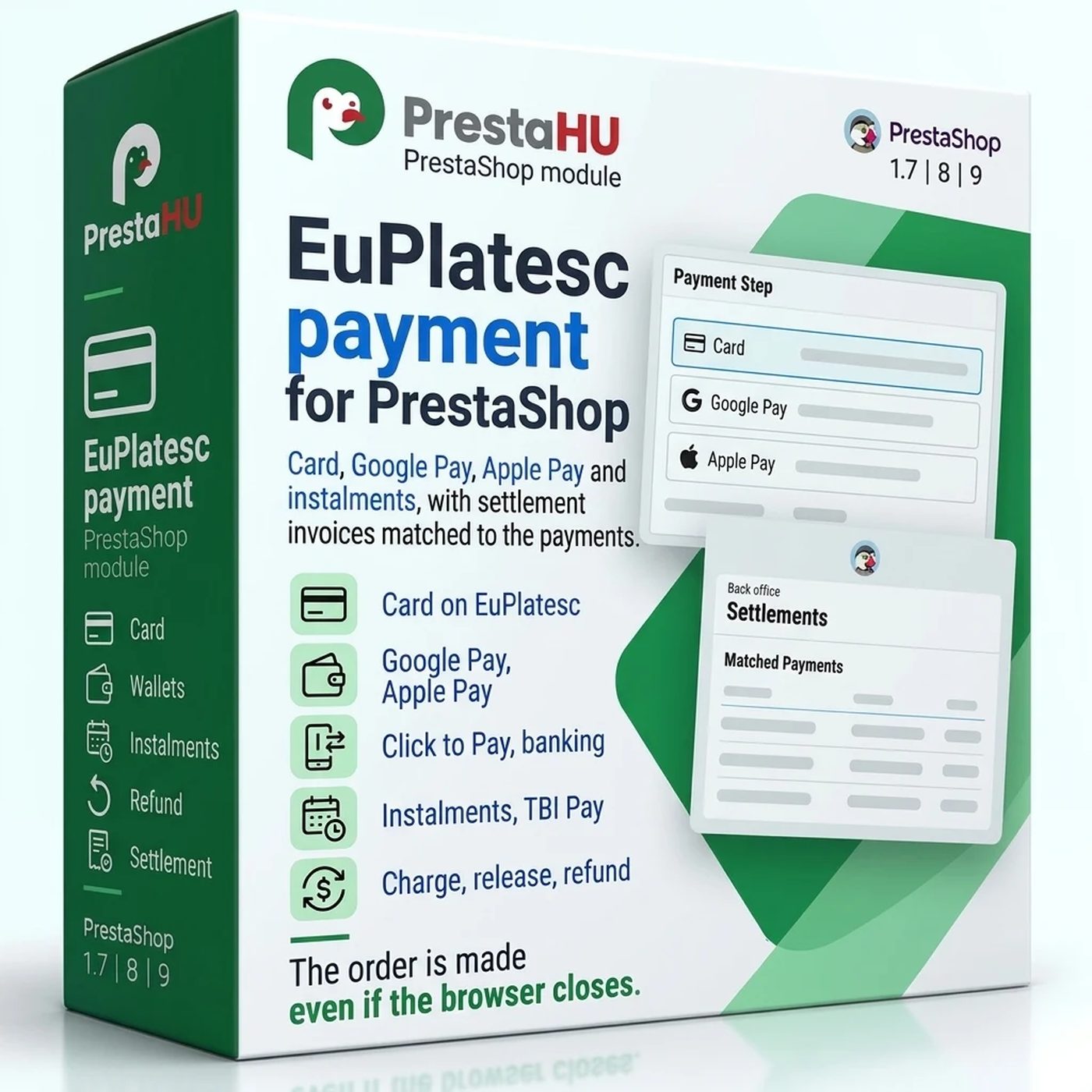
EuPlatesc card payments in PrestaShop: payment page, refunds and charges from the order, settlements compared with the payments.
EuPlatesc payment - cards, Google Pay, Apple Pay, instalments

What it does

Set it up once, then every payment lands on its order.

Card and wallets on one page

The customer pays on the EuPlatesc page with the channels you switch on: card, Google Pay, Apple Pay, Click to Pay and open banking. EuPlatesc also reports the result to the webshop directly, so the order is made even if the browser is closed.

Refund and charge from the order

The order page shows the payment with its EuPlatesc IDs. Refund it in full or in part, charge a reserved amount or a smaller part of it, release the reservation, download the receipt or ask EuPlatesc for the current status.

Instalments and payment options

Instalments with the partner banks of your account, with the numbers of instalments and the smallest cart amount per bank, and TBI Pay. Choose the currencies, create the order before or after the payment, and the languages of the payment page.

Settlements compared with orders

The Settlements screen lists the settlement invoices of EuPlatesc, puts each invoice row next to the payment of the webshop with its result, and records the refunds and chargebacks of the invoice on the orders.

Order states set by the result

Each result of the payment has its order state: paid, reserved, under review, refunded in full or in part, chargeback. Reaching a state you choose charges or releases the reservation, and a credit slip refunds on the card.

A second chance for a declined card

When the bank declines the card, the customer sees that the card was not charged, the message of the payment provider and the cart, kept as it was, with a button to pay again. An order made before the payment gets one e-mail with a payment link.

The actual interface

This is the module from the inside

Good to know

What do you need?

An EuPlatesc merchant account: the merchant ID and key, and for refunds, charges and the settlement report also the user key and the user API key. Upload the module as usual, save the keys, and add the cron address at your hosting. Until then the public test account of EuPlatesc lets you try a payment of at most 1 RON.

  • Compatibility: PrestaShop 1.7.4 – 9, PHP 7.1 – 8.5.
  • Payment channels: Card, Google Pay, Apple Pay, Click to Pay and open banking, on the EuPlatesc payment page.
  • Instalments: The partner banks of your account (Alpha Bank, BRD Finance, Banca Transilvania, Garanti Bank, Raiffeisen Bank) and TBI Pay, in RON.
  • Currencies: The currencies of your merchant account; a cart in another currency is hidden or paid in a ticked currency.
  • Scheduled task: Every 15 minutes: the status of payments with no answer yet, and a note on a reservation held for 5 days.
  • Several webshops: Each webshop has its own EuPlatesc account and settings.

Why it is good for you

What you get

  • Faster refundsA refund, a charge or a release is one button on the order page, without the EuPlatesc account.
  • No lost paymentsA payment with no answer is asked from EuPlatesc again, and one not paid in 24 hours is closed.
  • Settlements in orderEach row of the settlement invoice stands next to its payment, and the refunds and chargebacks reach the orders.
  • Everything in one placePayments, refunds, settlements and the log are in the PrestaShop back office, per webshop.

Technical details

Compatibility and version

Compatibility
PrestaShop 1.7.4–1.7.8, 8.0–8.2, 9.0–9.2
Version
1.0.1

Versions

What changed in each version?

v1.0.12026-11-10

  • If the installation stops, the message names the database error that stopped it
  • The module menu is set up the way later PrestaShop versions support

v1.0.02026-11-09

  • Card payment with Google Pay and Apple Pay
  • Saved cards with Click to Pay
  • Bank instalments and TBI Pay at checkout
  • Refund, capture and release from the order page
  • Settlement check against the EuPlatesc invoices
  • Separate EuPlatesc account per webshop

PrestaHU reviews on Google

Google 5.0 63 Google reviews All reviews on Google
  • tomica blagojević 11 months ago

    I bought a PrestaShop module from PrestaHU and I’m very satisfied. The module works perfectly, and the owner Levente quickly resolved all my questions with great support. Highly recommended!

  • Ivonig Corfmat 2 years ago

    Levente/presta.hu has been very helpful and quick to reply to any question or issue we may have had in order to install and configure the plugins.

    We got 2 plugins from presta.hu and both are doing their tasks just fine.

  • Marcos Ametller 1 year ago

    The module with SimplePay worked and was a lower price than the recommended by OTP. And the service from Levente has been spotless. I recommend

  • András Bajomi 2 years ago

    Levente is a real Prestashop guru, with all the skills & knowledge to solve our PS issues quickly and efficiently.

  • Wiki W 3 years ago

    Great modules for Prestashop and excellent support from Levi!
    All recommendations for this developer!

Frequently asked questions

What people ask before buying

Do I need an EuPlatesc account?
Yes, an EuPlatesc merchant account with its merchant ID and key. Refunds, charges and the settlement report also need the user key and the user API key of the account. Before that, the public test account of EuPlatesc takes test payments of at most 1 RON.
Which payment methods can the customer use?
The channels you switch on: card, Google Pay, Apple Pay, Click to Pay and open banking, on the EuPlatesc payment page. Signed-in customers can also pay with a card saved at EuPlatesc.
Which PrestaShop versions does it work on?
PrestaShop 1.7.4 – 9, with PHP 7.1 – 8.5. It also works in multistore, where each webshop can use its own EuPlatesc account.
Can I refund or charge a payment from PrestaShop?
Yes, on the order page: a refund in full or in part, the charge of a reserved amount or a smaller part of it, and the release of the reservation. A credit slip and an order state you choose can do the same.
Is the order made if the customer does not return to the webshop?
Yes. EuPlatesc sends the result of the payment to the webshop directly, and the scheduled task asks EuPlatesc about a payment that has no answer 15 minutes after its start.
Can the customer pay in instalments?
Yes, with the partner banks of your EuPlatesc account and with TBI Pay, as separate payment methods. For each bank you set the numbers of instalments and the smallest cart amount; instalments are paid in RON.
How many webshops can I use one licence on?
The licence covers the domain given at purchase. An additional shop needs an additional licence; write to us and we will sort it out.

Help

Where to get help

All modules

Browse our other PrestaShop modules.

Built to work together

Our modules are designed to run side by side in the same shop.

Frequent updates

Fixes and improvements arrive continuously, in frequent new versions.

Live support

Direct help during install and configuration.

Try the demo

Both open the same demo shop; the bar at the bottom switches between the two sides.

100%

Scroll or double-click: zoom · Drag: move · ESC: close

EuPlatesc payment - cards, Google Pay, Apple Pay, instalments €59.99excl. VAT
My modules