PrestaShop 1.7.4–1.7.8, 8.0–8.2, 9.0–9.2 compatible

Colissimo integration for labels and pickup points

5.0 63 Google reviews of PrestaHU

The customer picks home delivery or a pickup point, and the label, the delivery slip and the tracking follow from the order.

€29.99excl. VAT

Net price.

One-time fee • 12 months of updates and support

Try the demo
  • Pickup point at checkout
  • Labels from the order
  • Tracking e-mail per parcel
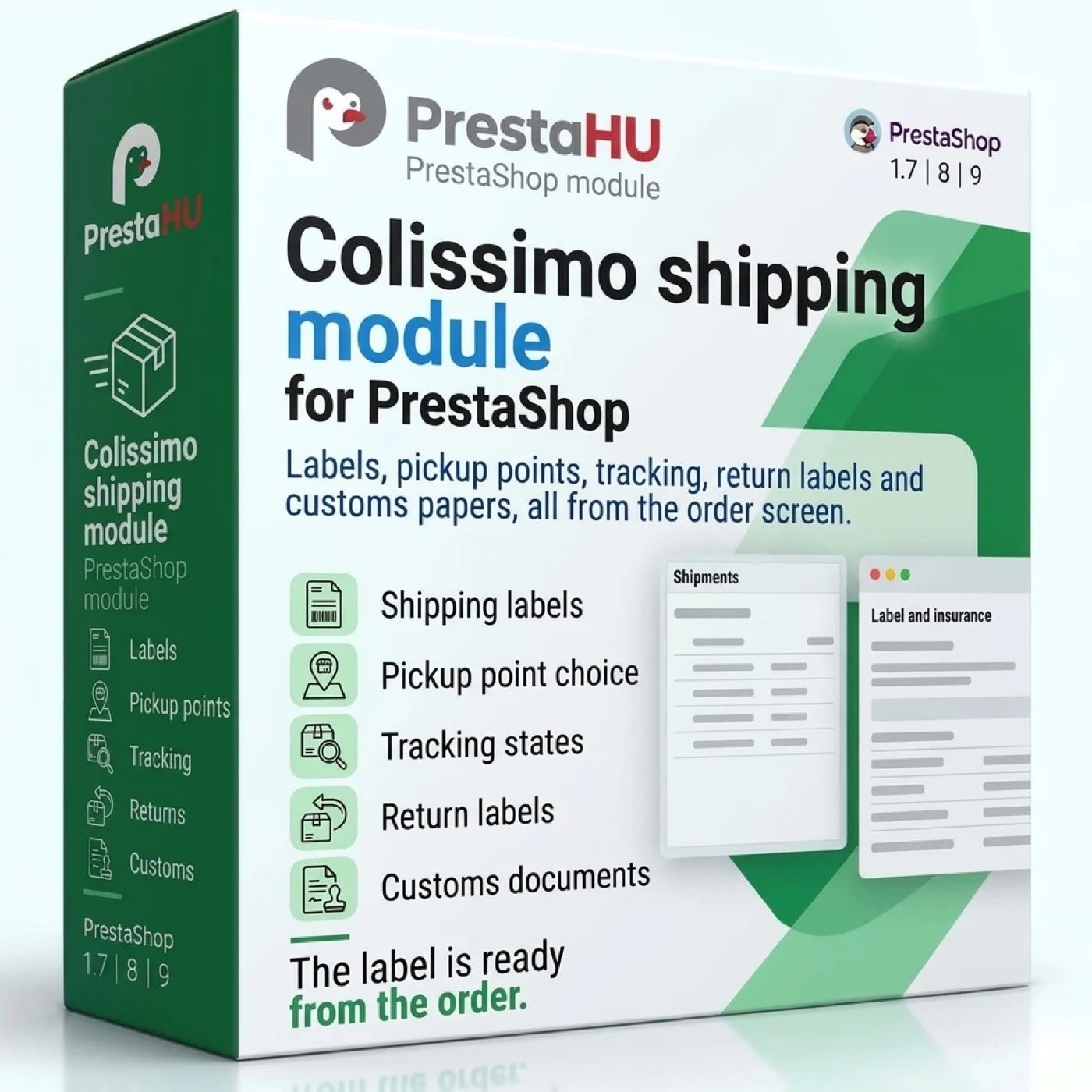
Colissimo for PrestaShop: services and pickup points at the checkout, labels from the order, delivery slips, tracking, returns and customs.
Colissimo Shipping Module for PrestaShop

What it does

Set it up once, then the order carries the shipping.

Pickup point at the checkout

For the pickup services the customer chooses a Colissimo relay or a post office on the Colissimo map or in a list of the nearest points, searched by postcode and city, with distance and opening hours. The checkout does not go on until a point is chosen.

Twelve services, your prices

Each Colissimo service you switch on is a carrier of the webshop: home, with signature, pickup point, Europe, international and overseas. Each has a price and a free shipping limit, or a price table by zone, weight and order total.

Labels from the order or in bulk

The label is made at Colissimo from the order, with the parcel number written into the order. PDF 10 × 15 cm or A4 for a normal printer, ZPL or DPL for a thermal printer on the network. The order list makes labels for many orders at once.

Parcels and delivery slips

One screen lists every parcel with its order, customer, service and last tracking event. The parcels handed to La Poste in one batch go on a delivery slip, and the labels of the chosen parcels download as one file.

Tracking that moves the order

The module reads the tracking events every 15 minutes, sets the order state you chose for each group of events and sends the customer one tracking e-mail per parcel, with the parcel number and the tracking link.

Returns and customs in one place

A return label is made on the order page or, if you allow it, requested by the customer in the account. For destinations outside the European customs area the CN23 declaration takes the tariff code, the country of origin and the description kept per product and per category.

The actual interface

This is the module from the inside

Good to know

What do you need?

A Colissimo contract with the web service: the contract number and the password of the web service, not the login of the Colissimo Box site. Install the module as usual, enter the account, switch on the services you offer and add the address of the scheduled task to the cron of your hosting.

  • Compatibility: PrestaShop 1.7.4 – 9.x, PHP 7.1 – 8.4.
  • Account: the contract number and the web service password; Colissimo accepts or refuses them when you check the connection.
  • Services: home, home with signature, pickup point, Europe, international and overseas, twelve in all.
  • Labels: PDF 10 × 15 cm or A4, ZPL or DPL; a thermal printer on the network on port 9100 or another port.
  • Scheduled task: every 15 minutes, to read the tracking, set the order states and send the tracking e-mails.
  • Several webshops: each webshop can have its own Colissimo account and its own settings.

Why it is good for you

What you get

  • Less typingthe label is made from the order and the parcel number lands in the order, with no second site to open.
  • The point the customer wantsthe customer chooses the pickup point, and the label is addressed to it.
  • Fewer questionsthe customer gets the parcel number and the tracking link in one e-mail, and the order page shows the tracking history.
  • A way in from an older moduleone button takes over the parcels, the pickup points and the sender address of an older Colissimo module.

Technical details

Compatibility and version

Compatibility
PrestaShop 1.7.4–1.7.8, 8.0–8.2, 9.0–9.2
Version
1.0.0

Versions

What changed in each version?

v1.0.02026-11-11

  • Home, pickup point, Europe and overseas delivery
  • Pickup point choice at the checkout
  • PDF, ZPL and DPL labels, one by one or in bulk
  • Delivery slip, tracking and order state update
  • Return labels and CN23 customs declaration
  • Separate Colissimo account per webshop

PrestaHU reviews on Google

Google 5.0 63 Google reviews All reviews on Google
  • tomica blagojević 11 months ago

    I bought a PrestaShop module from PrestaHU and I’m very satisfied. The module works perfectly, and the owner Levente quickly resolved all my questions with great support. Highly recommended!

  • Ivonig Corfmat 2 years ago

    Levente/presta.hu has been very helpful and quick to reply to any question or issue we may have had in order to install and configure the plugins.

    We got 2 plugins from presta.hu and both are doing their tasks just fine.

  • Marcos Ametller 1 year ago

    The module with SimplePay worked and was a lower price than the recommended by OTP. And the service from Levente has been spotless. I recommend

  • András Bajomi 2 years ago

    Levente is a real Prestashop guru, with all the skills & knowledge to solve our PS issues quickly and efficiently.

  • Wiki W 3 years ago

    Great modules for Prestashop and excellent support from Levi!
    All recommendations for this developer!

Frequently asked questions

What people ask before buying

What do I need from Colissimo?
A Colissimo contract with the web service. You enter the contract number and the password of the web service, and Colissimo accepts or refuses the account when you check the connection. Until Colissimo accepts it, no label can be made.
Which PrestaShop versions does it work with?
PrestaShop 1.7.4 to 9.x, with PHP 7.1 to 8.4, in one webshop or in several.
Can the customer choose a pickup point?
Yes. For the pickup services the customer chooses a point on the map of Colissimo or in a list of the nearest points, with the distance and the opening hours. The point is saved for the order, and the checkout does not go on until one is chosen.
Which label formats can it make?
PDF 10 × 15 cm or A4 for a normal printer, and ZPL or DPL for a thermal printer. A thermal printer on the network can print the labels that are made automatically at an order state.
Can I make the labels of many orders at once?
Yes. The bulk menu of the PrestaShop order list has an action that makes a label for each chosen order that has none yet, at most 50 orders at a time. An order whose data need a fix is skipped and named in the result.
Does it handle returns and customs outside the European Union?
Yes. A return label is made on the order page, and the customer can ask for one in the account if you allow it. For the parcels that leave the European customs area the module makes the CN23 declaration, with the tariff code, the country of origin and the description kept per product and per category.
How is the module activated, and what about several webshops?
After the purchase the module is activated with the licence key shown in your PrestaHU account. Each webshop can use its own Colissimo account and its own settings.

Help

Where to get help

All modules

Browse our other PrestaShop modules.

Built to work together

Our modules are designed to run side by side in the same shop.

Frequent updates

Fixes and improvements arrive continuously, in frequent new versions.

Live support

Direct help during install and configuration.

Try the demo

Both open the same demo shop; the bar at the bottom switches between the two sides.

100%

Scroll or double-click: zoom · Drag: move · ESC: close

Colissimo Shipping Module for PrestaShop €29.99excl. VAT
My modules