PrestaShop 1.7.4–1.7.8, 8.0–8.2, 9.0–9.2 compatible

Oblio integration for invoicing and e-Factura in PrestaShop

5.0 63 Google reviews of PrestaHU

The invoice, the proforma and the delivery note start from the order status, and each invoice shows whether SPV accepted it.

€49.99excl. VAT

Net price.

One-time fee • 12 months of updates and support

Try the demo
  • Invoice from the order status
  • SPV status on every invoice
  • Support in English and Romanian
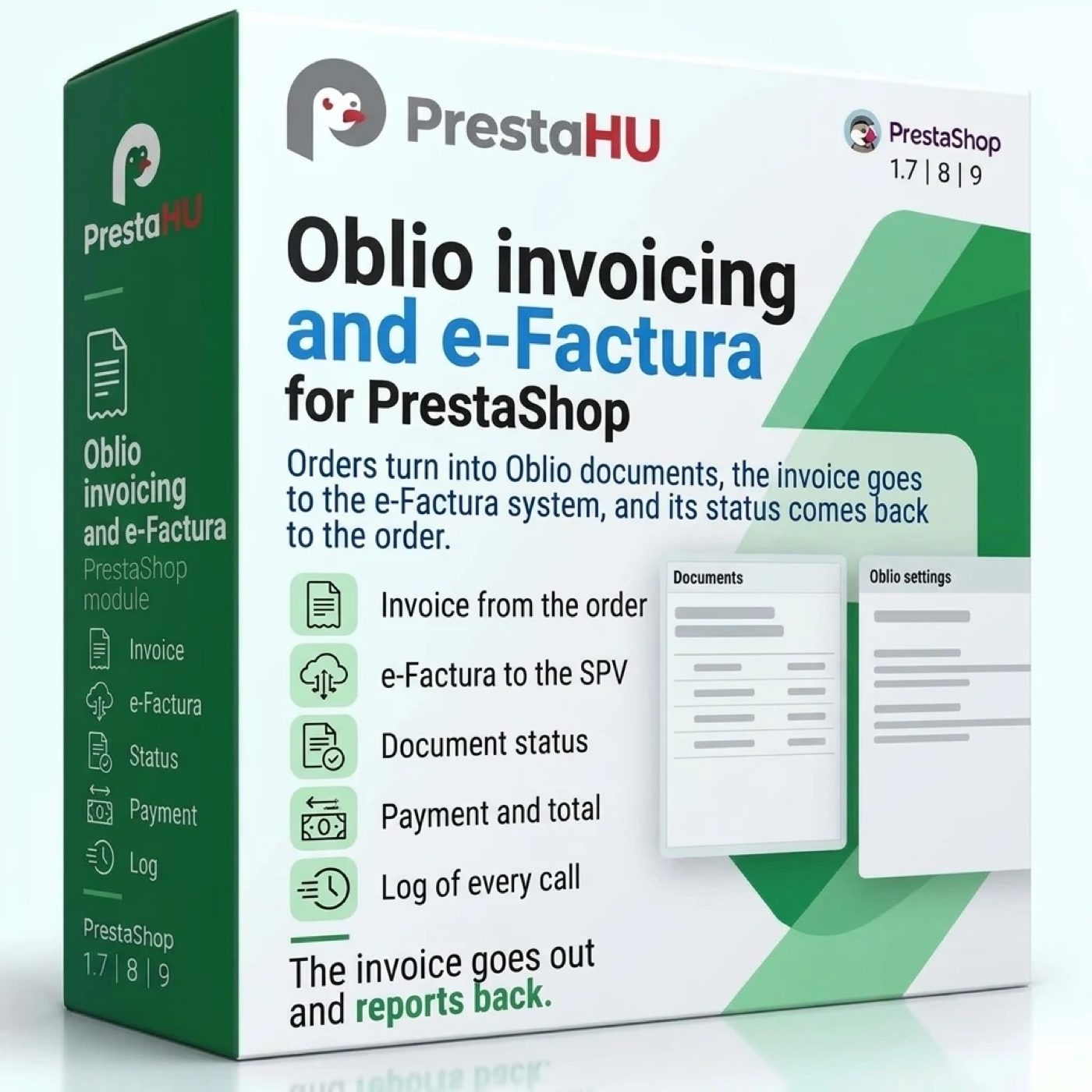
Oblio invoices from the order status, the e-Factura status of each invoice, and the documents on the order page.
Oblio - API: invoicing, e-Factura and stock

What it does

Connect your Oblio account once, and the documents come from the orders.

Rules by order status

You pick what each status starts: an invoice when payment is accepted, a proforma while a bank transfer is awaited, a reversal on cancellation, a payment record when a cash-on-delivery parcel is delivered. A rule can be limited to one payment method or one country.

Documents on the order page

The Oblio panel of the order lists its documents with state, e-Factura state and PDF link. The tax number and trade register number of a company can be filled in from the ANAF register, and every action can be queued from here.

The e-Factura status, read back

The module sends the invoices to SPV, or leaves it to Oblio, and reads back whether each one is processing, accepted or rejected. The five-working-day deadline is counted without weekends and Romanian public holidays.

Oblio stock, after a preview

Compare the stock lists the products whose Oblio quantity differs from the shop; nothing is written until you confirm the rows. The old quantities stay in the stock log and can be restored.

Invoices for past orders too

Orders placed before the install get the document their current status calls for: choose the dates, see the list, then queue it. An order that already has a valid invoice never gets a second one.

An e-mail when it needs you

Jobs that need attention, e-Factura deadlines that come close, invoice numbers used in Oblio outside the module and an expiring certificate each arrive as a notice by e-mail.

The real interface

What the module looks like inside

Good to know

What do you need?

An Oblio account with at least one invoice series. Upload the module as usual, enter the account e-mail and the API secret, choose the company and the series, pair the VAT rates, then add the scheduled task address at your host.

  • Compatibility: PrestaShop 1.7.4 – 9, PHP 7.1 – 8.5.
  • Documents: Invoice, proforma, delivery note, payment record, reversal, cancellation and restore.
  • e-Factura: Sent by the module or by Oblio; the state of each invoice is read back.
  • Stock: Documents can move the Oblio stock; Oblio quantities can update the shop every hour.
  • Scheduled task: A cron job at your host, every minute.
  • Notifications from Oblio: Oblio calls the shop when a document changes: a payment, a cancellation, the e-Factura state.

Why it helps

What you get

  • No retypingThe order reaches Oblio with its products, customer and payment.
  • SPV in sightRejected invoices and close deadlines show in the list and arrive by e-mail.
  • Ready for the accountantThe documents of a period download as a CSV file, with comma or semicolon.
  • No double invoicesAn order that already has a valid invoice does not get a second one.

Technical details

Compatibility and version

Compatibility
PrestaShop 1.7.4–1.7.8, 8.0–8.2, 9.0–9.2
Version
1.0.1

Versions

What changed in each version?

v1.0.12026-11-22

  • A Documentation link in the module header leads to the user guide
  • The module announces a new version by itself, and the update can be started from the module screen

v1.0.02026-11-12

  • Invoice, proforma and reversal in Oblio from the order
  • Rules by order status start each document
  • Payment recorded on the invoice in Oblio
  • The e-Factura upload deadline counted for every invoice
  • Stock from Oblio into the shop, with a preview first
  • Invoices for past orders and a CSV export

PrestaHU reviews on Google

Google 5.0 63 Google reviews All reviews on Google
  • tomica blagojević 11 months ago

    I bought a PrestaShop module from PrestaHU and I’m very satisfied. The module works perfectly, and the owner Levente quickly resolved all my questions with great support. Highly recommended!

  • Ivonig Corfmat 2 years ago

    Levente/presta.hu has been very helpful and quick to reply to any question or issue we may have had in order to install and configure the plugins.

    We got 2 plugins from presta.hu and both are doing their tasks just fine.

  • Marcos Ametller 1 year ago

    The module with SimplePay worked and was a lower price than the recommended by OTP. And the service from Levente has been spotless. I recommend

  • András Bajomi 2 years ago

    Levente is a real Prestashop guru, with all the skills & knowledge to solve our PS issues quickly and efficiently.

  • Wiki W 3 years ago

    Great modules for Prestashop and excellent support from Levi!
    All recommendations for this developer!

FAQ

What people ask before buying

Do I need an Oblio account?
Yes. You need an Oblio account with at least one invoice series; the module asks for the account e-mail and the API secret from Setări › Date cont.
Which PrestaShop versions does it run on?
PrestaShop 1.7.4 – 9, with PHP 7.1 – 8.5.
Is the invoice issued automatically or with a click?
Your choice. With automatic issuing on, an order that reaches a status with a rule gets its document without a click; otherwise you issue it from the order page.
Who sends the invoices to e-Factura?
You choose: the module sends each invoice to SPV, or Oblio sends them. Either way the module reads back the state of each invoice and sends an e-mail when a deadline comes close.
What happens on cancellation or refund?
The default rules reverse the invoice when the order is cancelled or refunded. A credit slip for a part of the order can create a partial reversal invoice.
Can I invoice orders placed before the install?
Yes. Choose the dates, list the orders, and queue them; each gets the document that the rule of its current status assigns.
Does the customer see the invoice?
Yes, when the invoice link is on: the order page in the customer account shows a link to the PDF, with the invoice number. The link can also go out by e-mail.
How many shops can I use one licence on?
The licence covers the domain given at purchase. Another shop needs another licence; write to us and we will sort it out.

Help

Where to get help

All modules

Browse our other PrestaShop modules.

Built to work together

Our modules are designed to run side by side in the same shop.

Frequent updates

Fixes and improvements arrive continuously, in frequent new versions.

Live support

Direct help during install and configuration.

100%

Scroll or double-click: zoom · Drag: move · ESC: close

Oblio - API: invoicing, e-Factura and stock €49.99excl. VAT
My modules