PrestaShop 1.7.4–1.7.8, 8.0–8.2, 9.0–9.2 compatible

Kaufland integration for PrestaShop

5.0 63 Google reviews of PrestaHU

Orders, returns and customer tickets come together under one menu item.

€69.99excl. VAT

Price excluding VAT. Buyers in the EU pay 21% VAT on top, except businesses outside Romania with a VAT number valid in VIES.

One-time fee • 12 months of updates and support

See how it looks
  • Several Kaufland marketplaces
  • Orders become PrestaShop orders
  • Customer messages in one place
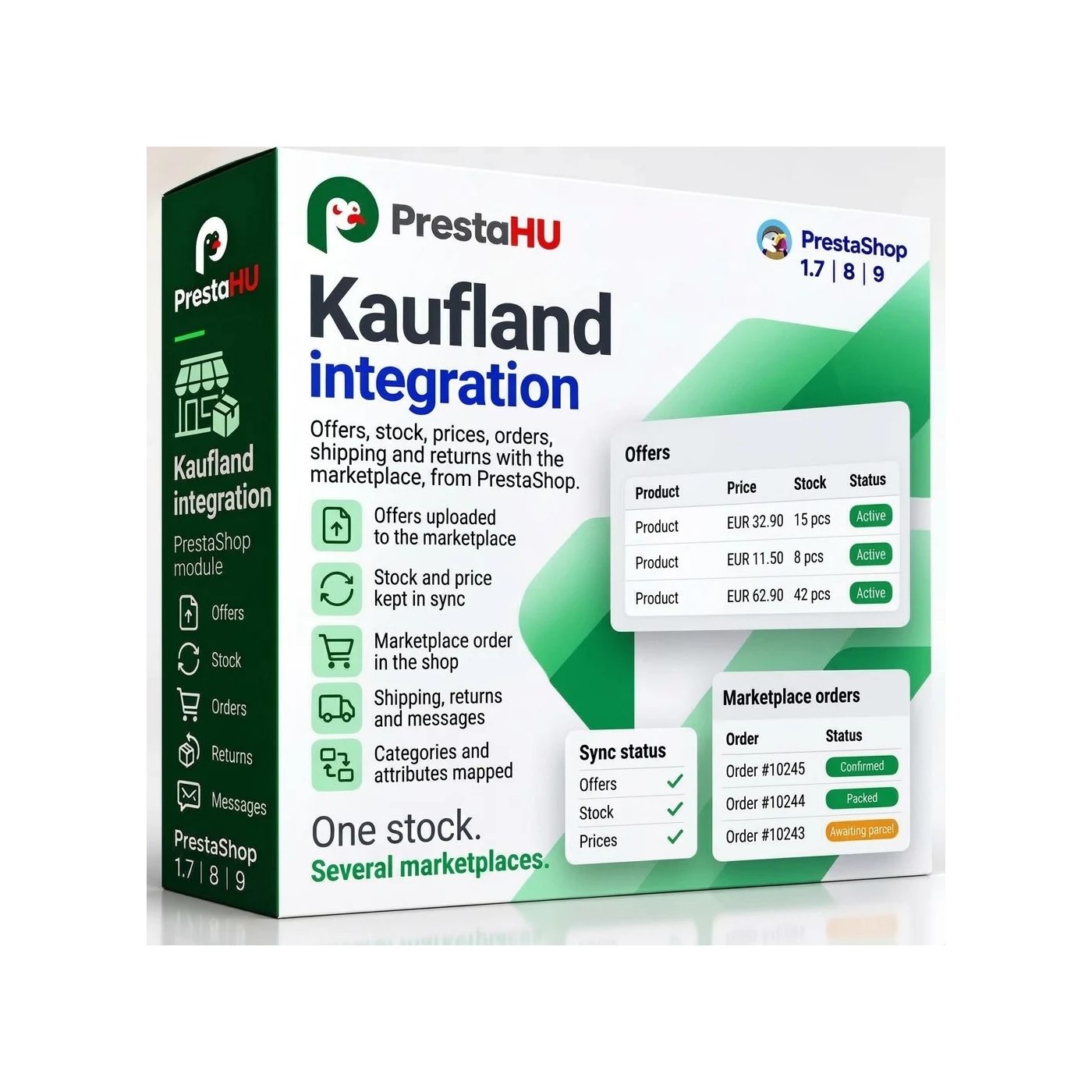
An offer from the shop to the Kaufland marketplaces, the order back into PrestaShop, with shipping and invoice.
Kaufland integration PrestaShop module | PrestaHU

What it does

Connect your Kaufland account once, and the module handles the rest.

Offers with EAN checking

Offers are built from the selected products and combinations, one per combination. The module checks every EAN against its check digit: a product with no EAN or a wrong one is not sent to Kaufland. The offer list shows the status and the error.

Pricing per marketplace

Each marketplace has its own currency and pricing: the base is either the net price with the VAT of the marketplace’s country or the shop’s gross price, and on top come the markup, rounding, lowest and highest price. Handling time, shipping group and product condition can be overridden per product.

Orders in PrestaShop

A Kaufland order is created in PrestaShop with the customer, the address and the items. An order with an unknown product waits for matching: you pick the shop product once, and the module remembers it.

Shipping, invoice, refund

All the tracking numbers of an order go to Kaufland in one go, and the module uploads the invoice as a PDF. You give the cancellation and the refund from the order page, with a confirmation.

Returns and customer tickets

You can answer a return by accepting it, rejecting it, offering a repair or asking the customer. Customer tickets are answered from the module, with a file attached if needed, and closed there.

Buy Box, reports, vouchers

The Buy Box screen shows when you won or lost, with your price and the winner’s price. Kaufland reports can be downloaded and compared with the module’s offers, and vouchers are created from the module.

The real interface

What the module looks like inside

Good to know

What do you need?

One Kaufland seller account and its two access keys (the client key and the secret key). After installation the overview walks you through it step by step.

  • Compatibility: PrestaShop 1.7.4 – 9.
  • Marketplaces: The Kaufland marketplaces; the list comes from Kaufland, is loaded with the Read marketplaces button, and one account can have several.
  • Product ID: Every product you offer needs a valid EAN.
  • Orders: Kaufland orders arrive with their own shipping method and order statuses; the shipping method does not show at checkout.
  • Timer: Enter the address shown on the overview in your hosting timer; the module uses it to send offers and read orders.
  • Product page: On the product page the Marketplaces tab shows which marketplaces carry the product, and you can override the marketplace rules per product there.

Why it helps

What you get

  • Everything in one placeOffer status, orders, returns, customer tickets and the Buy Box all sit under the same menu item.
  • Stock bufferThe module does not offer the number of units you set aside on Kaufland, and you can cap the stock it offers.
  • Nothing goes out twiceA tracking number Kaufland already has, and an invoice file with the same name, are not sent again.
  • Product safetyThe manufacturer’s and the EU-responsible person’s details can be sent to Kaufland per product (EAN) or per manufacturer.

Technical details

Compatibility and version

Compatibility
PrestaShop 1.7.4–1.7.8, 8.0–8.2, 9.0–9.2
Version
1.0.0

Versions

What changed in each version?

v1.0.02026-11-21

  • Offers, prices and stock sent to Kaufland
  • Kaufland orders imported into the shop
  • Shipment, cancellation, refund and invoice sent to Kaufland
  • Returns and buyer tickets answered in the shop
  • Buy Box tracking, seller reports and vouchers
  • Product safety contacts: manufacturer and responsible person

PrestaHU reviews on Google

Google 5.0 63 Google reviews All reviews on Google
  • tomica blagojević 11 months ago

    I bought a PrestaShop module from PrestaHU and I’m very satisfied. The module works perfectly, and the owner Levente quickly resolved all my questions with great support. Highly recommended!

  • Ivonig Corfmat 2 years ago

    Levente/presta.hu has been very helpful and quick to reply to any question or issue we may have had in order to install and configure the plugins.

    We got 2 plugins from presta.hu and both are doing their tasks just fine.

  • Marcos Ametller 1 year ago

    The module with SimplePay worked and was a lower price than the recommended by OTP. And the service from Levente has been spotless. I recommend

  • András Bajomi 2 years ago

    Levente is a real Prestashop guru, with all the skills & knowledge to solve our PS issues quickly and efficiently.

  • Wiki W 3 years ago

    Great modules for Prestashop and excellent support from Levi!
    All recommendations for this developer!

FAQ

What people ask before buying

Do I need a Kaufland seller account?
Yes. Connecting needs the two access keys of the account (client key and secret key). Before use, the module checks the key with the marketplace and stores it encrypted.
Which PrestaShop versions does it work with?
PrestaShop 1.7.4 to 9.
How many Kaufland marketplaces can I sell on with one account?
With one key pair, on every marketplace of the account. The list of marketplaces comes from Kaufland, the module loads it with the Read marketplaces button, and each marketplace is switched on separately. Every marketplace has its own currency, pricing and handling time.
Which products can go to Kaufland?
Those with a valid EAN: a product with no EAN or a wrong one is not sent. You select products by rule or on the product page, and one offer is made per combination.
What happens to an order with an unknown product?
It waits for matching: you pick the shop product for each line, the module remembers it, and then the order is created.
What goes back to Kaufland?
The acceptance, the cancellation, the shipping notice (with all the order’s tracking numbers), the refund, the invoice, and the replies to returns and customer tickets.
Does the shop wait for Kaufland when I save or at checkout?
No. The module queues what it sends to Kaufland and the timer processes the queue, so saving a product and checking out never wait for Kaufland.

Help

Where to get help

All modules

Browse our other PrestaShop modules.

Built to work together

Our modules are designed to run side by side in the same shop.

Frequent updates

Fixes and improvements arrive continuously, in frequent new versions.

Live support

Direct help during install and configuration.

100%

Scroll or double-click: zoom · Drag: move · ESC: close

Kaufland Integration for PrestaShop €69.99excl. VAT
My modules