PrestaShop 1.7.4–1.7.8, 8.0–8.2, 9.0–9.2 compatible

Mirakl integration for PrestaShop

5.0 63 Google reviews of PrestaHU

The offer goes out from the shop; shipping, invoice and refund go from the order page.

€69.99excl. VAT

Price excluding VAT. Buyers in the EU pay 21% VAT on top, except businesses outside Romania with a VAT number valid in VIES.

One-time fee • 12 months of updates and support

See how it looks
  • Marketplace from a list
  • Orders become PrestaShop orders
  • Errors flagged before upload
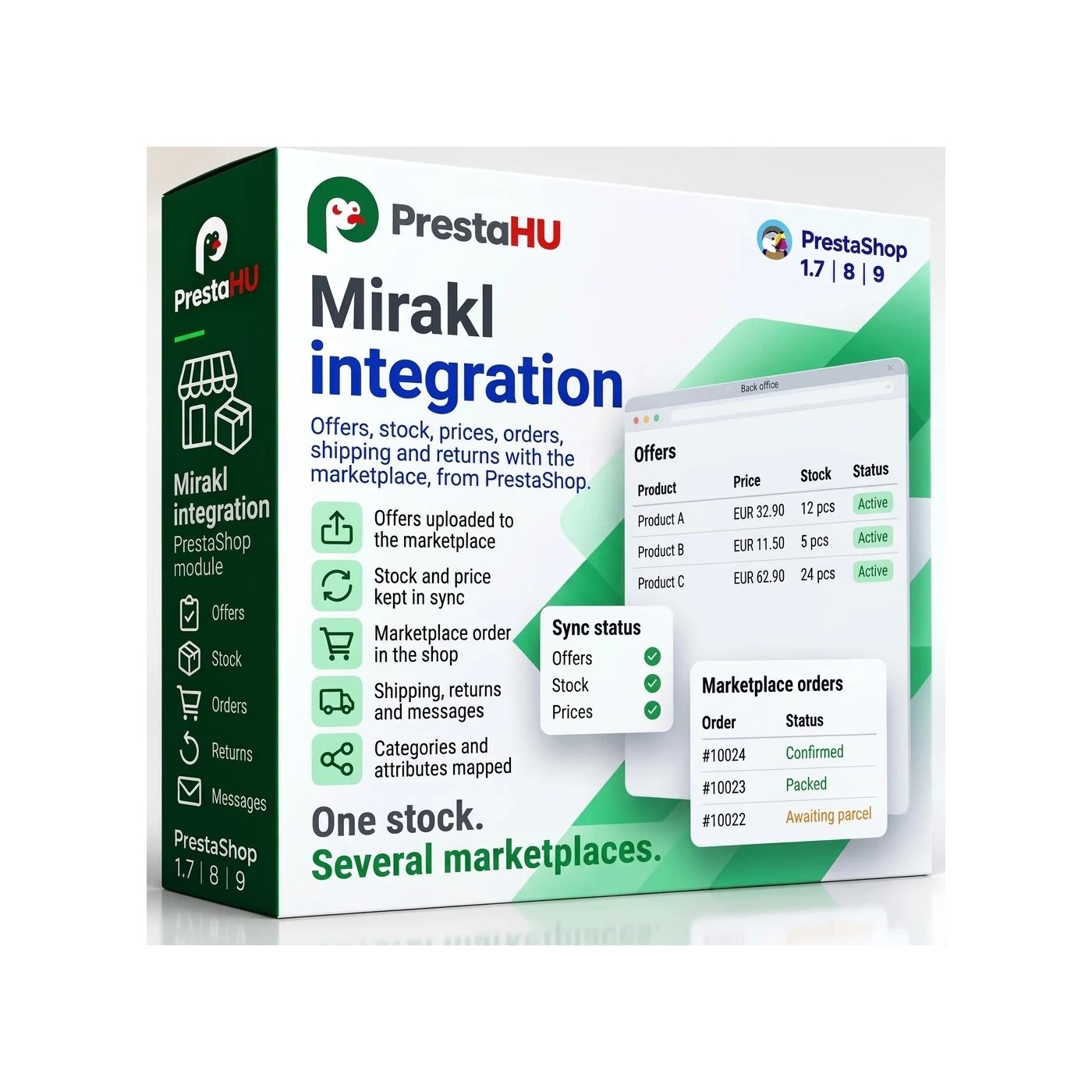
A product from the shop to the Mirakl marketplace, the order back into PrestaShop, with shipping and invoice.
Mirakl integration PrestaShop module | PrestaHU

What it does

Connect each marketplace once, and the module handles the rest.

Marketplace from a list or by hand

Search the list for the marketplace (for example Leroy Merlin, Carrefour, Boulanger, Decathlon, MediaMarkt, Worten), or add any other Mirakl-based marketplace by entering its name, country, currency and address. The module tests the key with the marketplace before saving and stores it encrypted.

Product file from your mapping

The module reads the marketplace’s categories and attributes, and you match your shop’s categories and values (a colour name, for example) to them once. An attribute value can come from a product field, a fixed value or an expression, and one button fills in the rules the module can work out itself.

Checks before upload

Before upload the module checks every product: is the category matched, is the required attribute there, is the EAN valid, is the price above zero, is the value on the list the marketplace accepts. A faulty product stays out of the file, and the reason is in the Error column of the offer list.

Orders in PrestaShop

A marketplace order is created in PrestaShop with the customer, the address and the items. The acceptance deadline shows on the order page; automatic acceptance is switched per marketplace and is off by default. An order with an unknown product waits for matching, and the module remembers your choice.

Shipping, invoice, refund

The shipping notice goes to the marketplace from the order page or at the order status you set, and you give cancellations and refunds from there too. The invoice goes to the marketplace as soon as the shop has made it, and a missing or failed invoice can be sent again with one button.

Returns, messages, reconciliation

You accept or reject the marketplace’s returns, and enter the refund line by line with quantity and amount. Customer messages are answered from the module. Offer reconciliation compares the shop’s offers with the marketplace’s and fixes the difference (a missing offer, a different price or quantity) with one button.

Price rules for each marketplace

In the price rules panel you set, for each marketplace, how the price differs from the webshop price: for all products, one category, one manufacturer or one product, with a percentage markup or a fixed surcharge and rounding (to a whole number, to .90 or .99, to a multiple of 5 or 10). The order matters: the first matching rule applies. A lowest margin over the purchase price can be set too. Amounts exclude VAT.

The real interface

What the module looks like inside

Good to know

What do you need?

A seller account on the Mirakl marketplace: the address of the marketplace’s API and the seller API key. After installation the overview walks you through it step by step.

  • Compatibility: PrestaShop 1.7.4 – 9.
  • Marketplaces: A marketplace from the list, or any Mirakl-based marketplace with an address you enter; one account can have several marketplaces.
  • Product ID: The identifier of the offered products follows the marketplace’s rule; the marketplace matches an offer to its own product by the EAN code.
  • Orders: Marketplace orders are created as PrestaShop orders, with the shop statuses you assign to the marketplace’s statuses.
  • Timer: Enter the address shown on the overview in your hosting timer; the module uses it to send offers and read orders.
  • Product page: On the product page the Marketplaces tab shows which marketplaces carry the product. The lead time to ship, the minimum and maximum order quantity, the EPR data and the product safety details are entered there too.

Why it helps

What you get

  • Everything in one placeOffers, orders, returns, messages and reconciliation all sit under the same menu item.
  • Stop sendingOne switch stops every offer, price and stock update from leaving the shop; orders keep arriving.
  • HolidayA period can be set per marketplace, or for all of them, during which sending pauses.
  • Product safetyThe manufacturer’s and the EU-responsible person’s details can be entered per product; if the marketplace requires them and they are missing, the offer is not sent.

Technical details

Compatibility and version

Compatibility
PrestaShop 1.7.4–1.7.8, 8.0–8.2, 9.0–9.2
Version
1.0.0

Versions

What changed in each version?

v1.0.02026-11-21

  • Offers, prices and stock sent to Mirakl marketplaces
  • Marketplace orders imported into the shop
  • Shipment, cancellation, refund and invoice sent back
  • Returns decided and refunded from the shop
  • Messages from buyers answered in the shop
  • Comparison of shop offers with marketplace offers
  • Category pairing and attribute rules

PrestaHU reviews on Google

Google 5.0 63 Google reviews All reviews on Google
  • tomica blagojević 11 months ago

    I bought a PrestaShop module from PrestaHU and I’m very satisfied. The module works perfectly, and the owner Levente quickly resolved all my questions with great support. Highly recommended!

  • Ivonig Corfmat 2 years ago

    Levente/presta.hu has been very helpful and quick to reply to any question or issue we may have had in order to install and configure the plugins.

    We got 2 plugins from presta.hu and both are doing their tasks just fine.

  • Marcos Ametller 1 year ago

    The module with SimplePay worked and was a lower price than the recommended by OTP. And the service from Levente has been spotless. I recommend

  • András Bajomi 2 years ago

    Levente is a real Prestashop guru, with all the skills & knowledge to solve our PS issues quickly and efficiently.

  • Wiki W 3 years ago

    Great modules for Prestashop and excellent support from Levi!
    All recommendations for this developer!

FAQ

What people ask before buying

Do I need a seller account on the marketplace?
Yes. Connecting needs the address of the marketplace’s API and the seller API key. The Test connection button shows before saving whether the marketplace accepts the key; the account is only created then.
Which PrestaShop versions does it work with?
PrestaShop 1.7.4 to 9.
Which marketplaces can I use it with?
With the marketplaces on the list (for example Leroy Merlin, Carrefour, Boulanger, Decathlon, MediaMarkt, Worten), and with any other Mirakl-based marketplace once you enter its name, country, currency and address.
What happens to a faulty product?
It stays out of the uploaded file. The Error column of the offer list names the reason: for example the category is not matched, a required attribute is missing, the EAN is wrong or the price is zero.
What happens to an order with an unknown product?
It waits for matching: you pick the shop product for each line, the module remembers it, and then the order is created.
What goes back to the marketplace?
Offers, prices and stock, the acceptance or cancellation of an order, the shipping notice, the invoice, the refund, the decision on a return and the replies to customer messages.
Does the shop wait for the marketplace when I save or at checkout?
No. The module queues what it sends to the marketplace and the timer processes the queue, so saving a product and checking out never wait for the marketplace.
Can the price on the marketplace differ from the webshop price?
Yes. A price rule works out the price on the marketplace from the webshop price: a percentage markup or a fixed surcharge, rounding and a lowest margin over the purchase price, for all products, one category, one manufacturer or one product. Each marketplace has its own rules, and the first matching rule applies. Where no rule matches, the webshop price goes out. Amounts exclude VAT.

Help

Where to get help

All modules

Browse our other PrestaShop modules.

Built to work together

Our modules are designed to run side by side in the same shop.

Frequent updates

Fixes and improvements arrive continuously, in frequent new versions.

Live support

Direct help during install and configuration.

100%

Scroll or double-click: zoom · Drag: move · ESC: close

Mirakl Integration for PrestaShop €69.99excl. VAT
My modules