Cancel from the order page
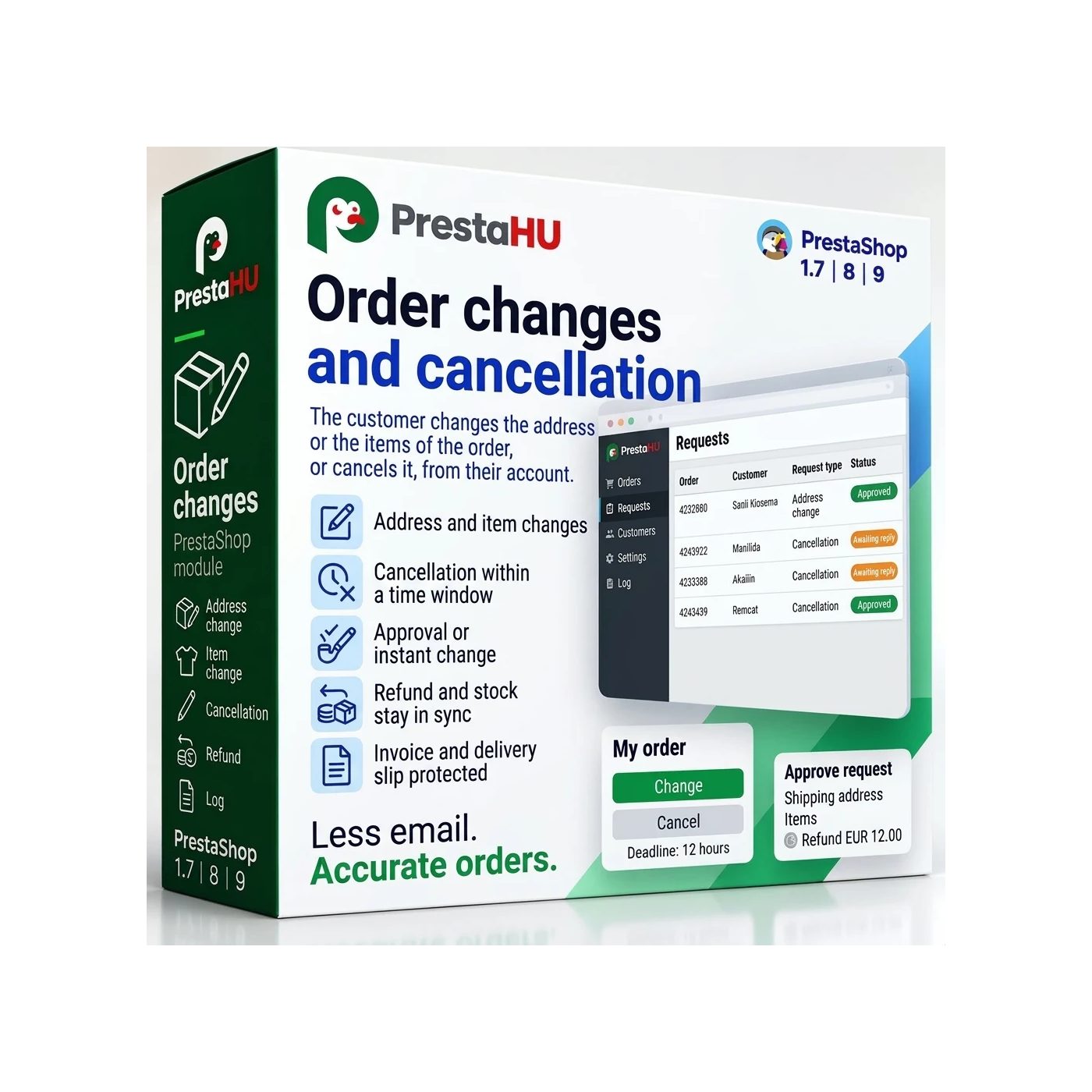
The customer opens the order from the order history and cancels it there. The reason comes from a list the shop edits, in every language, and returning the coupon use and the shipping fee can be switched on or off.


Tell us what you want to achieve and we will tell you the best way and the cost.
Contact
The customer handles it from the order page; staff see the requests and the manual refunds.
Price excluding VAT. Buyers in the EU pay 21% VAT on top, except businesses outside Romania with a VAT number valid in VIES.
One-time fee • 12 months of updates and support
What it does
The customer opens the order from the order history and cancels it there. The reason comes from a list the shop edits, in every language, and returning the coupon use and the shipping fee can be switched on or off.
The customer corrects the shipping or billing address, choosing a saved address or entering a new one. For items, the quantity can be reduced, an item removed or another variant chosen. Removing every item cancels the order.
On cancellation the module creates a credit note and puts the stock back. Where the payment module is set up to refund from the credit note, the refund is automatic. Elsewhere staff get a “refund by hand needed” flag with a reminder, and record the payment once it is made.
For each type of change it can be set to happen at once or to wait for staff as a request. The requests are in one list, can be approved and declined in bulk, and the customer gets an e-mail about every decision.
The default is 60 minutes from the moment of the order, and only in the order statuses the shop allows. A carrier, customer group, category or product can be excluded, and an invoiced order is locked. Staff can extend the window of one order or close it to changes.
A guest finds the order with the order number and the e-mail address given at checkout. The customer gets an e-mail when a request arrives, is accepted or declined, and when the credit note is made, and the shop address gets a notice. The request history shows what changed and what it was before.
The real interface
Good to know
Only the module itself. After installation the management screens appear in the Orders menu, and the default settings work at once. To close expired requests and send reminders, the one address the module gives has to be entered in the hosting scheduler.
Why is it good?
Technical data
Versions

I bought a PrestaShop module from PrestaHU and I’m very satisfied. The module works perfectly, and the owner Levente quickly resolved all my questions with great support. Highly recommended!

Levente/presta.hu has been very helpful and quick to reply to any question or issue we may have had in order to install and configure the plugins.
We got 2 plugins from presta.hu and both are doing their tasks just fine.

The module with SimplePay worked and was a lower price than the recommended by OTP. And the service from Levente has been spotless. I recommend

Levente is a real Prestashop guru, with all the skills & knowledge to solve our PS issues quickly and efficiently.

Great modules for Prestashop and excellent support from Levi!
All recommendations for this developer!
Frequently asked questions
Help
Browse our other PrestaShop modules.
Our modules are designed to run side by side in the same shop.
Fixes and improvements arrive continuously, in frequent new versions.
Direct help during install and configuration.
 Have a question?Contact