PrestaShop 1.7.4–1.7.8, 8.0–8.2, 9.0–9.2 compatible

Pre‑orders and back-in-stock alerts for PrestaShop

5.0 63 Google reviews of PrestaHU

The customer pre-orders with a deposit or at full price, or asks to be notified, and gets a letter on arrival.

€49.99excl. VAT

Price excluding VAT. Buyers in the EU pay 21% VAT on top, except businesses outside Romania with a VAT number valid in VIES.

One-time fee • 12 months of updates and support

See the screenshots
  • Deposit or full price
  • Alert on arrival
  • Demand report
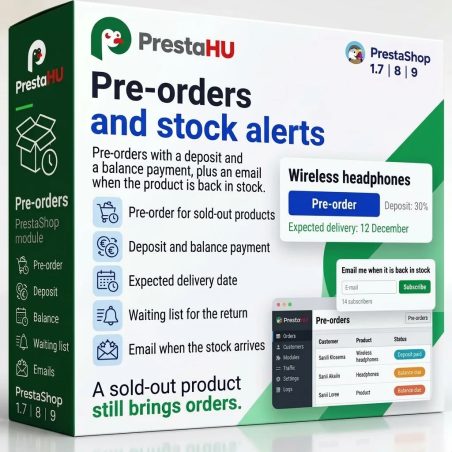
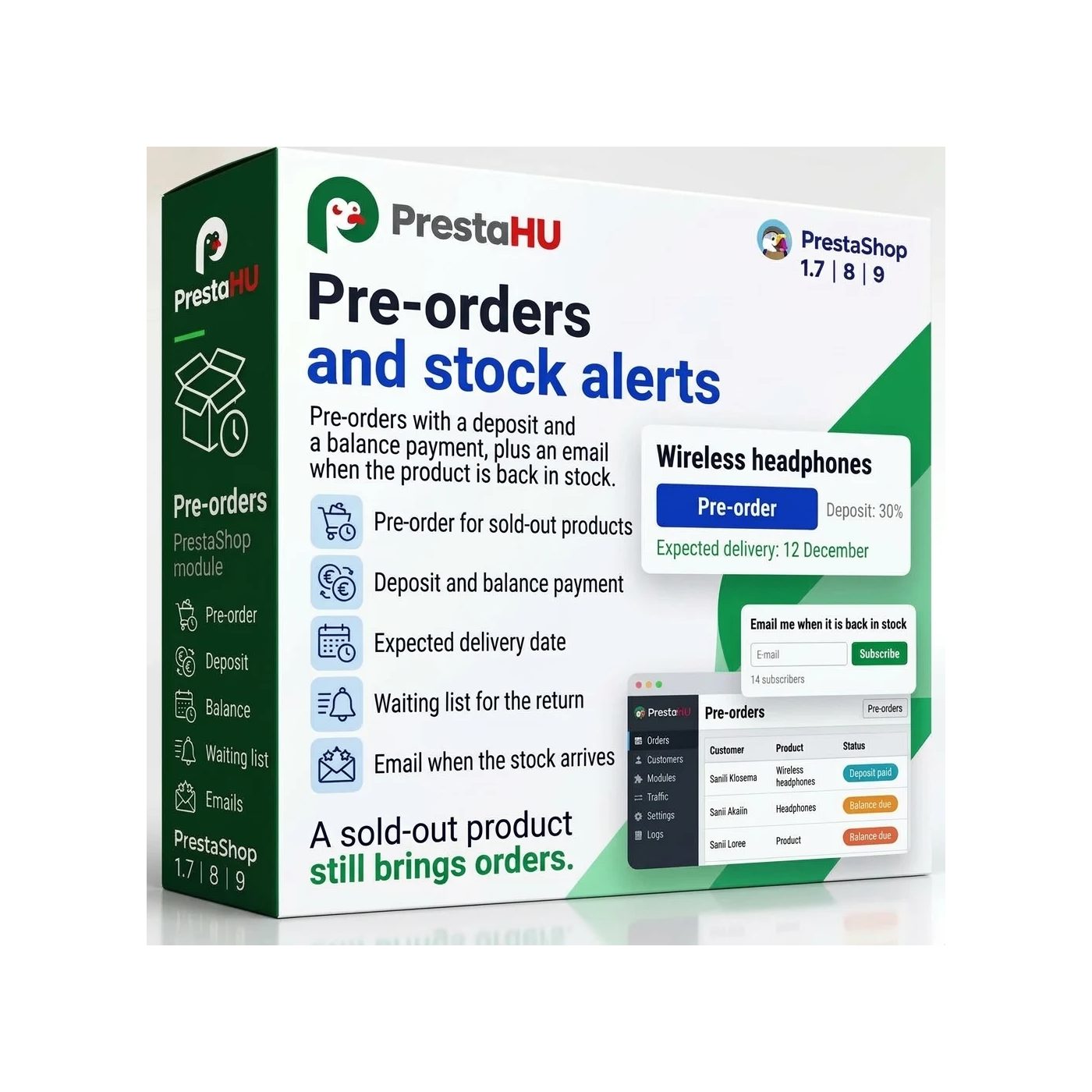
Pre-orders at the full price or with a deposit, a countdown on the product page, and an alert when a product is back in stock.
Pre-order and Back-in-Stock PrestaShop module | PrestaHU

What it does

Orders can come in for a product you do not have yet, and customers know when it arrives.

Date and countdown

The product page shows the release date, the countdown (the customer can pause it), the number of pre-orders still available and the pre-order button. A label on the product image marks the product as available for pre-order.


Full price or deposit

According to the rule, the customer pays the full price now, a percentage or fixed deposit, or pays only at release. The shipping fee is paid with the deposit or with the balance. The cart shows the deposit on its own line.

Rules by product, category, brand

A rule can cover a combination, a product, a category, a brand or all products, and can be narrowed to customer groups and countries. Its mode is: when the product is out of stock, always, or within a date window. For one product, the most specific rule applies.

Balance through its own link

The customer pays the balance through a link available from their account, also in parts. A reminder goes out 3 days and 1 day before the deadline, and a separate letter after it. The rule then only notifies, or cancels the pre-order.

A new date, with a letter

When the release date changes in the rule, the waiting customers get one letter about the new date. If the date moves later, the customer can ask to cancel, and the merchant accepts or declines. The merchant marks the release by hand, or it happens by itself when stock arrives.

Waitlist and demand report

For a product that is out of stock, customers sign up with consent, address confirmation by letter is optional, and every letter carries an unsubscribe link. When the product is back in stock, a letter goes out. The report shows how many people wait for each product and how many pre-ordered units await release.

The real interface

This is how the module looks inside

Good to know

What do you need?

Only the module itself. After installation the Catalog menu gains a Pre-orders and stock alerts item, and until the first rule is created the module changes nothing on the products.

  • Compatibility: PrestaShop 1.7.4 – 9, with one webshop or several.
  • External account: No external account or key is needed.
  • Scheduler: For the letters, the balance deadline and the waitlist, the address the module gives is entered once in the hosting scheduler, to run every 15 minutes.
  • Deposit and invoice: The deposit and the balance are two separate payments of one order; the webshop issues the invoice under its own rules.
  • Cancellation: On cancellation the stock returns to the product; a deposit is not refunded automatically.
  • Privacy: The consent text is stored with a version number, and unanswered sign-ups are deleted after 12 months by default.

Why it helps

What do you gain?

  • Orders for a missing productAn interested visitor pre-orders or signs up instead of ending up on a competitor webshop.
  • Visible demandThe report shows how many people wait for which product, which is the basis for the next purchase.
  • Reversible product settingsWhen a rule is deleted or switched off, the product gets its original stock and date settings back.
  • Letters that send themselvesReminders, the overdue balance, a changed date and the back-in-stock letter are queued and sent by the scheduler.

Technical data

Compatibility and version

Compatibility
PrestaShop 1.7.4–1.7.8, 8.0–8.2, 9.0–9.2
Version
1.0.0

Versions

What changed in each version?

v1.0.02026-11-20

  • Release date and countdown on the product page
  • Full price or deposit at pre-order
  • Rules by product, category and brand
  • Balance payment through its own link
  • New release date, with an e-mail to customers
  • Waitlist and demand report

PrestaHU reviews on Google

Google 5.0 63 Google reviews All reviews on Google
  • tomica blagojević 11 months ago

    I bought a PrestaShop module from PrestaHU and I’m very satisfied. The module works perfectly, and the owner Levente quickly resolved all my questions with great support. Highly recommended!

  • Ivonig Corfmat 2 years ago

    Levente/presta.hu has been very helpful and quick to reply to any question or issue we may have had in order to install and configure the plugins.

    We got 2 plugins from presta.hu and both are doing their tasks just fine.

  • Marcos Ametller 1 year ago

    The module with SimplePay worked and was a lower price than the recommended by OTP. And the service from Levente has been spotless. I recommend

  • András Bajomi 2 years ago

    Levente is a real Prestashop guru, with all the skills & knowledge to solve our PS issues quickly and efficiently.

  • Wiki W 3 years ago

    Great modules for Prestashop and excellent support from Levi!
    All recommendations for this developer!

Frequently asked questions

What buyers ask before purchase

Which PrestaShop versions does it work on?
PrestaShop 1.7.4 to 9, with one webshop or several.
Can a deposit be taken for a pre-order?
Yes. A rule offers four ways to pay: full price now, a percentage deposit, a fixed deposit, or payment at release. A fixed amount is entered in the default currency, and the module converts it for other currencies.
How does the customer pay the balance?
After the release the customer receives a letter with the payment link, which is also available from their account. The link stays valid for 30 days after the deadline, and the customer may pay in part. Reminders go out 3 days and 1 day before the deadline, and a letter about the overdue balance after it.
What happens if the customer does not pay by the deadline?
According to the rule, only the merchant and the customer are notified, or the pre-order is cancelled. On cancellation the stock returns to the product; a deposit is not refunded automatically.
What if the arrival is delayed?
When the release date changes in the rule, the waiting customers get one letter about the new date. If the date moves later, the customer can ask to cancel, and the merchant accepts or declines.
How does the back-in-stock alert work?
On a product that is out of stock, the customer enters an e-mail address and gives consent, and gets a letter when the product is back in stock. Address confirmation by letter is optional, and every letter contains an unsubscribe link.
Does it need a scheduled task?
Yes. For the letters, the balance deadline and the waitlist upkeep, the address the module gives is entered once in the hosting scheduler, to run every 15 minutes.
On how many webshops can one licence be used?
The licence is for the domain given at the order. Another webshop needs another licence; write to us and we will arrange it.

Help

Where to get help

All modules

Browse our other PrestaShop modules.

Built to work together

Our modules are designed to run side by side in the same shop.

Frequent updates

Fixes and improvements arrive continuously, in frequent new versions.

Live support

Direct help during install and configuration.

100%

Scroll or double-click: zoom · Drag: move · ESC: close

Pre-orders and Back-in-Stock Alerts for PrestaShop €49.99excl. VAT
My modules