PrestaShop 1.7.4–1.7.8, 8.0–8.2, 9.0–9.2 compatible

Quote requests for your PrestaShop webshop

5.0 63 Google reviews of PrestaHU

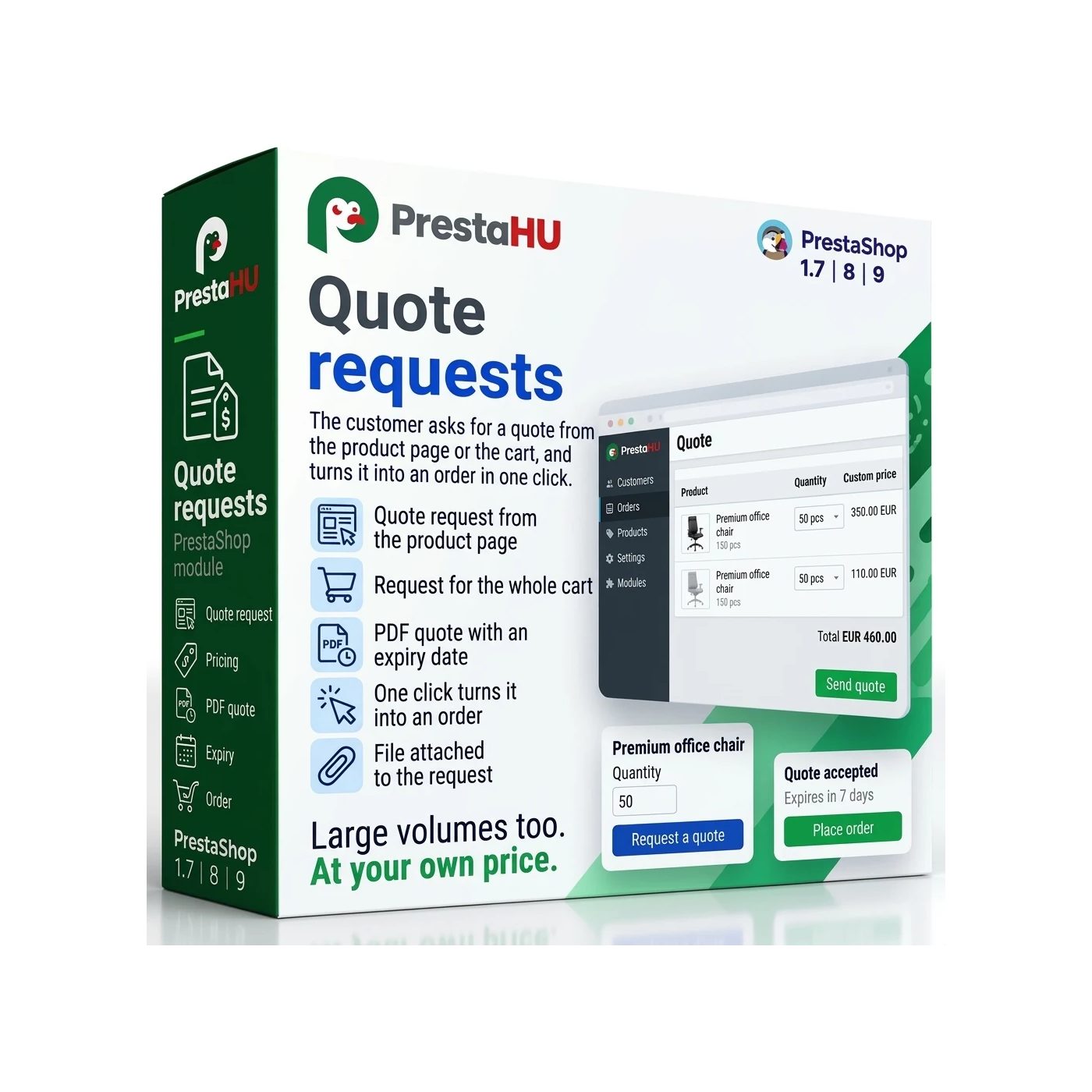
The customer requests and accepts the quote in the webshop, staff answer in one screen, and the order is created at the quoted price.

€49.99excl. VAT

Price excluding VAT. Buyers in the EU pay 21% VAT on top, except businesses outside Romania with a VAT number valid in VIES.

One-time fee • 12 months of updates and support

See the screenshots
  • Quote as a PDF file
  • Acceptance in the webshop
  • Order at the quoted price
Quote requests from the product page and the cart, itemised PDF quotes, orders at the quoted price.
Quote Request PrestaShop module | PrestaHU

What it does

The quote is made and accepted in the webshop, and the order follows at the quoted price.

Quote requests from the product page and the cart

A customer asks for a quote from a product page or from the cart; the cart items are copied into the request and the cart itself stays untouched. The customer can add company details, a tax number and their own reference, write a message and attach a file. The form can be extended with your own fields. If the PrestaHU quick order module also runs in the webshop, product codes and quantities can be pasted from a list. A cart can be saved under a name and shared as a link.

A quote line by line, with a PDF file

Staff add catalogue products or custom lines (a service or a handling fee, for example) and set the quoted price, the discount and the tax rate; net and gross totals are shown. The shipping method can be set on the quote, and you choose which payment methods the customer may use. The quote goes to the customer by e-mail as a PDF file and can also be downloaded from the quote page.

Acceptance, counter-offer, messages

From the link in the e-mail, without logging in, or from their account, the customer accepts the quote (with a name and a tick box), declines it or sends a counter-offer, asking for a different quantity or leaving a note on each line. A changed quote goes out as a new version, and the acceptance always refers to the version that was sent. Customer and staff can also exchange messages on the quote page.

Order at the quoted price

After acceptance the customer continues to checkout, and the cart holds the quote lines at the quoted price. The order goes through the normal checkout of the webshop, and nothing has to be typed back by hand. On the order page, the Quote panel shows the quote number, its status and its total.

Validity and reminders

By default a quote is valid for 14 days, followed by a 48-hour grace period; both can be changed. The customer gets a reminder 7, 3 and 1 days before expiry, the merchant gets a reminder about requests left unanswered and at most one summary e-mail a day. An expired quote can be extended, and it becomes sent again.

Rules, sample requests, automatic quotes

A rule sets for which products, categories, brands, customer groups or countries the quote request shows next to the add-to-cart button or instead of it, and where the price or the add-to-cart button is hidden, so the product can only be bought through a quote request. For a sample request you set the price (free, a percentage of the list price or a fixed price), the quantity, and how often one customer can ask for a sample. An automatic quote goes out on its own, with a discount, after the delay you set.

The real interface

What the module looks like inside

Good to know

What do you need?

Only the module itself. After installation the Orders menu shows the Quotes list and the Quote requests settings. On the product page the quote button does not appear until a rule is created or the Quote request button on every product switch is turned on; in the cart the button appears without any rule. Expiry, reminders and automatic quotes need one address, given by the module, to be entered in the hosting scheduler.

  • Compatibility: PrestaShop 1.7.4 – 9.
  • Webshops: One or several webshops in one installation.
  • External account: No external account or key is needed.
  • Files: By default up to 5 files, up to 5 MB each: pdf, doc, docx, xls, xlsx, csv, jpg, jpeg, png and webp.
  • E-mails: The module e-mails the customer and the merchant in the customer's language.
  • Data retention: Closed quotes are anonymised after 730 days by default, and a shared cart link works for 30 days; both can be changed.

Why it helps

What you get

  • One flowThe request, the price, the PDF file, the acceptance and the order are in one place, not spread across e-mails and spreadsheets.
  • The quoted price is keptAccepted lines go into the cart at the quoted price, so the price does not have to be typed back by hand.
  • Clear for the customerIn their account the customer sees their quotes on the My quotes page, and a mark shows a new message.
  • Controlled buyingA rule can hide the price or the add-to-cart button, so the chosen products can only be bought through a quote request.

Technical details

Compatibility and version

Compatibility
PrestaShop 1.7.4–1.7.8, 8.0–8.2, 9.0–9.2
Version
1.0.0

Versions

What changed in each version?

v1.0.02026-11-19

  • Quote requests from the product page and cart
  • Line-by-line quotes sent as a PDF by e-mail
  • Acceptance, rejection and counter-offers
  • Order at the quoted price through the usual checkout
  • Expiry dates and customer reminders
  • Rules, sample requests and automatic quotes

PrestaHU reviews on Google

Google 5.0 63 Google reviews All reviews on Google
  • tomica blagojević 11 months ago

    I bought a PrestaShop module from PrestaHU and I’m very satisfied. The module works perfectly, and the owner Levente quickly resolved all my questions with great support. Highly recommended!

  • Ivonig Corfmat 2 years ago

    Levente/presta.hu has been very helpful and quick to reply to any question or issue we may have had in order to install and configure the plugins.

    We got 2 plugins from presta.hu and both are doing their tasks just fine.

  • Marcos Ametller 1 year ago

    The module with SimplePay worked and was a lower price than the recommended by OTP. And the service from Levente has been spotless. I recommend

  • András Bajomi 2 years ago

    Levente is a real Prestashop guru, with all the skills & knowledge to solve our PS issues quickly and efficiently.

  • Wiki W 3 years ago

    Great modules for Prestashop and excellent support from Levi!
    All recommendations for this developer!

FAQ

What people ask before buying

Which PrestaShop versions does it work on?
PrestaShop 1.7.4 to 9, with one or several webshops.
Does the customer have to log in to ask for a quote?
By default anyone can ask for a quote, and logging in and company details are not required. You can set that only logged-in customers may ask, and that the company name and tax number are required. The link in the e-mail opens the quote page without logging in.
What happens when the customer accepts the quote?
The quote lines go into the cart at the quoted price, and the order goes through the normal checkout of the webshop. The quoted prices apply only to the lines and quantities on the quote. The customer can continue later, or from another device, from the quote page or from their account.
How long is a quote valid, and can it be extended?
By default 14 days, followed by a 48-hour grace period; both can be changed. The customer gets a reminder 7, 3 and 1 days before expiry. An expired quote can be extended, and it becomes sent again.
Can the price or the add-to-cart button be hidden for some products?
Yes. A rule can be set by products, categories, brands, customer groups and countries. There are four options: quote request next to the add-to-cart button, quote request instead of it, hiding the price, or hiding the price and the add-to-cart button. A product with a hidden price and no cart button can only be bought through a quote request.
How do sample requests work?
A rule sets the price of the sample (free, a percentage of the list price or a fixed price), the quantity per request, and how many days must pass before the same customer can ask again. Approval works in two ways: the merchant approves by sending the quote, or it is immediate and the customer receives the sample quote right away.
What is the scheduler needed for?
Expiry, reminders, automatic quotes and the anonymising of old quotes need the address given by the module to be entered once in the hosting scheduler, running every 15 minutes. Without it these tasks do not run.
On how many webshops can one licence be used?
The licence is for the domain given at the order. Another webshop needs another licence; write to us and we will arrange it.

Help

Where to get help

All modules

Browse our other PrestaShop modules.

Built to work together

Our modules are designed to run side by side in the same shop.

Frequent updates

Fixes and improvements arrive continuously, in frequent new versions.

Live support

Direct help during install and configuration.

100%

Scroll or double-click: zoom · Drag: move · ESC: close

Quote Requests for PrestaShop €49.99excl. VAT
My modules