Import from the catalogue
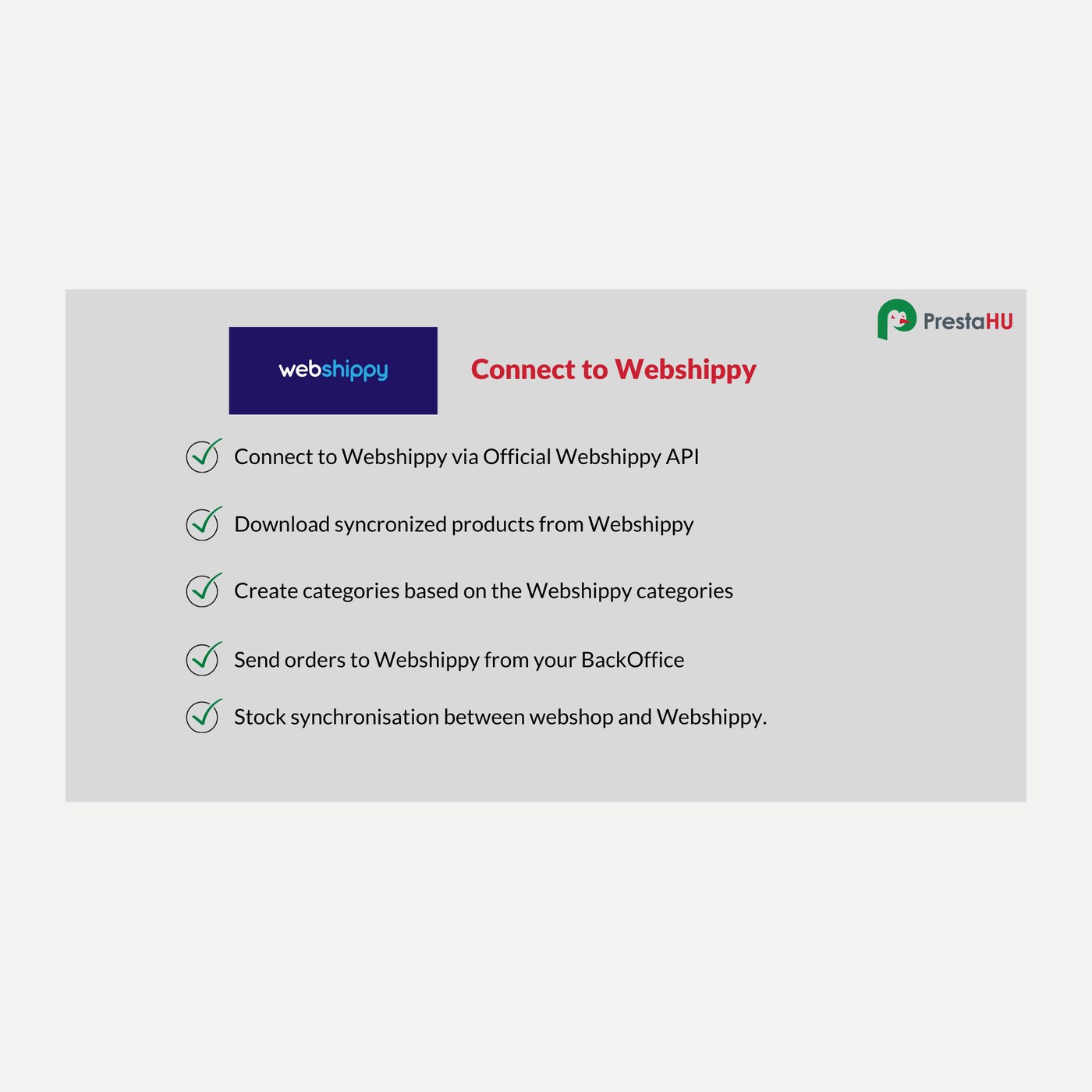
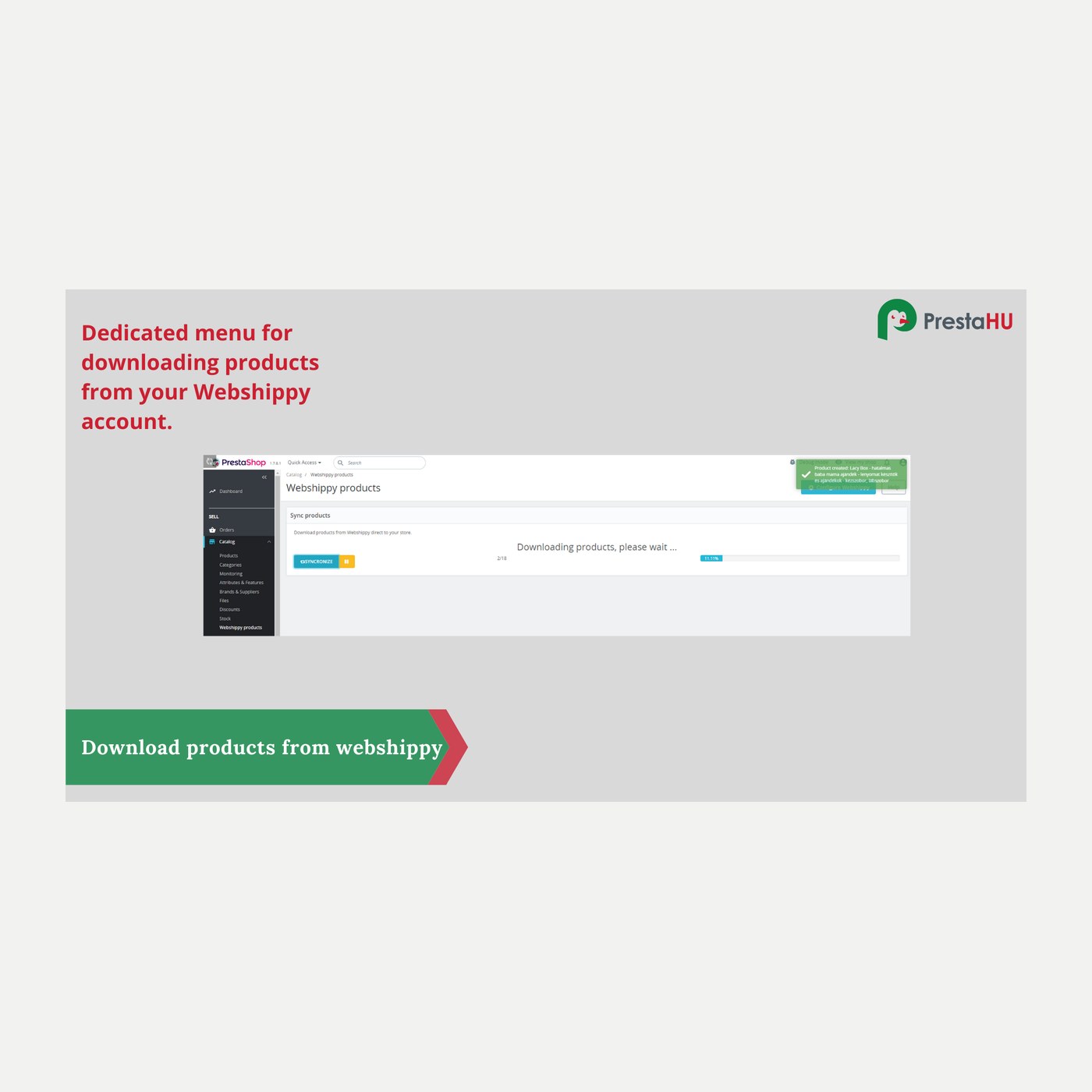
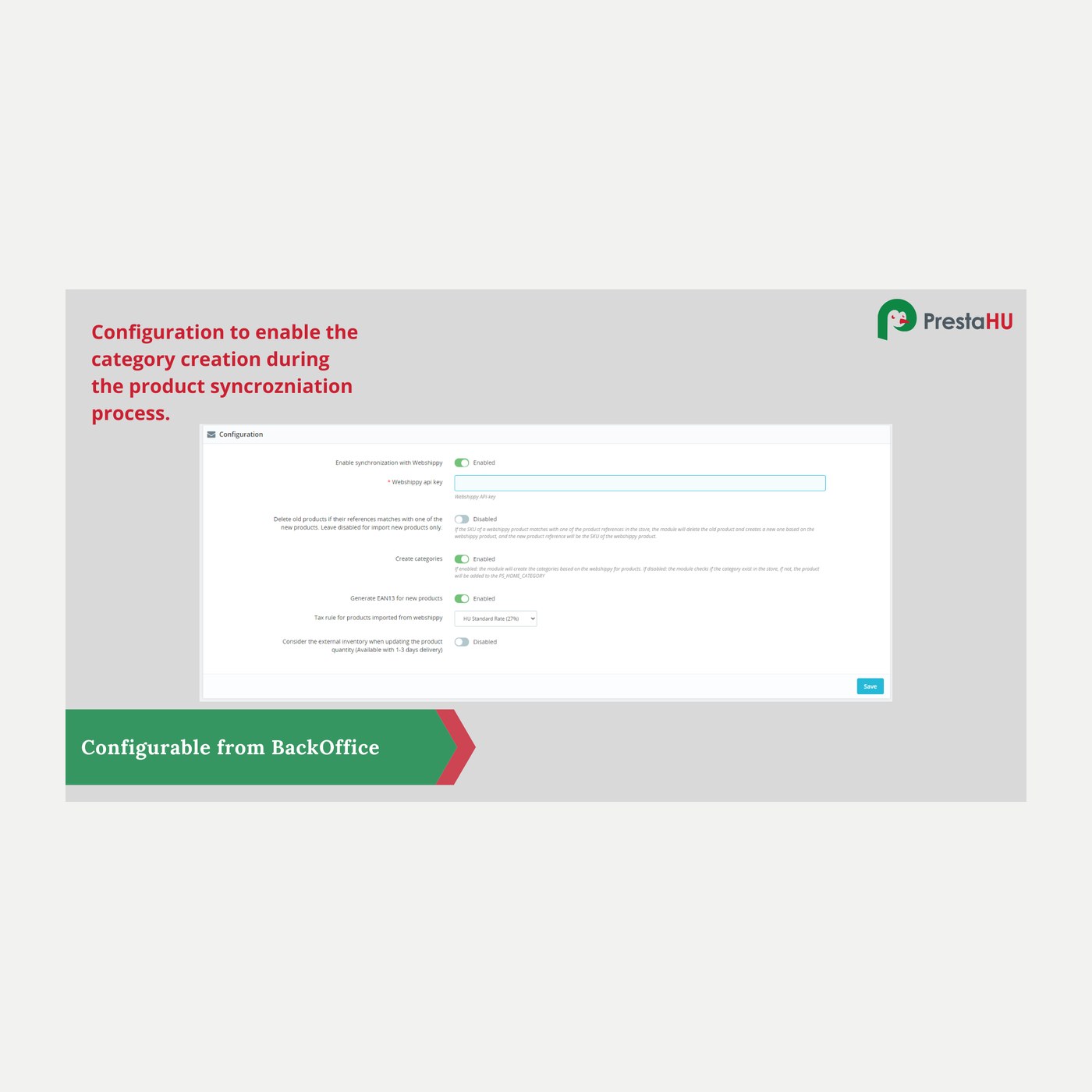
You import products from the Webshippy catalogue into your shop by category; the module creates the categories and can generate EAN codes.


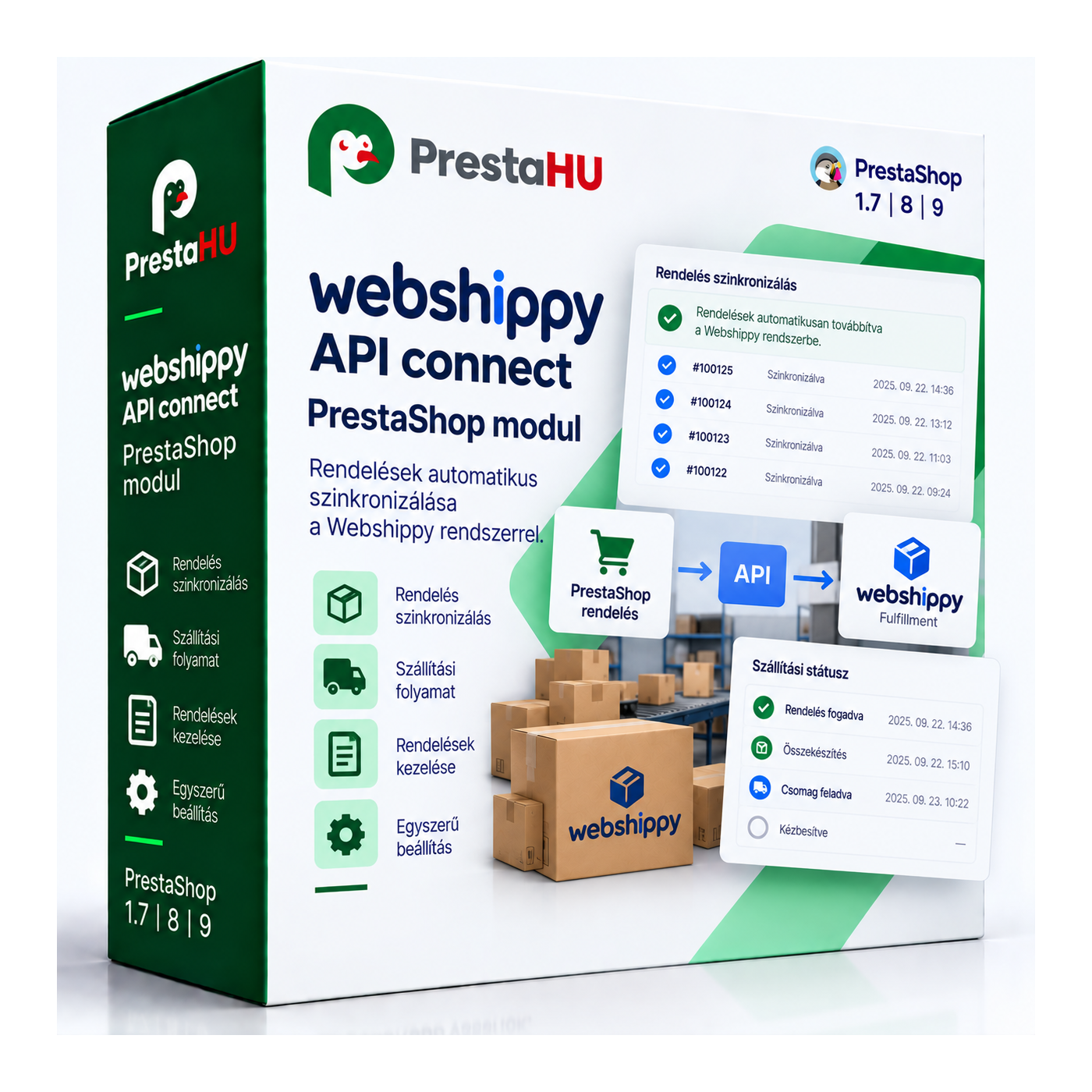
It connects your shop directly to the Webshippy dropshipping API. You import products from the Webshippy catalogue into your shop, stock syncs on its own, and incoming orders are forwarded to Webshippy, which picks, packs and ships them from its own warehouse. The fulfilment status flows back into the order, so you can sell without holding your own stock.

I bought a PrestaShop module from PrestaHU and I’m very satisfied. The module works perfectly, and the owner Levente quickly resolved all my questions with great support. Highly recommended!

Levente is a real Prestashop guru, with all the skills & knowledge to solve our PS issues quickly and efficiently.

Great modules for Prestashop and excellent support from Levi!
All recommendations for this developer!

The developer, Levente, was very helpful when integrating the module into my PrestaShop store. Communication was smooth, and his approach was professional and proactive. I am completely satisfied – I warmly recommend PrestaHU!
Translated

The module with SimplePay worked and was a lower price than the recommended by OTP. And the service from Levente has been spotless. I recommend
You import products from the Webshippy catalogue into your shop by category; the module creates the categories and can generate EAN codes.
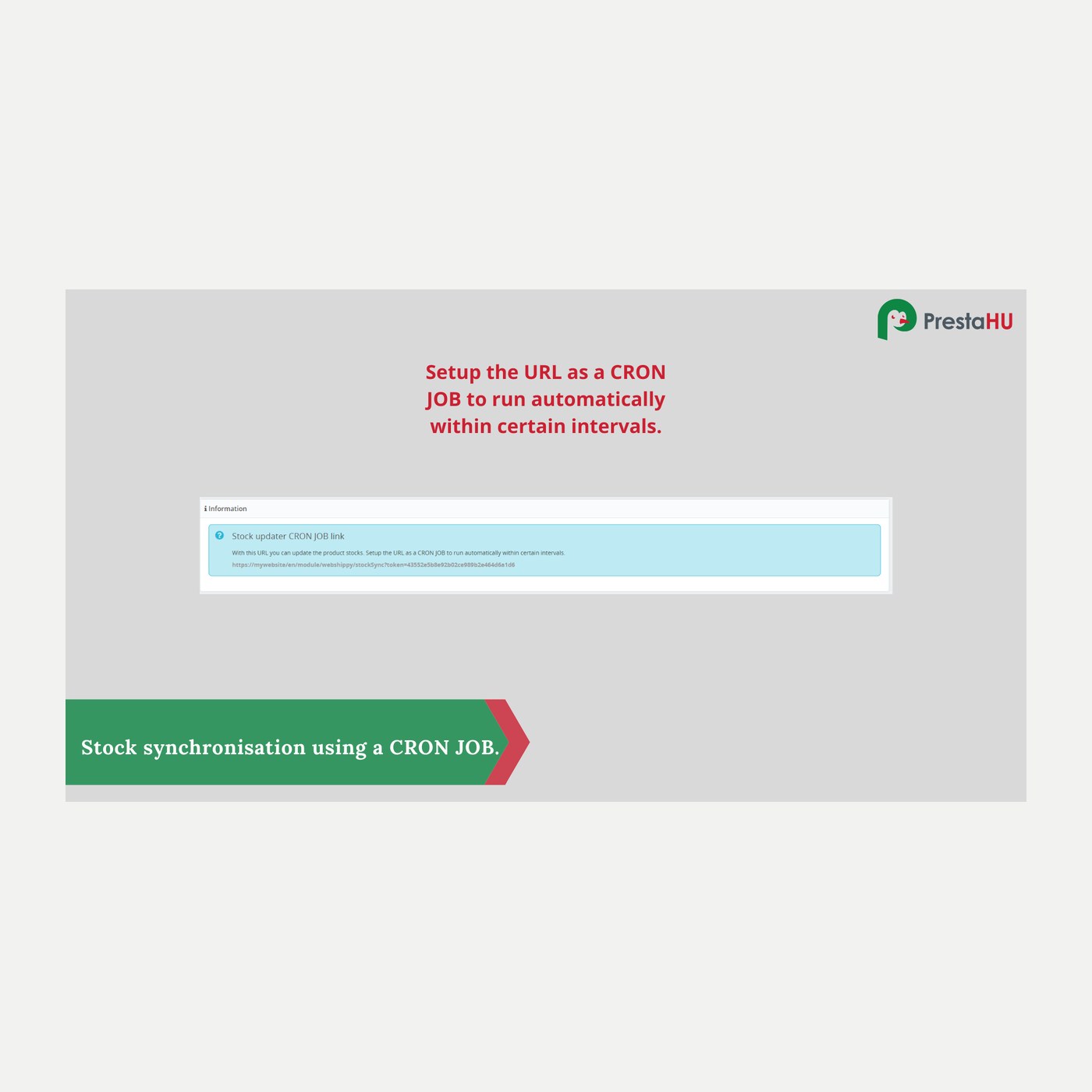
Scheduled polling keeps stock in sync with the Webshippy warehouse, so you do not sell out-of-stock products.
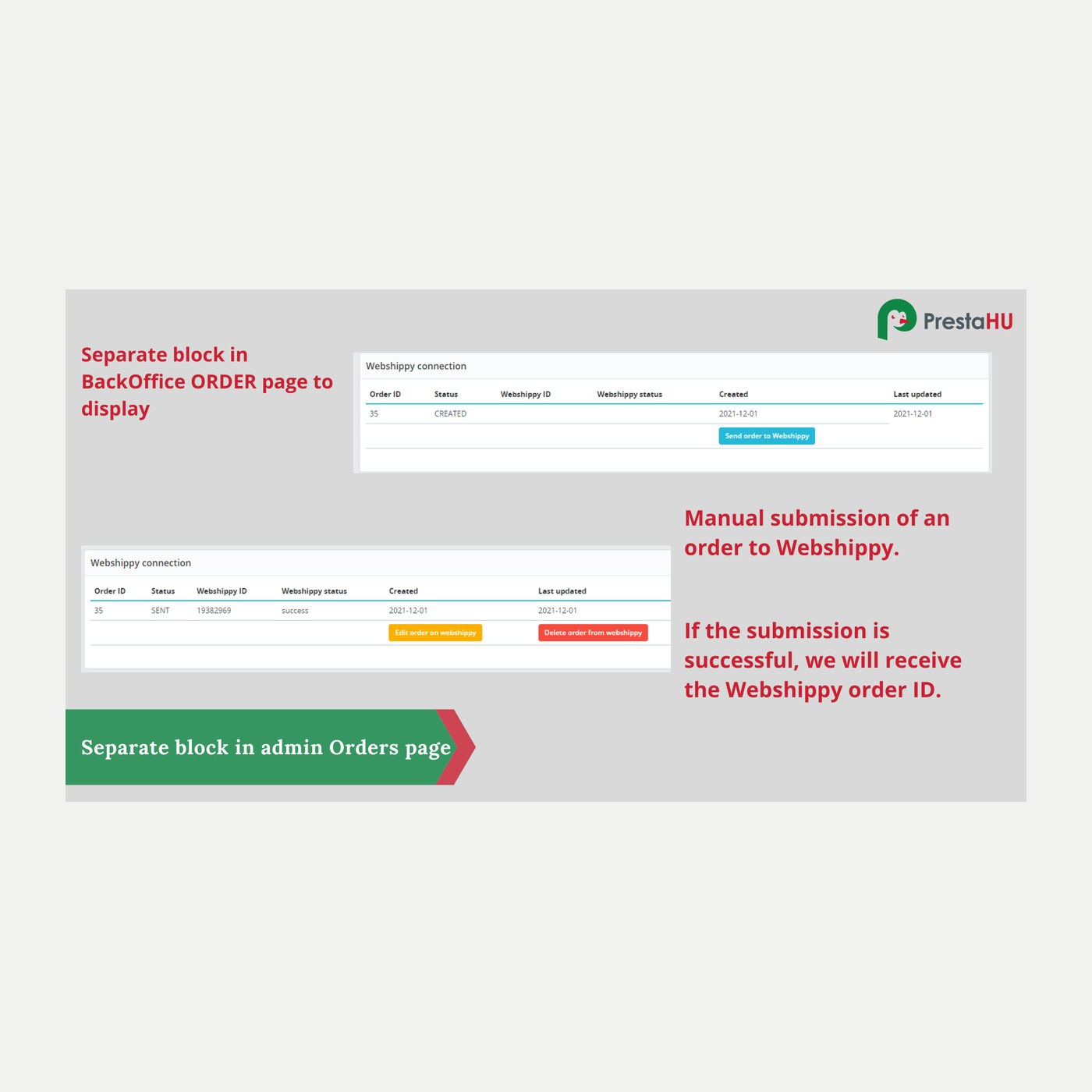
Incoming orders are forwarded to Webshippy for fulfilment by your configured payment methods, manually or automatically.
The fulfilment status flows back to the order, mapped to your own statuses, and is visible on the order page.
You shape imported prices with a formula (markup), map them to your PrestaShop tax rules, and can set a sale price.
The product page can show the expected delivery time, so the customer sees it before buying.
A Webshippy account and its API access: username, password and API key, plus the country. You upload the module, enter the access, choose the categories to import, and set which orders go to fulfilment.
Browse our other PrestaShop modules.
Our modules are designed to run side by side in the same shop.
Fixes and improvements arrive continuously, in frequent new versions.
Direct help during install and setup.