Measures the path to purchase
Page view, product view, add to cart, checkout started and order placed, with the order value and the basket contents.
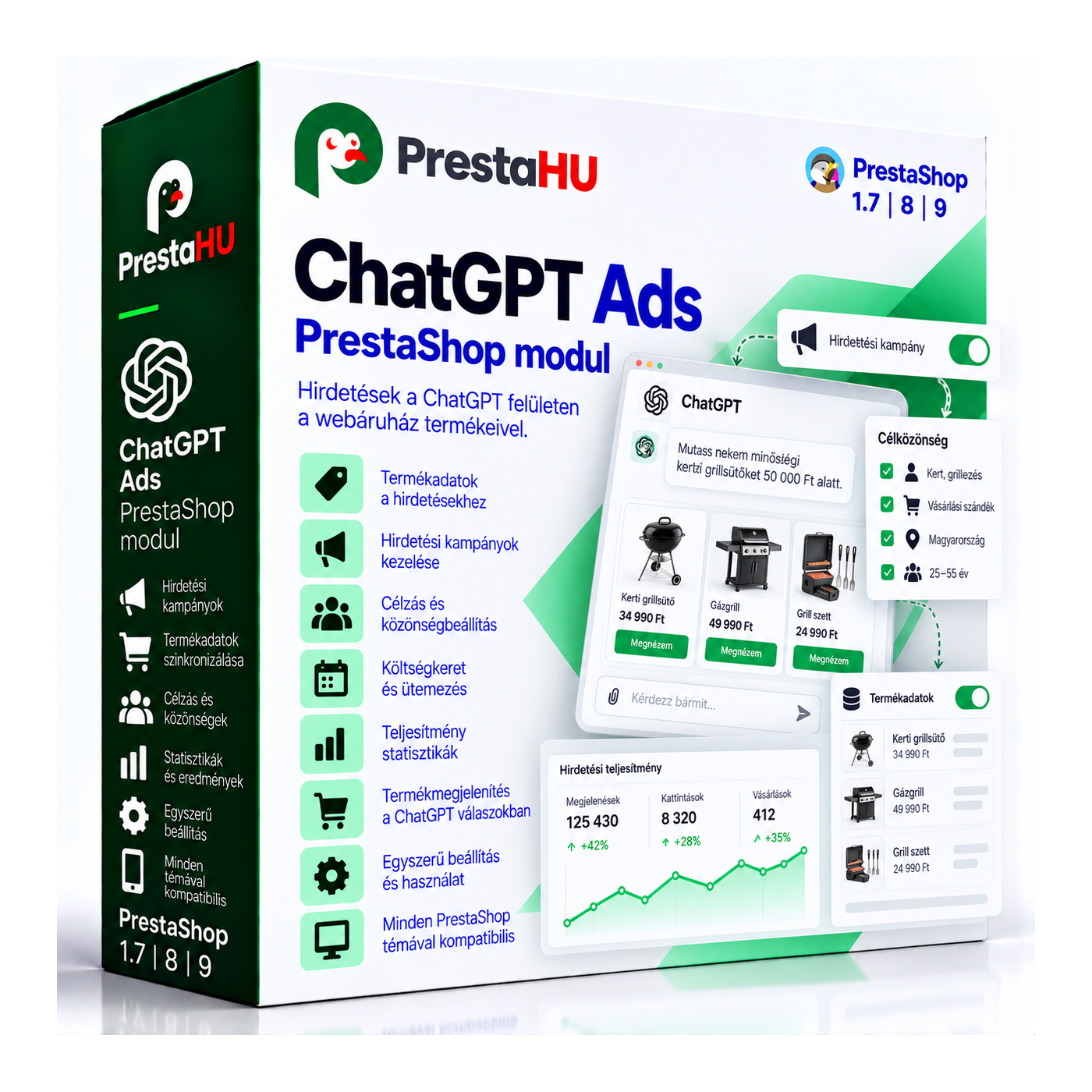
OpenAI has opened ChatGPT up to advertising. People who ask it for a recommendation are usually close to buying, they just have not decided where. For your shop to show up in that answer, two things have to happen: your products need to reach the advertising account, and the account needs to hear back which ad turned into an order. The module takes care of both, and keeps doing it on its own once it is set up.

I bought a PrestaShop module from PrestaHU and I’m very satisfied. The module works perfectly, and the owner Levente quickly resolved all my questions with great support. Highly recommended!

Levente is a real Prestashop guru, with all the skills & knowledge to solve our PS issues quickly and efficiently.

Great modules for Prestashop and excellent support from Levi!
All recommendations for this developer!

The developer, Levente, was very helpful when integrating the module into my PrestaShop store. Communication was smooth, and his approach was professional and proactive. I am completely satisfied – I warmly recommend PrestaHU!
Translated

The module with SimplePay worked and was a lower price than the recommended by OTP. And the service from Levente has been spotless. I recommend
Page view, product view, add to cart, checkout started and order placed, with the order value and the basket contents.
The shop server sends the same events, so the result of the advertising survives ad blockers.
The feed is built from the catalogue with price, stock, image, category and brand, on a password-protected address, refreshed on its own.
The module reads the answer of the shop's consent banner. Until there is consent, neither the browser nor the server sends anything.
The overview screen shows, event by event, what went out, what the advertising account accepted, and what is still waiting.
Each event can be switched on or off, and categories, brands or out-of-stock products can be left out of the feed.
No. Upload the module as usual, paste the pixel identifier and the key from the advertising account, then add the address you get to the scheduler of the hosting. That is the whole setup.
Browse our other PrestaShop modules.
Our modules are designed to run side by side in the same shop.
Fixes and improvements arrive continuously, in frequent new versions.
Direct help with installation and setup.