PrestaShop 1.7.4–1.7.8, 8.0–8.2, 9.0–9.2 compatible

AI translation for the whole shop

5.0 62 Google reviews of PrestaHU

Every text of the shop in the new language, in the shop’s own voice.

€69.99excl. VAT

Price excluding VAT. Buyers in the EU pay 21% VAT on top, except businesses outside Romania with a VAT number valid in VIES.

One-time fee • 12 months of updates and support

Try the demo
  • Runs on your own AI account
  • Results wait for approval
  • Undo in one click
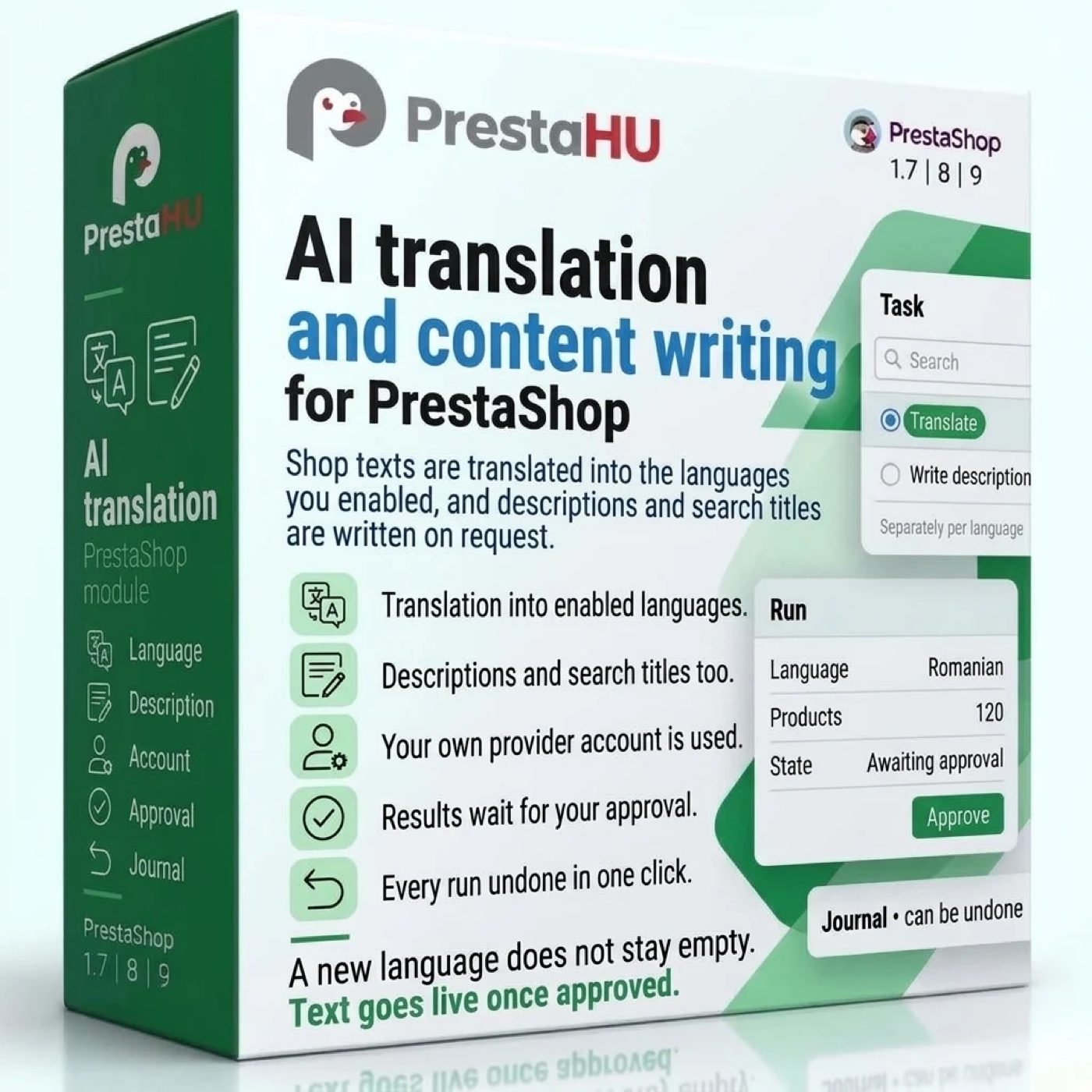
The new language is switched on, but the texts are not translated yet. The module translates by your shop’s own rules, and the result goes live after approval.
AI translation PrestaShop module – DeepL, OpenAI, Gemini | PrestaHU

What it does

A complete shop in every language, in one voice.

Your own AI account, visible cost

Claude, OpenAI, Gemini or DeepL: the module uses your shop’s own account with the provider, so the cost arises there. A cost estimate shows before a run, a monthly and a per-job cost cap can be set, and batch processing is cheaper, with results within a day.

Your shop’s own voice

The voice comes from a shop profile: industry, audience, tone, form of address per language, glossary, brand names that stay untranslated, and forbidden words. A profile starts from an industry preset or from a draft built from your catalogue.

Approval, side by side

The review list shows the source, the live text and the new text side by side, with the differences highlighted. Accept, reject or edit, with keyboard shortcuts too. Text you corrected by hand is not overwritten without a separate decision.

Not just product texts

Besides products, it covers categories, CMS pages, brands, suppliers, carriers, order statuses, image captions, product features, e-mail subjects and templates, and the texts of modules and the theme.

Checks before anything is saved

Before saving, the module checks that numbers, units, tags and placeholders survived, that the text fits the field, that no forbidden word slipped in and that the text is in the requested language. A faulty result gets up to two corrections, then waits for a human decision.

Undo in one click

Before writing, the module saves the old text. One item or a whole job can be restored in one click, except fields edited by hand since. A compressed backup is also taken before a large replacement of existing texts.

Real interface

What the module looks like inside

Good to know

Do you need a developer?

No. The module opens in the Catalog menu. Once you enter the provider key and fill in the shop profile, the first job can start, ideally as a small test. Nothing reaches the shop before it is approved.

  • Compatibility: PrestaShop 1.7.4–9, with one or more shops. The admin interface is in English, Hungarian and Romanian.
  • Content types: Products (name, descriptions, meta texts, tags, image captions), categories, CMS pages, brands, suppliers, carriers, features, attributes, order statuses, SEO pages, module and theme texts, e-mail subjects and templates.
  • Tasks: Translation, rewriting in the natural phrasing of the language, search-friendly copywriting and extraction of features from the product text. New features wait for approval.
  • Providers: Claude, OpenAI, Gemini and DeepL. DeepL only translates; writing and rewriting need one of the other three. Keys are stored encrypted.
  • Running: Fast or batch runs. A scheduled task every 15 minutes on the hosting is recommended, so that jobs keep moving without the screen open.
  • Removal: The module’s data can be deleted with a separate button; texts already written to the shop stay.

Why it pays off

What do you gain?

  • You see what is missingThe Coverage screen shows, per content type and language, where text is missing and where a translation is older than its source.
  • One voice everywhereEvery text follows the same rules: the same tone, the same glossary, the same form of address.
  • Cost stays in your handsThe cost can be estimated before a run, and the cost cap stops provider calls when it is reached.
  • An outside translator can join inThe Exchange screen produces a CSV or XLIFF file of the texts, and the returned file arrives as drafts.

Technical details

Compatibility and version

Compatibility
PrestaShop 1.7.4–1.7.8, 8.0–8.2, 9.0–9.2
Version
1.0.0

Versions

What changed in each version

v1.0.02026-11-14

  • Translation with Claude, OpenAI, Gemini or DeepL using your own key
  • Translating products, categories, pages, meta data and e-mail templates
  • Meta title, meta description and image description suggestions on edit pages
  • Glossary, plus brand names and product codes left untranslated
  • Cost estimate before starting, monthly and per-job limits
  • Draft approval and restoring of the previous texts

PrestaHU reviews on Google

Google 5.0 62 Google reviews All reviews on Google
  • tomica blagojević 11 months ago

    I bought a PrestaShop module from PrestaHU and I’m very satisfied. The module works perfectly, and the owner Levente quickly resolved all my questions with great support. Highly recommended!

  • Ivonig Corfmat 2 years ago

    Levente/presta.hu has been very helpful and quick to reply to any question or issue we may have had in order to install and configure the plugins.

    We got 2 plugins from presta.hu and both are doing their tasks just fine.

  • Marcos Ametller 1 year ago

    The module with SimplePay worked and was a lower price than the recommended by OTP. And the service from Levente has been spotless. I recommend

  • András Bajomi 2 years ago

    Levente is a real Prestashop guru, with all the skills & knowledge to solve our PS issues quickly and efficiently.

  • Wiki W 3 years ago

    Great modules for Prestashop and excellent support from Levi!
    All recommendations for this developer!

Frequently asked questions

What buyers ask before they order

Which AI providers does it work with?
Claude (Anthropic), OpenAI, Gemini (Google) or DeepL. They are set up on the Providers screen, and a different provider and model can be chosen per task and per shop profile. DeepL only translates; writing and rewriting need one of the other three.
Do I need my own provider account, and who pays for the usage?
Yes: the module uses your shop’s own account with the provider, and you enter the key you received from the provider on the Providers screen, where it is stored encrypted. The provider bills the account owner for usage. The module shows a cost estimate before a run, and stops provider calls when the monthly or per-job cost cap is reached.
Does anything go live without approval?
Not by default: results wait in the review list and reach the shop only after you accept them. In the shop profile you can switch on publishing texts that pass all checks without a review; a text that fails a check still goes to the list.
Does it overwrite texts I corrected by hand?
Not without a separate decision. The module replaces a live text only when it is empty, equals the source-language text, or is the module’s own earlier write. A hand-corrected text shows up as a conflict in the review list, and the overwrite is decided separately.
What does the provider receive from my shop?
The text to translate or rewrite, the shop profile details and the glossary terms. When a profile draft is made, the category names, a sample of product names and descriptions, and the brands are sent; the data to be sent can be inspected before sending. Customers, orders and addresses are never included. On the free Gemini plan the provider may use the sent texts, and the module asks for a separate acknowledgement.
Can a run be undone?
Yes. The module saves the old text before writing, and one item or the whole job can be restored in one click. Fields edited by hand in the meantime are not touched by the restore. The retention period of backups can be set, and an expired backup can no longer be restored.
Does it translate by itself when I save a new product?
On request. In the settings you choose whether new items, changed items or both are queued when a product, category, CMS page, brand or supplier is saved. It is off by default, and the result goes through the same checks and approval.
Can an outside translator work on the texts?
Yes. The Exchange screen produces a CSV file (for a spreadsheet) or an XLIFF file (for a translation tool) with the source text and the current text. The returned file arrives as drafts and reaches the shop only after approval.

Help

Where to get help

All modules

Browse our other PrestaShop modules.

Built to work together

Our modules are designed to run side by side in the same shop.

Frequent updates

Fixes and improvements arrive continuously, in frequent new versions.

Live support

Direct help during install and configuration.

100%

Scroll or double-click: zoom · Drag: move · ESC: close

AI translation and content writing for PrestaShop €69.99excl. VAT
My modules