






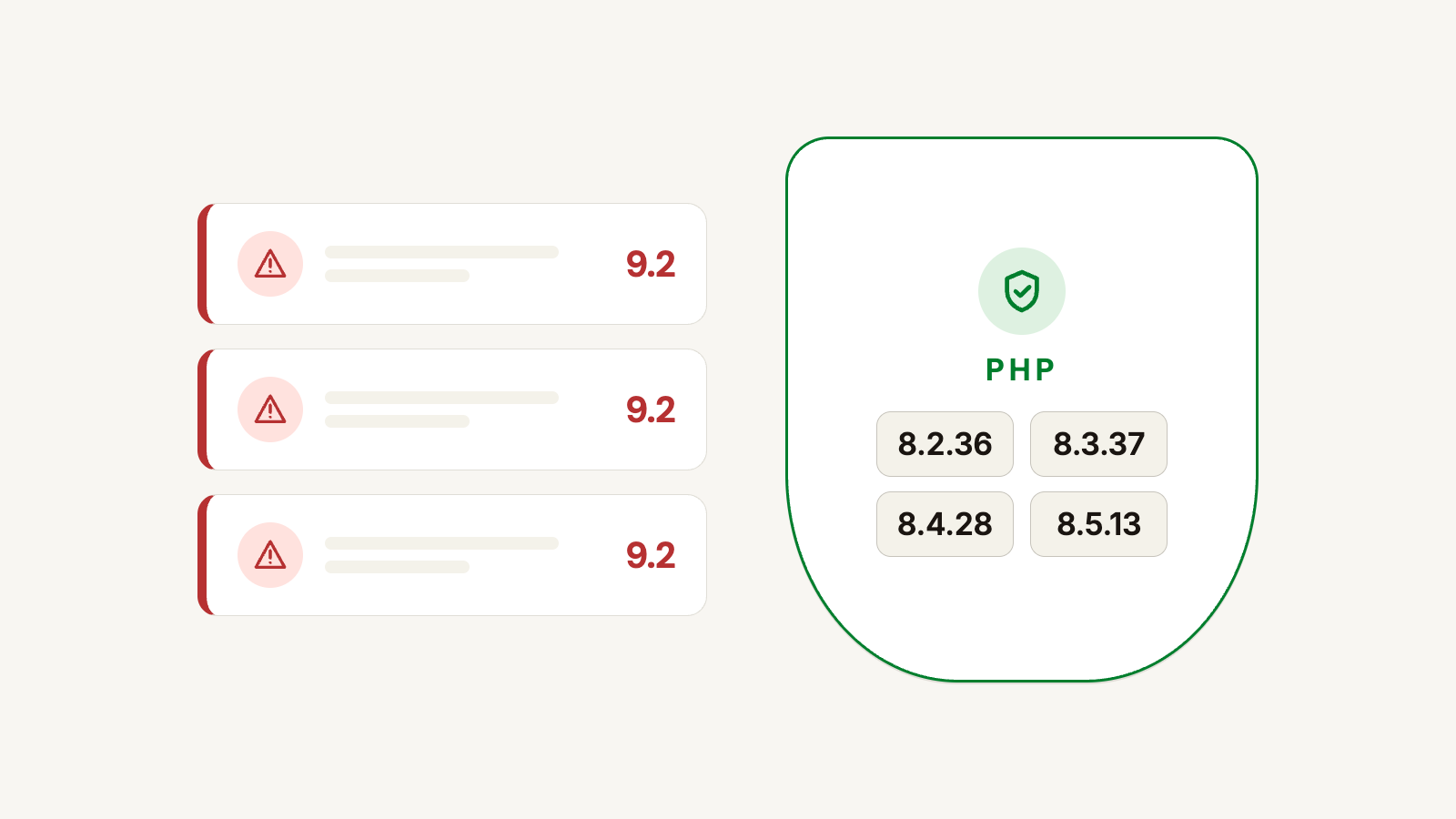
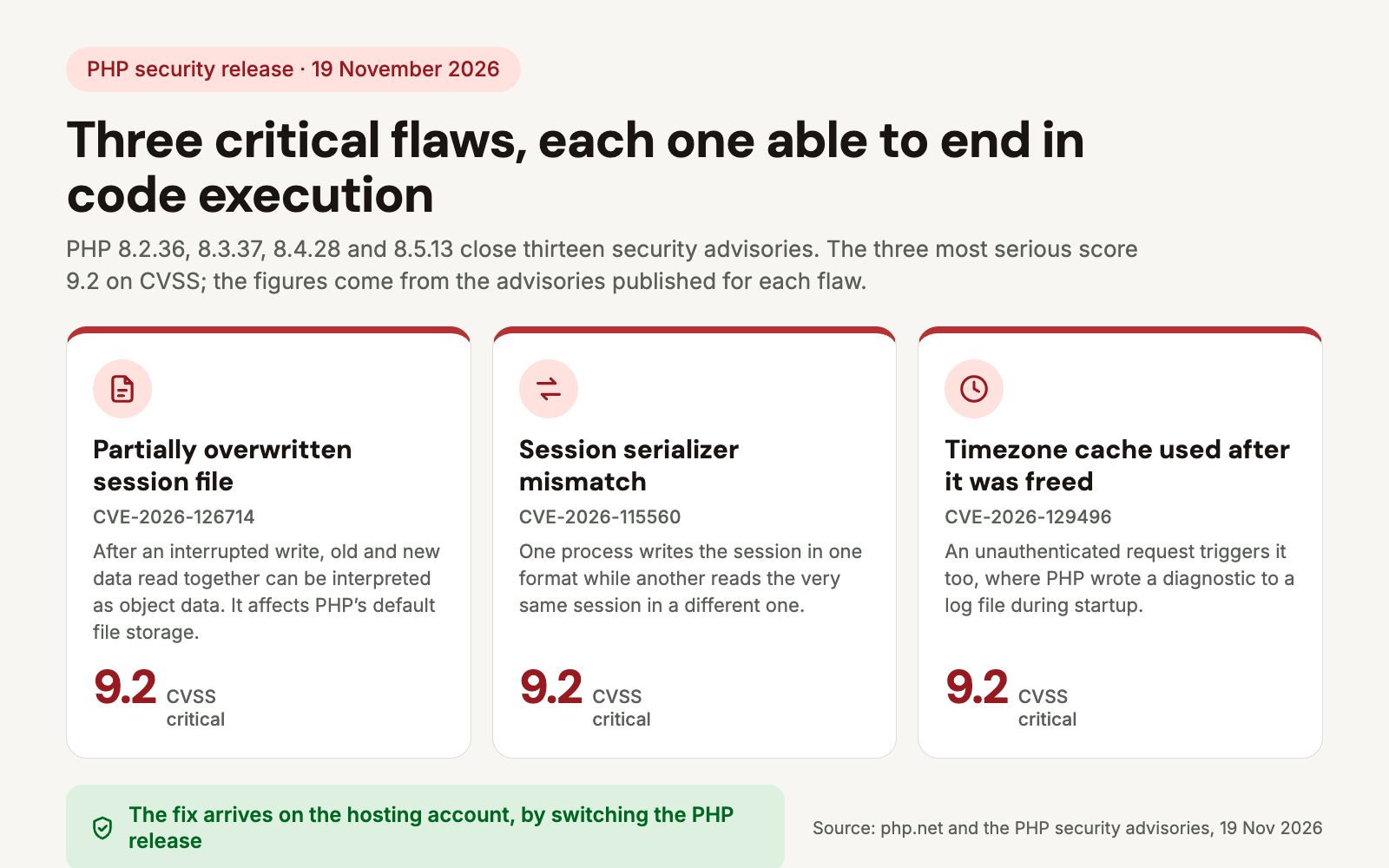
On 19 November 2026 the PHP project shipped four security releases on the same day: 8.5.13, 8.4.28, 8.3.37 and 8.2.36. Together they close thirteen security advisories, three of them rated critical with a CVSS score of 9.2, and each of those three can end in code execution on the server.
PHP is the program that runs the code of a PrestaShop shop, so the fix does not arrive with a shop update. It arrives on the hosting account, when the PHP release is switched. This article covers which release carries the fix on each branch, what the critical flaws allow, and what to do on a shop that still runs an older PHP because of its PrestaShop version.
Not a technical readerThe short version: what happened and what to do
A shop runs on a program called PHP, installed on the hosting account. Flaws were found in that program, and the fixes were published on 19 November. With the three most serious ones, an attacker can run their own instructions on the server that hosts the shop.
The fix is not a shop update: the hosting provider has to move PHP to the patched release. With most providers this happens on its own within days, but not everywhere.
What to do: ask the hosting provider which PHP release is running and, if it is not the patched one, when it will be. The text below can be forwarded as it is.
Questions for the hosting provider
Which PHP release is running on the hosting account of the shop? Is the security release of 19 November 2026 installed (8.2.36, 8.3.37, 8.4.28 or 8.5.13, depending on the branch), and if not, when will it be? If the account runs a PHP branch that is no longer supported, do these flaws get fixed through the distribution packages? Is session.upload_progress.enabled turned on, and can it be turned off?
Which PHP release carries the fix?
The PHP project released the fix for every supported branch on the same day. A shop is patched when the hosting account runs the release listed for its branch, or a newer one.
| PHP branch | Patched release | Security support until |
|---|---|---|
| 8.2 | 8.2.36 | 31 December 2026 |
| 8.3 | 8.3.37 | 31 December 2027 |
| 8.4 | 8.4.28 | 31 December 2028 |
| 8.5 | 8.5.13 | 31 December 2029 |
| 8.6 | 8.6.0 (released the same day; its changelog lists the same security fixes) | 31 December 2030 |
| 8.1 and older | no release from the PHP project | not among the supported branches |
The PHP security team announced the releases a day earlier, on 18 November, and said then that the highest severity was critical and that the issues rated critical require either non-default configuration or uncommon setups. The advisories published with the releases are more specific: the session-file flaw affects the files session handler, which is PHP's default.
What do the critical flaws allow?
| Flaw | What it allows | Severity |
|---|---|---|
| Partially overwritten session file CVE-2026-126714 | after an interrupted write, a session file can hold the start of the new data and the tail of the old one; read together they can be interpreted as object data, and the next time the session is opened that can turn into code execution | 9.2 |
| Session serializer mismatch CVE-2026-115560 | upload progress writes in one session format while another process reads the same session in a different one; data smuggled into a key leads to code execution | 9.2 |
| Timezone cache used after it was freed CVE-2026-129496 | an unauthenticated request can crash a PHP worker or execute code, where PHP wrote a diagnostic to a log file during startup | 9.2 |
| PHP-FPM request smuggling CVE-2026-129289 | an unread request body can carry over into the next request | the advisory does not rate it critical |
| PHAR signature bypass CVE-2026-128090 | the OpenSSL signature of a PHAR archive was accepted after being downgraded to a weaker algorithm | the advisory does not rate it critical |
| Mixed-case HTTPS and FTPS URLs CVE-2026-128064 | a mixed-case address made the connection open without encryption, exposing the data in plaintext | the advisory does not rate it critical |
The severity figures are the CVSS scores from the GitHub advisories published for each flaw. Beyond these, the releases fix further issues in PHP-CGI, the PHP-FPM status page, SOAP and session shutdown; the 8.5 release closes four more advisories, among them a code execution flaw in debug backtraces.
Why does this matter for a PrestaShop shop?
Two of the critical flaws sit in sessions, and a session is in constant use on every shop: it holds the signed-in customer, the cart, and the back office session of whoever is working there. The advisory states that the flaw affects PHP's default file-based session storage and is not limited to the upload progress feature: it can also arise when an application stores large strings coming from visitors in the session.
The third critical flaw sits in PHP startup and error logging. According to the advisory, PHP-FPM and Apache mod_php workers can inherit the broken state from the parent process, and the vulnerable window lasts until a worker finishes its first normal request. The advisory also records that the flaw was triggered by an unauthenticated request.
The PHP version is shown in the back office under Advanced Parameters > Information, among the server details. The same number appears in the PHP selector of the hosting control panel, although the two can differ when the shop's own configuration asks for another version.
What if the shop runs PHP 8.1?
According to the vendor's compatibility chart, the PrestaShop 8 branch supports PHP 7.2 up to 8.1, with 8.1 as the recommended version; PHP 8.2 and newer are not supported there. PHP 8.1, in turn, is not among the branches the PHP project supports, so this release did not cover it.
That leaves two routes. Patching PHP stays with the hosting account: distributions and long-term support vendors can backport the fixes into their own packages for an older branch, which is why the first question goes to the provider. The other route is moving the shop to a PrestaShop branch that works with supported PHP releases: the chart lists PrestaShop 9.1 and 9.2 as supporting PHP 8.1 up to 8.5, with 8.5 as the recommended version.
What the shop's own code, theme and modules carry from the security updates is shown by the PrestaShop Security Scan module, and the PrestaShop-side fixes are applied by the PrestaShop Security Fix module. Switching the PHP release is separate from both and happens on the hosting account.
What is worth doing now?
- Find the PHP release in use under Advanced Parameters > Information in the back office. If the third number is lower than the patched release for that branch, the fix is not in place.
- Ask the hosting provider when the patched release goes live. Most providers update within days, but it does not happen on its own on every plan.
- Turn off upload progress as temporary cover while the patched PHP is still pending. The fix disables the feature by default; until then
session.upload_progress.enabledcan be switched off on the hosting account. - Walk through the shop after the switch: checkout, payment method, invoicing and outgoing email, because changing PHP also affects how modules behave.
- If the shop already runs an unsupported PHP branch, plan the move to a supported PrestaShop and PHP pair. The next fix will only arrive there on its own as well.
Frequently asked questions
[faq]
Q: Is updating PrestaShop enough?
A: No. These flaws are in PHP, not in the PrestaShop code, so the fix arrives when the PHP release is switched on the hosting account.
Q: How do I find out which PHP release the shop runs?
A: In the back office under Advanced Parameters > Information, among the server details. The patched releases are 8.2.36, 8.3.37, 8.4.28, 8.5.13 and 8.6.0.
Q: How urgent is it?
A: The three most serious flaws are described publicly and all three can lead to code execution, so the update cannot wait weeks. The advisories do not state that the flaws were exploited before the releases.
Q: Can switching PHP break the shop?
A: A switch inside a branch, say from 8.3.36 to 8.3.37, brings fixes only and the behaviour of the language does not change, so that step needs no separate planning. Moving to another branch is tied to the PrestaShop version: according to the compatibility chart the PrestaShop 8 branch supports nothing newer than PHP 8.1, so there the branch change belongs in the same plan as the shop upgrade, with the theme and the modules tested.
Q: What does it mean that the critical flaws need a non-default setup?
A: That came from the PHP advance notice on 18 November. The advisories published with the releases are more precise: the session-file flaw affects PHP's default files handler, while the timezone cache flaw needs file-based error logging and a diagnostic written during startup.
Sources: PHP news archive, 2026, PHP 8 ChangeLog, PHP supported versions, PHP security advisories, PrestaShop system requirements

